• About Us
  • Disclaimer
  • Contact Us
  • Privacy Policy
Saturday, June 13, 2026
mGrowTech
No Result
View All Result
  • Technology And Software
    • Account Based Marketing
    • Channel Marketing
    • Marketing Automation
      • Al, Analytics and Automation
      • Ad Management
  • Digital Marketing
    • Social Media Management
    • Google Marketing
  • Direct Marketing
    • Brand Management
    • Marketing Attribution and Consulting
  • Mobile Marketing
  • Event Management
  • PR Solutions
  • Technology And Software
    • Account Based Marketing
    • Channel Marketing
    • Marketing Automation
      • Al, Analytics and Automation
      • Ad Management
  • Digital Marketing
    • Social Media Management
    • Google Marketing
  • Direct Marketing
    • Brand Management
    • Marketing Attribution and Consulting
  • Mobile Marketing
  • Event Management
  • PR Solutions
No Result
View All Result
mGrowTech
No Result
View All Result
Home Al, Analytics and Automation

The Roadmap for Mastering LLMOps in 2026

Josh by Josh
June 13, 2026
in Al, Analytics and Automation
0
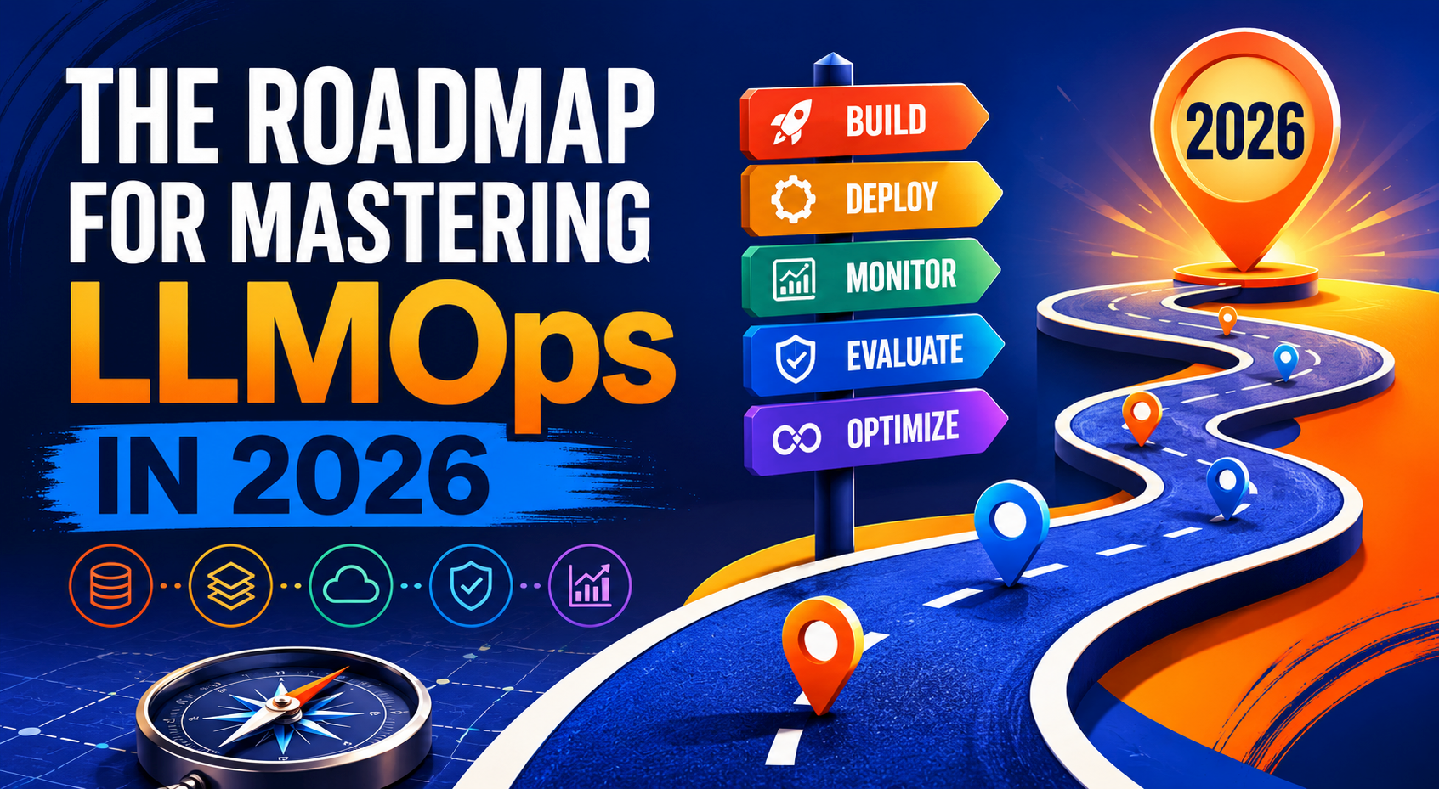
The Roadmap for Mastering LLMOps in 2026


# llm_with_tracing.py

# Purpose: A production-ready LLM call wrapper with full observability.

# Every call is traced in Langfuse: input, output, tokens, cost, latency.

#

# Prerequisites:

#   pip install langfuse anthropic python-dotenv

#

# Setup:

#   1. Create a free account at https://cloud.langfuse.com

#   2. Get your keys from Settings > API Keys

#   3. Create a .env file with the variables below

#

# Run:

#   python llm_with_tracing.py


import os

import time

from dotenv import load_dotenv

import anthropic

from langfuse import Langfuse


# Load environment variables from .env file

load_dotenv()


# Required environment variables in your .env:

# LANGFUSE_PUBLIC_KEY=pk-lf-…

# LANGFUSE_SECRET_KEY=sk-lf-…

# LANGFUSE_HOST=https://cloud.langfuse.com   (or your self-hosted URL)

# ANTHROPIC_API_KEY=sk-ant-…


# Initialize clients

langfuse_client = Langfuse()          # Reads keys automatically from environment

anthropic_client = anthropic.Anthropic()  # Reads ANTHROPIC_API_KEY from environment


# ── Configuration ─────────────────────────────────────────────────────────────

# Store your prompt here, not inline in the API call.

# This makes it versionable and testable independently.

SYSTEM_PROMPT = “”“You are a helpful customer support assistant.

Answer questions clearly and concisely.

If you do not know something, say so directly — do not guess.”“”


MODEL = “claude-sonnet-4-20250514”


# Anthropic’s pricing as of mid-2026 (update when pricing changes)

# Used to calculate cost per call for cost tracking

COST_PER_INPUT_TOKEN  = 3.00 / 1_000_000   # $3.00 per million input tokens

COST_PER_OUTPUT_TOKEN = 15.00 / 1_000_000  # $15.00 per million output tokens


def call_llm_with_tracing(

    user_message: str,

    session_id: str = “default-session”,

    user_id: str = “anonymous”

) -> str:

    “”“

    Make a traced LLM call. Every call creates a Langfuse trace with:

    – Full input and output

    – Token usage (input, output, total)

    – Calculated cost in USD

    – Latency in milliseconds

    – Model used and session context


    Parameters:

        user_message : The message from the user

        session_id   : Groups related calls into one conversation in Langfuse

        user_id      : Associates the call with a specific user for analytics


    Returns:

        The LLM response as a string

    ““”


    # Create a top-level trace for this user interaction

    # The trace appears in the Langfuse dashboard as one unit of work

    trace = langfuse_client.trace(

        name=“customer-support-call”,

        session_id=session_id,

        user_id=user_id,

        input={“user_message”: user_message, “system_prompt”: SYSTEM_PROMPT}

    )


    # Create a generation span inside the trace

    # This captures model-specific details: model name, tokens, cost

    generation = trace.generation(

        name=“claude-completion”,

        model=MODEL,

        input={

            “system”: SYSTEM_PROMPT,

            “messages”: [{“role”: “user”, “content”: user_message}]

        }

    )


    start_time = time.time()


    try:

        # Make the API call

        response = anthropic_client.messages.create(

            model=MODEL,

            max_tokens=1024,

            system=SYSTEM_PROMPT,

            messages=[{“role”: “user”, “content”: user_message}]

        )


        latency_ms = int((time.time() – start_time) * 1000)


        # Extract the response text

        response_text = response.content[0].text


        # Extract token usage from the response

        input_tokens  = response.usage.input_tokens

        output_tokens = response.usage.output_tokens

        total_tokens  = input_tokens + output_tokens


        # Calculate cost for this call

        cost_usd = (

            input_tokens  * COST_PER_INPUT_TOKEN +

            output_tokens * COST_PER_OUTPUT_TOKEN

        )


        # Update the generation span with results

        # This data populates the Langfuse cost and token dashboards

        generation.end(

            output=response_text,

            usage={

                “input”:  input_tokens,

                “output”: output_tokens,

                “total”:  total_tokens,

                “unit”:   “TOKENS”

            },

            metadata={

                “latency_ms”: latency_ms,

                “cost_usd”:   round(cost_usd, 6),

                “model”:      MODEL

            }

        )


        # Update the trace with the final output

        trace.update(

            output={“response”: response_text},

            metadata={“total_cost_usd”: round(cost_usd, 6)}

        )


        # Print a summary to stdout for local visibility

        print(f“\n{‘─’ * 60}”)

        print(f“User:    {user_message}”)

        print(f“Claude:  {response_text}”)

        print(f“Tokens:  {input_tokens} in / {output_tokens} out / {total_tokens} total”)

        print(f“Cost:    ${cost_usd:.6f}”)

        print(f“Latency: {latency_ms}ms”)

        print(f“Trace:   {langfuse_client.base_url}/trace/{trace.id}”)

        print(f“{‘─’ * 60}\n”)


        return response_text


    except Exception as e:

        # Record the error in the trace so it shows up in Langfuse

        generation.end(

            output=None,

            metadata={“error”: str(e), “latency_ms”: int((time.time() – start_time) * 1000)}

        )

        trace.update(output={“error”: str(e)})


        # Always flush before raising — ensures the error trace is sent

        langfuse_client.flush()

        raise


    finally:

        # Flush sends all buffered events to Langfuse

        # In a long-running service, Langfuse flushes automatically.

        # In a script, you must flush manually before the process exits.

        langfuse_client.flush()


# ── Run a demonstration ────────────────────────────────────────────────────────

if __name__ == “__main__”:

    # Simulate two turns of a customer support conversation

    test_messages = [

        “What is your return policy for electronics?”,

        “Can I return an item I bought 45 days ago?”

    ]


    session = “demo-session-001”


    for i, message in enumerate(test_messages):

        print(f“\nCall {i + 1}/{len(test_messages)}”)

        try:

            call_llm_with_tracing(

                user_message=message,

                session_id=session,

                user_id=“test-user-42”

            )

        except Exception as e:

            print(f“Error on call {i + 1}: {e}”)


Source_link

READ ALSO

When it comes to predicting people’s preferences, it pays to consider “the power of three” | MIT News

Moonshot AI Releases Kimi K2.7-Code: a Coding Model Reporting +21.8% on Kimi Code Bench v2 Over K2.6

Related Posts

When it comes to predicting people’s preferences, it pays to consider “the power of three” | MIT News
Al, Analytics and Automation

When it comes to predicting people’s preferences, it pays to consider “the power of three” | MIT News

June 13, 2026
Moonshot AI Releases Kimi K2.7-Code: a Coding Model Reporting +21.8% on Kimi Code Bench v2 Over K2.6
Al, Analytics and Automation

Moonshot AI Releases Kimi K2.7-Code: a Coding Model Reporting +21.8% on Kimi Code Bench v2 Over K2.6

June 13, 2026
Scikit-LLM vs. Traditional Text Classifiers: When Should You Use an LLM?
Al, Analytics and Automation

Scikit-LLM vs. Traditional Text Classifiers: When Should You Use an LLM?

June 13, 2026
Jinhua Zhao named head of the Department of Urban Studies and Planning | MIT News
Al, Analytics and Automation

Jinhua Zhao named head of the Department of Urban Studies and Planning | MIT News

June 12, 2026
Moonshot AI Launches Kimi Work, a Local Desktop Agent Reportedly Running on Kimi K2.6 With a 300-Sub-Agent Agent Swarm
Al, Analytics and Automation

Moonshot AI Launches Kimi Work, a Local Desktop Agent Reportedly Running on Kimi K2.6 With a 300-Sub-Agent Agent Swarm

June 12, 2026
Using Scikit-LLM with Open-Source LLMs
Al, Analytics and Automation

Using Scikit-LLM with Open-Source LLMs

June 12, 2026
Next Post
Meet the New Dyson Vacuums: V16 Piston Animal, V10 Konical, V8 Cyclone (2026)

Meet the New Dyson Vacuums: V16 Piston Animal, V10 Konical, V8 Cyclone (2026)

POPULAR NEWS

Trump ends trade talks with Canada over a digital services tax

Trump ends trade talks with Canada over a digital services tax

June 28, 2025
15 Trending Songs on TikTok in 2025 (+ How to Use Them)

15 Trending Songs on TikTok in 2025 (+ How to Use Them)

June 18, 2025
Communication Effectiveness Skills For Business Leaders

Communication Effectiveness Skills For Business Leaders

June 10, 2025
App Development Cost in Singapore: Pricing Breakdown & Insights

App Development Cost in Singapore: Pricing Breakdown & Insights

June 22, 2025
Comparing the Top 7 Large Language Models LLMs/Systems for Coding in 2025

Comparing the Top 7 Large Language Models LLMs/Systems for Coding in 2025

November 4, 2025

EDITOR'S PICK

PR Daily’s 2026 Social Media & Digital Awards finalists announced

May 6, 2026
Google Home’s latest update makes Gemini better at understanding your commands

Google Home’s latest update makes Gemini better at understanding your commands

April 3, 2026
Make A Marketing Failure Your Next Big Success

Make A Marketing Failure Your Next Big Success

May 31, 2025
Personalize your images in the Gemini app with Nano Banana & Google Photos

Personalize your images in the Gemini app with Nano Banana & Google Photos

April 17, 2026

About

We bring you the best Premium WordPress Themes that perfect for news, magazine, personal blog, etc. Check our landing page for details.

Follow us

Categories

  • Account Based Marketing
  • Ad Management
  • Al, Analytics and Automation
  • Brand Management
  • Channel Marketing
  • Digital Marketing
  • Direct Marketing
  • Event Management
  • Google Marketing
  • Marketing Attribution and Consulting
  • Marketing Automation
  • Mobile Marketing
  • PR Solutions
  • Social Media Management
  • Technology And Software
  • Uncategorized

Recent Posts

  • GeoGuessr Daily Challenge Answer Today for June 13, 2026
  • Meet the New Dyson Vacuums: V16 Piston Animal, V10 Konical, V8 Cyclone (2026)
  • The Roadmap for Mastering LLMOps in 2026
  • How to Craft an Incomplete Application Email: A Guide for
  • About Us
  • Disclaimer
  • Contact Us
  • Privacy Policy
No Result
View All Result
  • Technology And Software
    • Account Based Marketing
    • Channel Marketing
    • Marketing Automation
      • Al, Analytics and Automation
      • Ad Management
  • Digital Marketing
    • Social Media Management
    • Google Marketing
  • Direct Marketing
    • Brand Management
    • Marketing Attribution and Consulting
  • Mobile Marketing
  • Event Management
  • PR Solutions