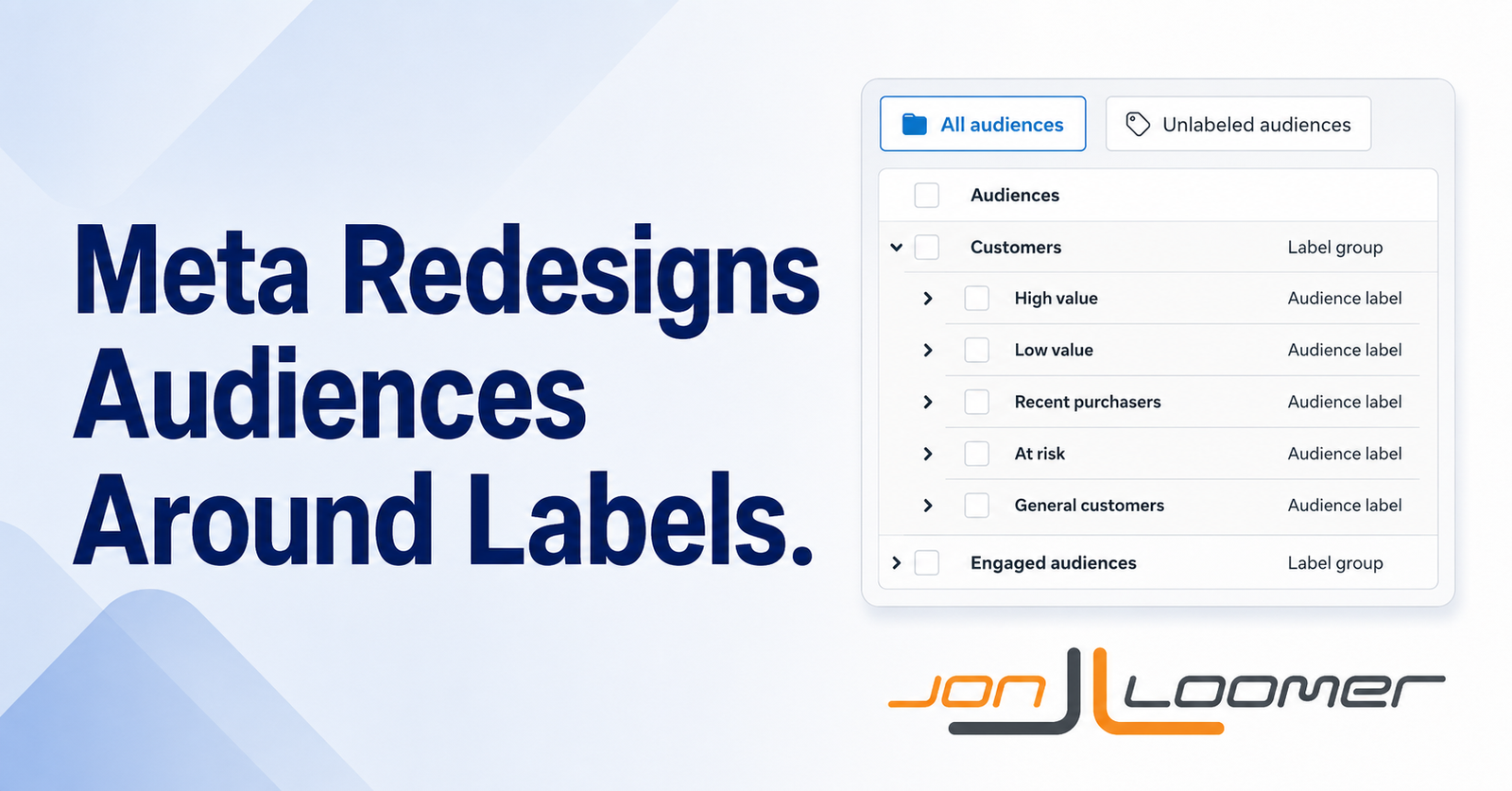
Some Meta advertisers are seeing a significant design change to the Audiences section that puts a far greater emphasis on labels.
If you have the update, it’ll be obvious. It will start with this message…
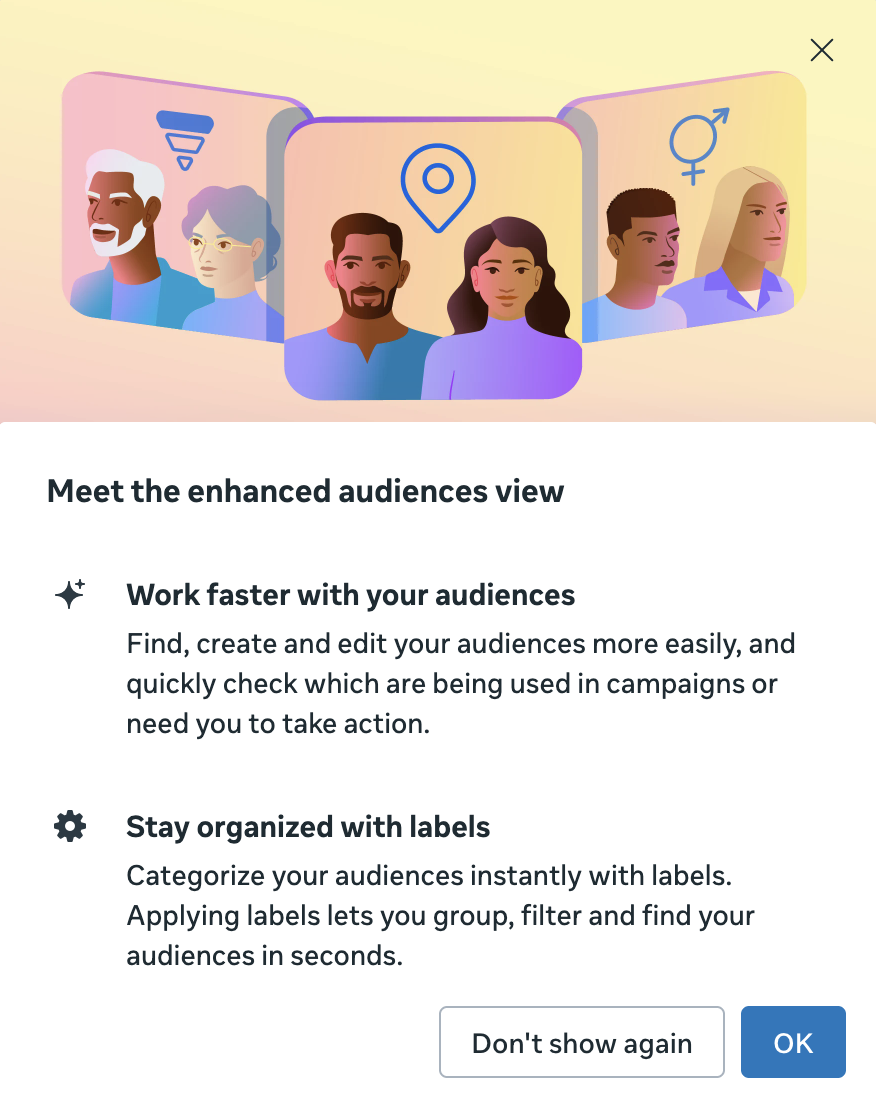
When you close that message, you’ll see your custom audiences, lookalike audiences, and saved audiences organized in a new way.
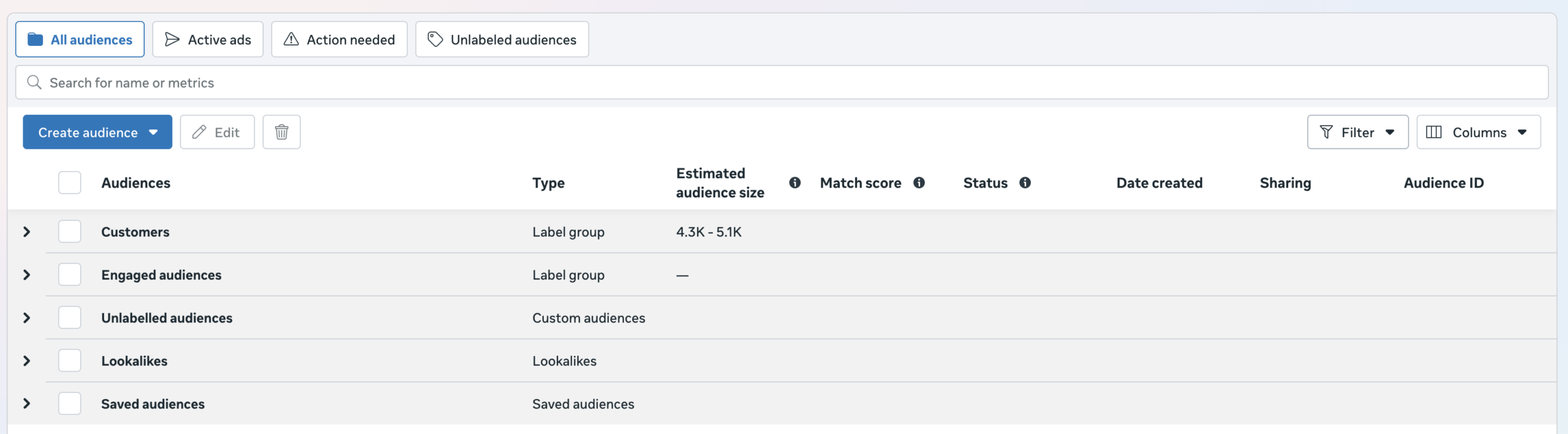
Audiences are grouped by the following categories:
- Customers
- Engaged Audiences
- Unlabeled Audiences
- Lookalikes
- Saved Audiences
This new emphasis on labels is no accident. In this post, I’ll provide some background on why this is happening, how this new design actually works, and what I think its impact will be.
This is Because of Value Rules
The Audiences section has had little more than minor design and navigation tweaks during the past decade. Why suddenly make this drastic change?
Look no further than a recent change to value rules, which allows advertisers to adjust bids based on custom audiences.
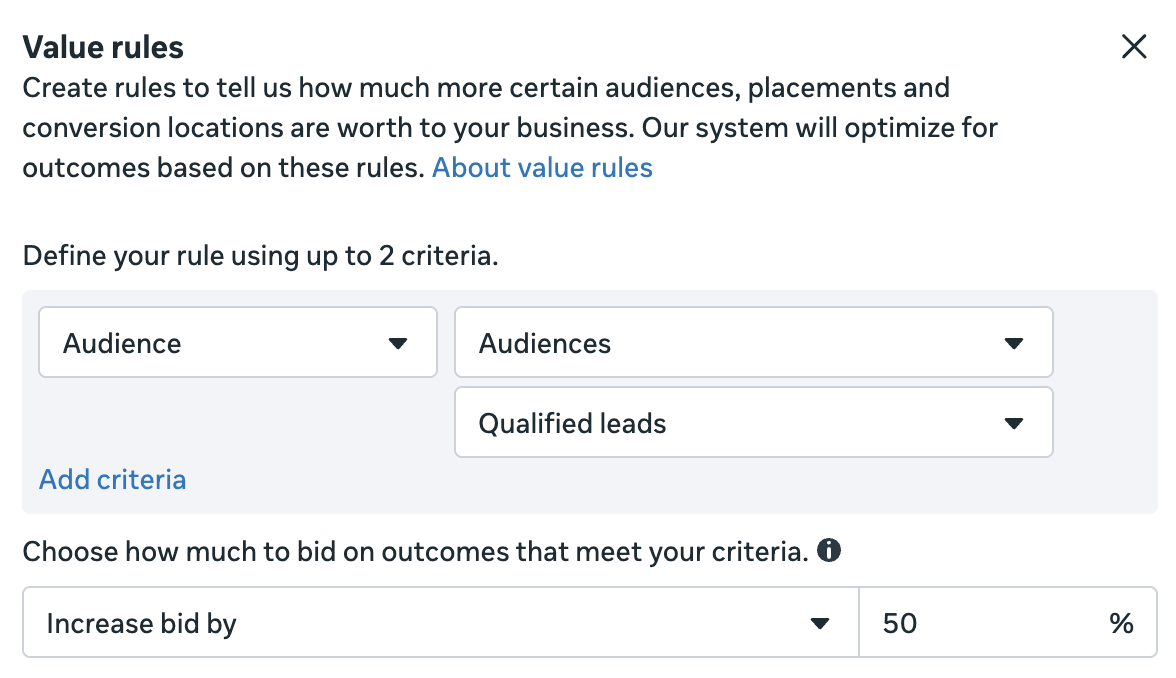
In order to use these value rules, you also needed to be diligent about your usage of labels, which allow you to segment your custom audiences into groups. Of course, few advertisers even know labels exist, and even fewer use them.
The main reason behind the lack of label adoption, beyond their limited utility before the value rules update, was that the option to add them was buried. Other than a column for “Audience Label,” there wasn’t anything actionable in the Audiences navigation. Labels could only be added when creating or editing a custom audience, and it was an optional selection at the bottom that was easily missed.
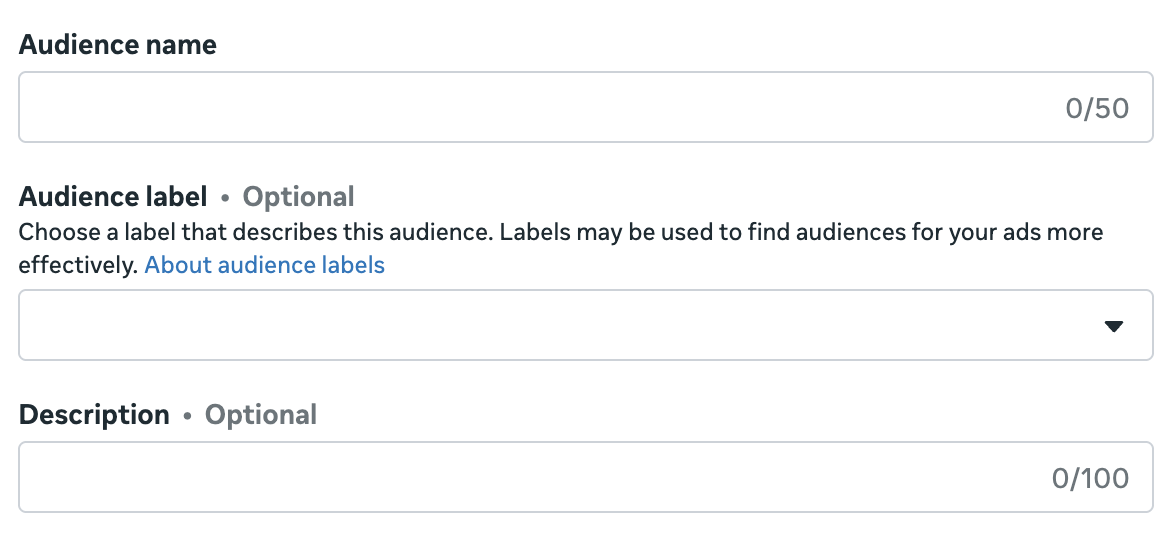
And if advertisers weren’t using labels, there wouldn’t be any need for these value rules.
The New Audiences Experience
The new experience creates separate groups for custom audiences that were given labels that fall under the “Customer” or “Engaged Audiences” categories. Note that these have nothing to do with audience segments, which are defined in Advertising Settings (which also makes this very confusing).
The Customer category is broken into several subcategories of labels.
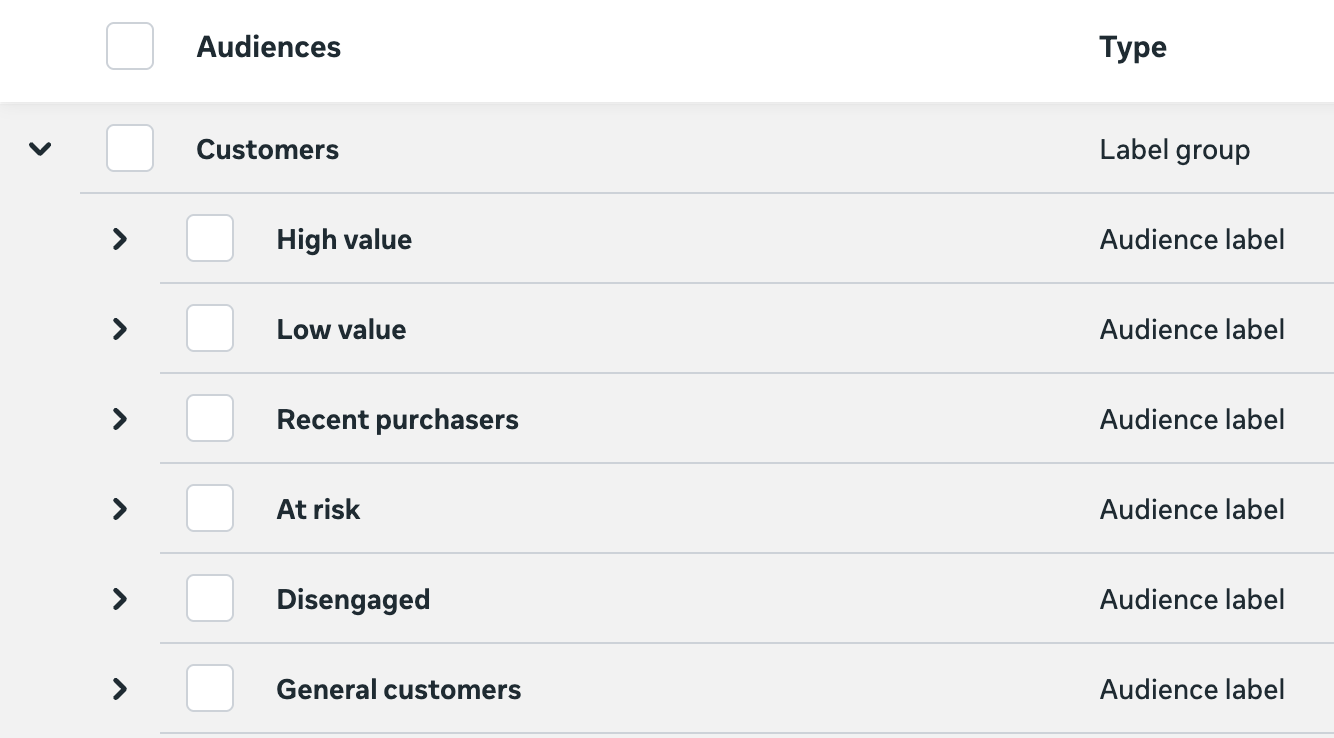
When you add labels to custom audiences for existing customers, those labels identify specific types of customers:
- High value
- Low value
- Recent purchasers
- At risk
- Disengaged
- General customers
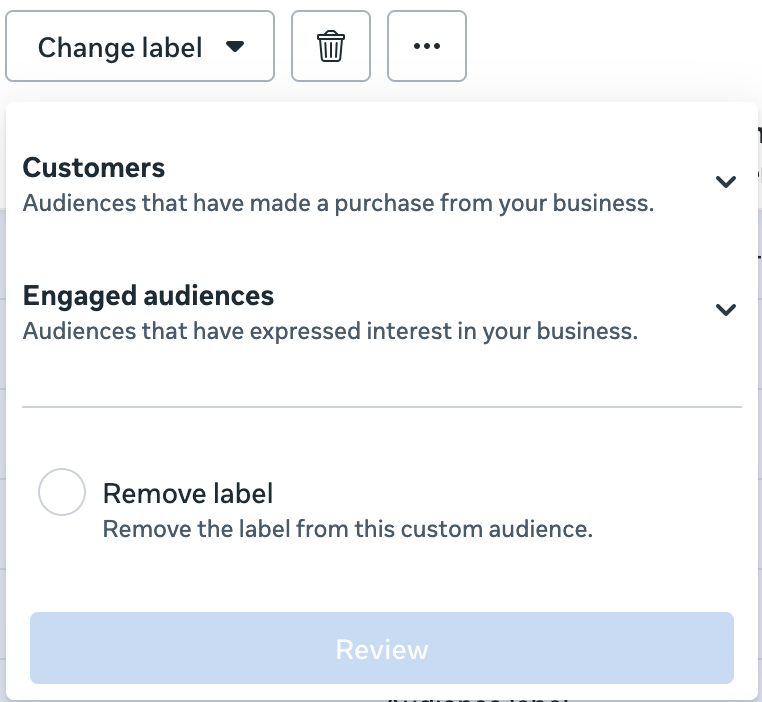
Note that you can’t add more than one label to a single custom audience.
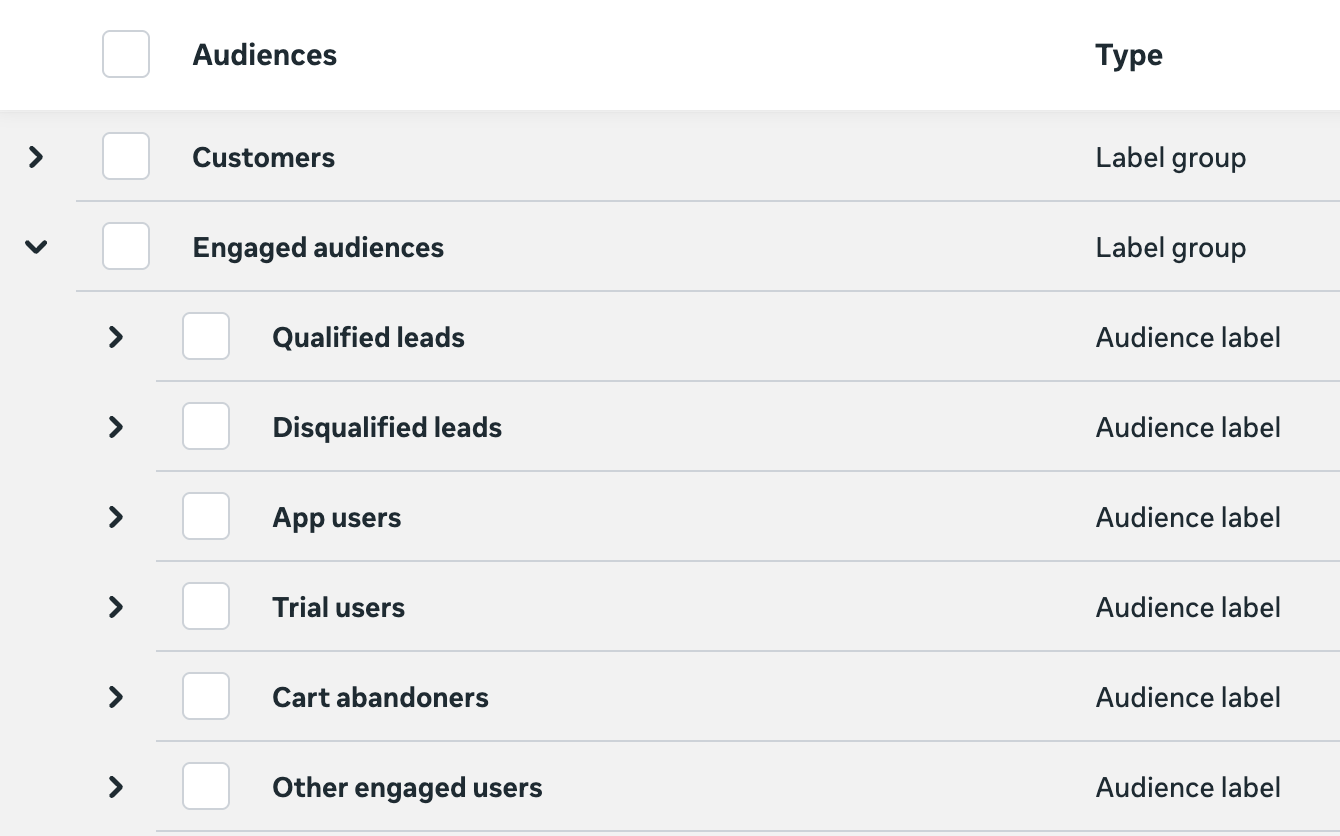
The Engaged Audiences category is broken out into six subcategories:
- Qualified leads
- Disqualified leads
- App users
- Trial users
- Cart abandoners
- Other engaged users
If you want to change or remove the label from a custom audience, click the dropdown menu to “Change Label” in the main navigation.
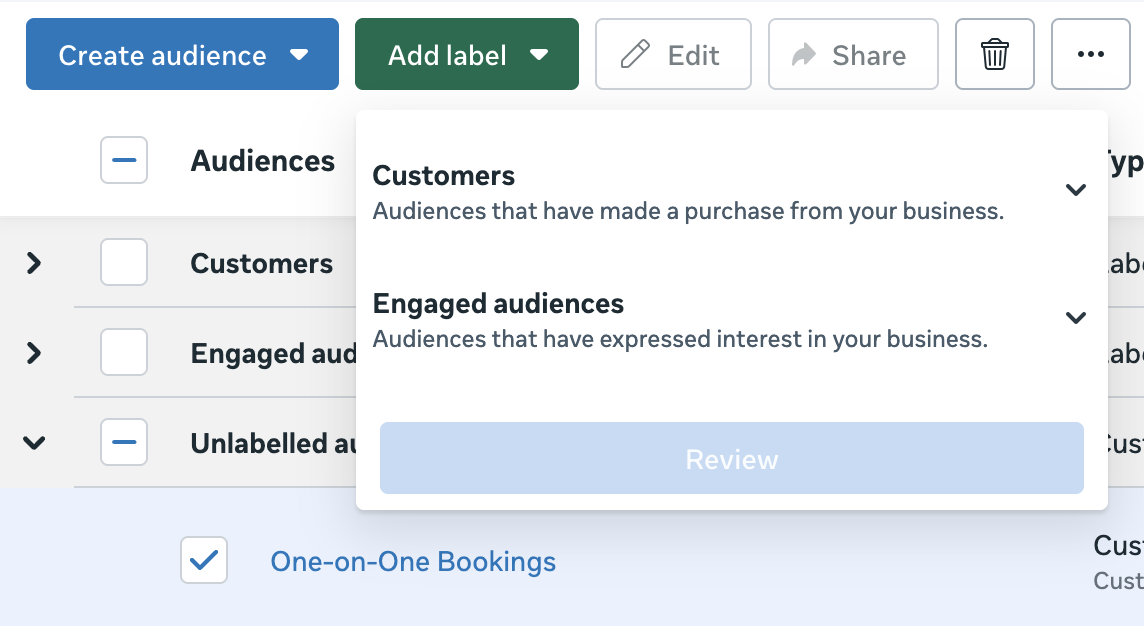
Your custom audiences that don’t yet have labels are listed under the “Unlabeled Audiences” subgroup. You can then select one or multiple custom audiences at once and click the “Add Label” dropdown menu in the main menu to add a label.
The final two subgroups are for lookalikes and saved audiences. You cannot apply labels to these groups.

My Thoughts
When I first got my hands on the value rule for audiences, I was skeptical. While it was an interesting feature, it only works if you spend an awful lot of time labeling your custom audiences. And expecting anyone to do that in the old Audiences design was unrealistic.
But this does change things. Now that labels are unavoidable in the redesigned Audiences section, you may be more likely to apply them. So it’s certainly plausible that more advertisers will use labels as a result, which will make more advertisers eligible for the associated value rules.
Still, it feels like this is five years too late. Advertisers aren’t creating custom audiences at the rate they did five or 10 years ago. Will they prioritize adding labels during the rare moments when they’re creating custom audiences now? Will they add labels to the custom audiences they created previously?
I have my doubts. It feels too complicated. And I’ve never understood why the audience segments for Existing Customers and Engaged Audience in Advertising Settings aren’t somehow tied to these labels of the same name. If labeled audiences were automatically added to those segments, there would be motivation to go through those custom audiences.
I also may be overthinking this because it’s possible that Meta never intended for the value rules for audiences to be widely adopted. It truly is a feature that should only be used by big brands with large custom audiences, where adjusted bids are more likely to make sense. Or at least, using labels to segment audiences beyond the main two groups would make less sense for smaller businesses.
Finally, I do think the value rule for audiences has promise, but only when there’s a very clear problem to be solved. I use value rules (in very specific situations), but my concern has always been that advertisers would use them when they aren’t needed. And this could create opportunities to bid more or less for engaged audiences or customers when doing so was never necessary.
While making labels more accessible also makes misuse more likely, that may always be a potential downside of some of these features. They have significant value when used properly, but there’s a risk of using them when they aren’t needed.
Your Turn
Do you have this new Audiences view? Will you be more likely to add labels and use the new value rule for audiences?
Let me know in the comments below!