You can’t get paid until you send an invoice. Yet most businesses still rely on manual, inconsistent billing, and it’s costing them time and cash flow.
Quick answer: To streamline invoicing, standardize your invoice template, automate sending and reminders with invoicing software, set a fixed billing schedule, offer multiple payment methods, give customers a self-serve portal, and keep organized digital records for at least 3 years (per IRS requirements).
Here’s how to do each one.
1. Standardize Your Invoice Template
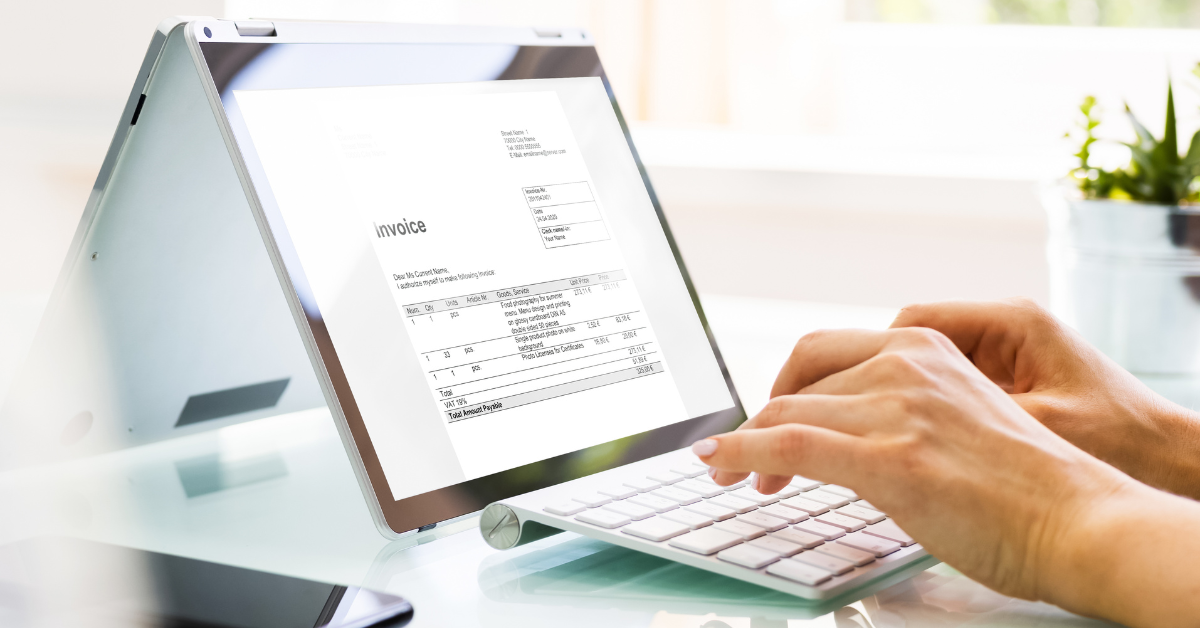
A consistent invoice template means every bill has the same information, in the same place, every time. That speeds up both sending and processing, and it eliminates errors that arise when building invoices from scratch.
At minimum, your template should include:
- Business name, logo, and contact info
- Invoice number and date
- Customer details
- Itemized products/services with pricing, discounts, and taxes
- Payment terms and due date
- Accepted payment methods
Build the template once, reuse it every time.
See your numbers
Get a personalized, no-commitment savings report.
Have a question?
Ask Regpack AI anything.
2. Automate Invoicing With Software
Roughly a third of businesses still process invoices manually, but automation cuts errors and saves hours. Once your template is loaded into invoicing software, it can generate, send, and track invoices without any manual work.
Look for software that also handles:
- Payment tracking and filtering — see who’s paid, who’s late, and by how much, at a glance
- Automated reminders — sent before and after the due date, without you lifting a finger
Platforms like Regpack combine both, so you’re not chasing down late payments manually.
3. Set a Fixed Invoicing Schedule
Decide upfront when you bill: on order, monthly, or on a rolling basis tied to usage (the way X/Twitter bills based on spend thresholds or time, whichever comes first).
For most businesses, billing everyone on the same schedule keeps cash flow predictable — e.g., invoice on the 1st with a 2-week window, and most payments land by mid-month.
Whatever schedule you choose, invoicing software enforces it automatically, so bills go out on time even when your team doesn’t get to it manually.
4. Offer Multiple Payment Options
Limited payment options are a common (and avoidable) reason invoices go unpaid late. Customer payment preferences have shifted fast:
- Digital wallets are now the top online payment method globally, making up 37% of North American e-commerce transaction value, projected to hit 51% by 2027 (Worldpay Global Payments Report, 2025)
- Apple Pay, Google Pay, and PayPal are the most-used digital wallets in the U.S.
- Cash makes up only a small fraction of online payments
If a customer’s preferred method isn’t available, they’ll delay paying, not necessarily because they can’t, but because it’s inconvenient. Ask your customers what they use, and support it.
5. Give Customers a Self-Serve Portal
A customer portal lets clients view invoices, payment history, and active subscriptions without emailing you. That matters because email invoices get buried, filtered to spam, or deleted. A portal doesn’t have that problem.
A good portal lets customers:
- View and download current and past invoices
- See their subscription plan, renewal date, and pricing
- Update or cancel a subscription
- Manage saved payment methods
- Get self-serve support via FAQs or chat
Less back-and-forth for your team, faster payment for you.
6. Keep Detailed Invoice Records
Invoicing isn’t done when the bill is paid; you need records for tax filing and dispute resolution. The IRS requires businesses to retain invoices for at least 3 years; some records with no limitation period must be kept indefinitely (IRS recordkeeping guidelines).
Manual record-keeping (scanned paper invoices in folders) works, but it’s slow to search and easy to lose. Invoicing software stores every invoice automatically and lets you filter by customer, amount, or payment date, so retrieval takes seconds, not an afternoon.
FAQ
What’s the fastest way to reduce late invoice payments? Offer more payment methods and automate due-date reminders. Most late payments come from friction (inconvenient payment options) or forgetfulness, not inability to pay.
How long do I need to keep invoices? The IRS requires most businesses to retain invoices for at least 3 years. Records tied to items with no limitation period should be kept indefinitely.
Do I need a customer portal if I already email invoices? Not required, but it helps. Email invoices get lost, filtered, or ignored. A portal provides customers with on-demand access and reduces support requests.
Can invoicing software handle recurring billing? Yes. Platforms like Regpack let you set recurring or manual billing per customer, control billing frequency, and manage auto-renewals or plan changes without added manual work.
Bottom Line
Manual invoicing doesn’t scale. A standardized template, automated software, a fixed schedule, flexible payment options, a customer portal, and organized records together cut the time you spend chasing payments and get you paid faster. Software like Regpack handles most of this in one place: templates, reminders, payment tracking, and a built-in customer portal.