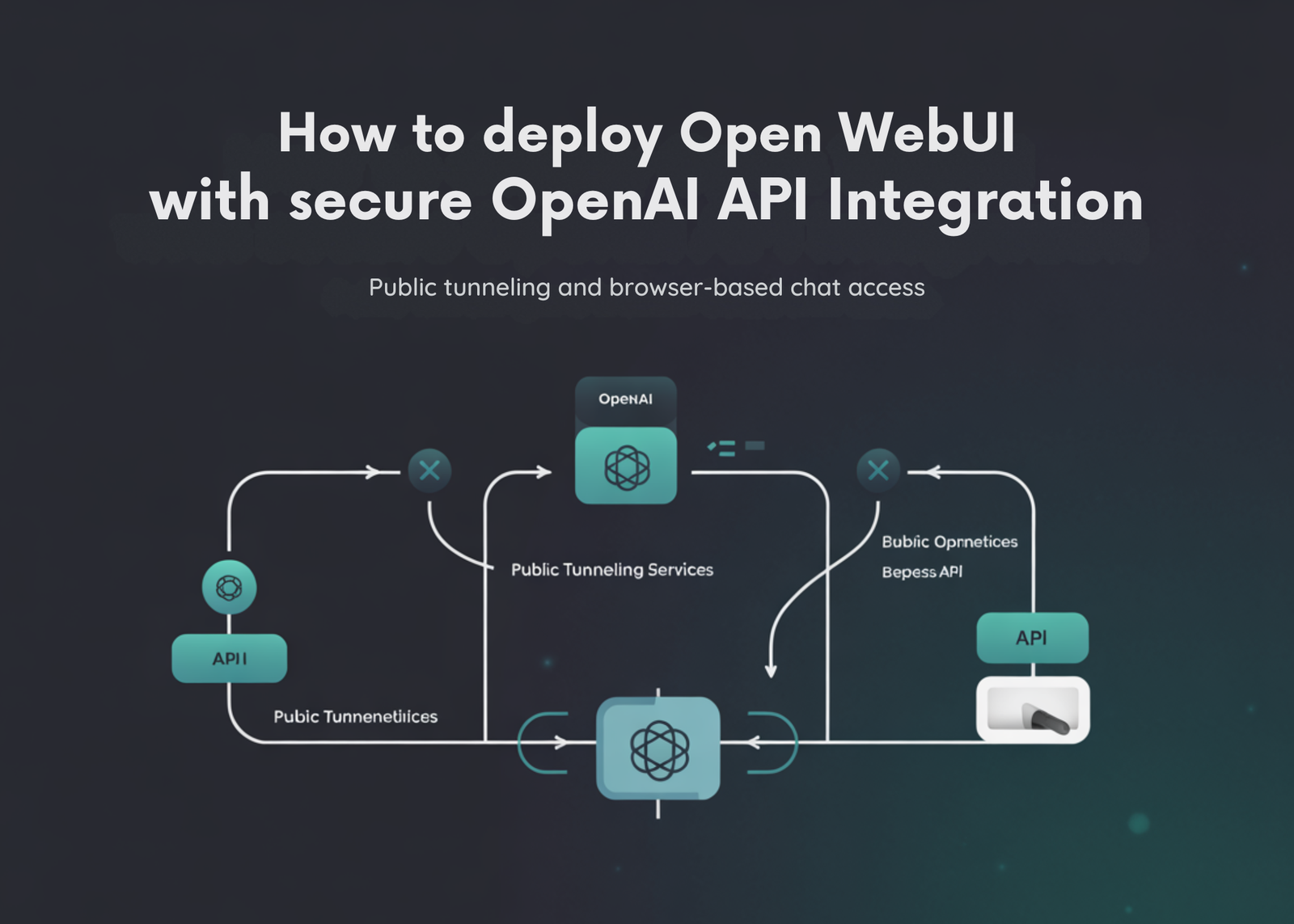
In this tutorial, we build a complete Open WebUI setup in Colab, in a practical, hands-on way, using Python. We begin by installing the required dependencies, then securely provide our OpenAI API key through terminal-based secret input so that sensitive credentials are not exposed directly in the notebook. From there, we configure the environment variables needed for Open WebUI to communicate with the OpenAI API, define a default model, prepare a data directory for runtime storage, and launch the Open WebUI server inside the Colab environment. To make the interface accessible outside the notebook, we also create a public tunnel and capture a shareable URL that lets us open and use the application directly in the browser. Through this process, we get Open WebUI running end-to-end and understand how the key pieces of deployment, configuration, access, and runtime management fit together in a Colab-based workflow.
import os
import re
import time
import json
import shutil
import signal
import secrets
import subprocess
import urllib.request
from getpass import getpass
from pathlib import Path


print("Installing Open WebUI and helper packages...")
subprocess.check_call([
   "python", "-m", "pip", "install", "-q",
   "open-webui",
   "requests",
   "nest_asyncio"
])


print("\nEnter your OpenAI API key securely.")
openai_api_key = getpass("OpenAI API Key: ").strip()


if not openai_api_key:
   raise ValueError("OpenAI API key cannot be empty.")


default_model = input("Default model to use inside Open WebUI [gpt-4o-mini]: ").strip()
if not default_model:
   default_model = "gpt-4o-mini"
We begin by importing all the required Python modules for managing system operations, securing input, handling file paths, running subprocesses, and accessing the network. We then install Open WebUI and the supporting packages needed to run the application smoothly inside Google Colab. After that, we securely enter our OpenAI API key through terminal input and define the default model that we want Open WebUI to use.
os.environ["ENABLE_OPENAI_API"] = "True"
os.environ["OPENAI_API_KEY"] = openai_api_key
os.environ["OPENAI_API_BASE_URL"] = "https://api.openai.com/v1"
os.environ["WEBUI_SECRET_KEY"] = secrets.token_hex(32)
os.environ["WEBUI_NAME"] = "Open WebUI on Colab"
os.environ["DEFAULT_MODELS"] = default_model


data_dir = Path("/content/open-webui-data")
data_dir.mkdir(parents=True, exist_ok=True)
os.environ["DATA_DIR"] = str(data_dir)
We configure the environment variables that allow Open WebUI to connect properly with the OpenAI API. We store the API key, define the OpenAI base endpoint, generate a secret key for the web interface, and assign a default model and interface name for the session. We also create a dedicated data directory in the Colab environment so that Open WebUI has a structured location to store its runtime data.
cloudflared_path = Path("/content/cloudflared")
if not cloudflared_path.exists():
   print("\nDownloading cloudflared...")
   url = "https://github.com/cloudflare/cloudflared/releases/latest/download/cloudflared-linux-amd64"
   urllib.request.urlretrieve(url, cloudflared_path)
   cloudflared_path.chmod(0o755)


print("\nStarting Open WebUI server...")


server_log = open("/content/open-webui-server.log", "w")
server_proc = subprocess.Popen(
   ["open-webui", "serve"],
   stdout=server_log,
   stderr=subprocess.STDOUT,
   env=os.environ.copy()
)
We prepare the tunnel component by downloading the CloudFlare binary if it is not already available in the Colab environment. Once that is ready, we start the Open WebUI server and direct its output into a log file so that we can inspect its behavior if needed. This part of the tutorial sets up the core application process that powers the browser-based interface.
local_url = "http://127.0.0.1:8080"
ready = False
for _ in range(120):
   try:
       import requests
       r = requests.get(local_url, timeout=2)
       if r.status_code < 500:
           ready = True
           break
   except Exception:
       pass
   time.sleep(2)


if not ready:
   server_log.close()
   with open("/content/open-webui-server.log", "r") as f:
       logs = f.read()[-4000:]
   raise RuntimeError(
       "Open WebUI did not start successfully.\n\n"
       "Recent logs:\n"
       f"{logs}"
   )


print("Open WebUI is running locally at:", local_url)


print("\nCreating public tunnel...")


tunnel_proc = subprocess.Popen(
   [str(cloudflared_path), "tunnel", "--url", local_url, "--no-autoupdate"],
   stdout=subprocess.PIPE,
   stderr=subprocess.STDOUT,
   text=True
)
We repeatedly check whether the Open WebUI server has started successfully on the local Colab port. If the server does not start properly, we read the recent logs and raise a clear error so that we can understand what went wrong. Once the server is confirmed to be running, we create a public tunnel to make the local interface accessible from outside Colab.
public_url = None
start_time = time.time()
while time.time() - start_time < 90:
   line = tunnel_proc.stdout.readline()
   if not line:
       time.sleep(1)
       continue
   match = re.search(r"https://[-a-zA-Z0-9]+\.trycloudflare\.com", line)
   if match:
       public_url = match.group(0)
       break


if not public_url:
   with open("/content/open-webui-server.log", "r") as f:
       server_logs = f.read()[-3000:]
   raise RuntimeError(
       "Tunnel started but no public URL was captured.\n\n"
       "Open WebUI server logs:\n"
       f"{server_logs}"
   )


print("\n" + "=" * 80)
print("Open WebUI is ready.")
print("Public URL:", public_url)
print("Local URL :", local_url)
print("=" * 80)


print("\nWhat to do next:")
print("1. Open the Public URL.")
print("2. Create your admin account the first time you open it.")
print("3. Go to the model selector and choose:", default_model)
print("4. Start chatting with OpenAI through Open WebUI.")


print("\nUseful notes:")
print("- Your OpenAI API key was passed through environment variables.")
print("- Data persists only for the current Colab runtime unless you mount Drive.")
print("- If the tunnel stops, rerun the cell.")


def tail_open_webui_logs(lines=80):
   log_path = "/content/open-webui-server.log"
   if not os.path.exists(log_path):
       print("No server log found.")
       return
   with open(log_path, "r") as f:
       content = f.readlines()
   print("".join(content[-lines:]))


def stop_open_webui():
   global server_proc, tunnel_proc, server_log
   for proc in [tunnel_proc, server_proc]:
       try:
           if proc and proc.poll() is None:
               proc.terminate()
       except Exception:
           pass
   try:
       server_log.close()
   except Exception:
       pass
   print("Stopped Open WebUI and tunnel.")


print("\nHelpers available:")
print("- tail_open_webui_logs()")
print("- stop_open_webui()")
We capture the public tunnel URL and print the final access details so that we can open Open WebUI directly in the browser. We also display the next steps for using the interface, including creating an admin account and selecting the configured model. Also, we define helper functions for checking logs and stopping the running processes, which makes the overall setup easier for us to manage and reuse.
In conclusion, we created a fully functional Open WebUI deployment on Colab and connected it to OpenAI in a secure, structured manner. We installed the application and its supporting packages, provided authentication details via protected input, configured the backend connection to the OpenAI API, and started the local web server powering the interface. We then exposed that server through a public tunnel, making the application usable through a browser without requiring local installation on our machine. In addition, we included helper functions for viewing logs and stopping the running services, which makes the setup easier to manage and troubleshoot during experimentation. Overall, we established a reusable, practical workflow that helps us quickly spin up Open WebUI in Colab, test OpenAI-powered chat interfaces, and reuse the same foundation for future prototyping, demos, and interface-driven AI projects.
Check out the Full Codes here. Also, feel free to follow us on Twitter and don’t forget to join our 120k+ ML SubReddit and Subscribe to our Newsletter. Wait! are you on telegram? now you can join us on telegram as well.
Need to partner with us for promoting your GitHub Repo OR Hugging Face Page OR Product Release OR Webinar etc.? Connect with us

Michal Sutter is a data science professional with a Master of Science in Data Science from the University of Padova. With a solid foundation in statistical analysis, machine learning, and data engineering, Michal excels at transforming complex datasets into actionable insights.