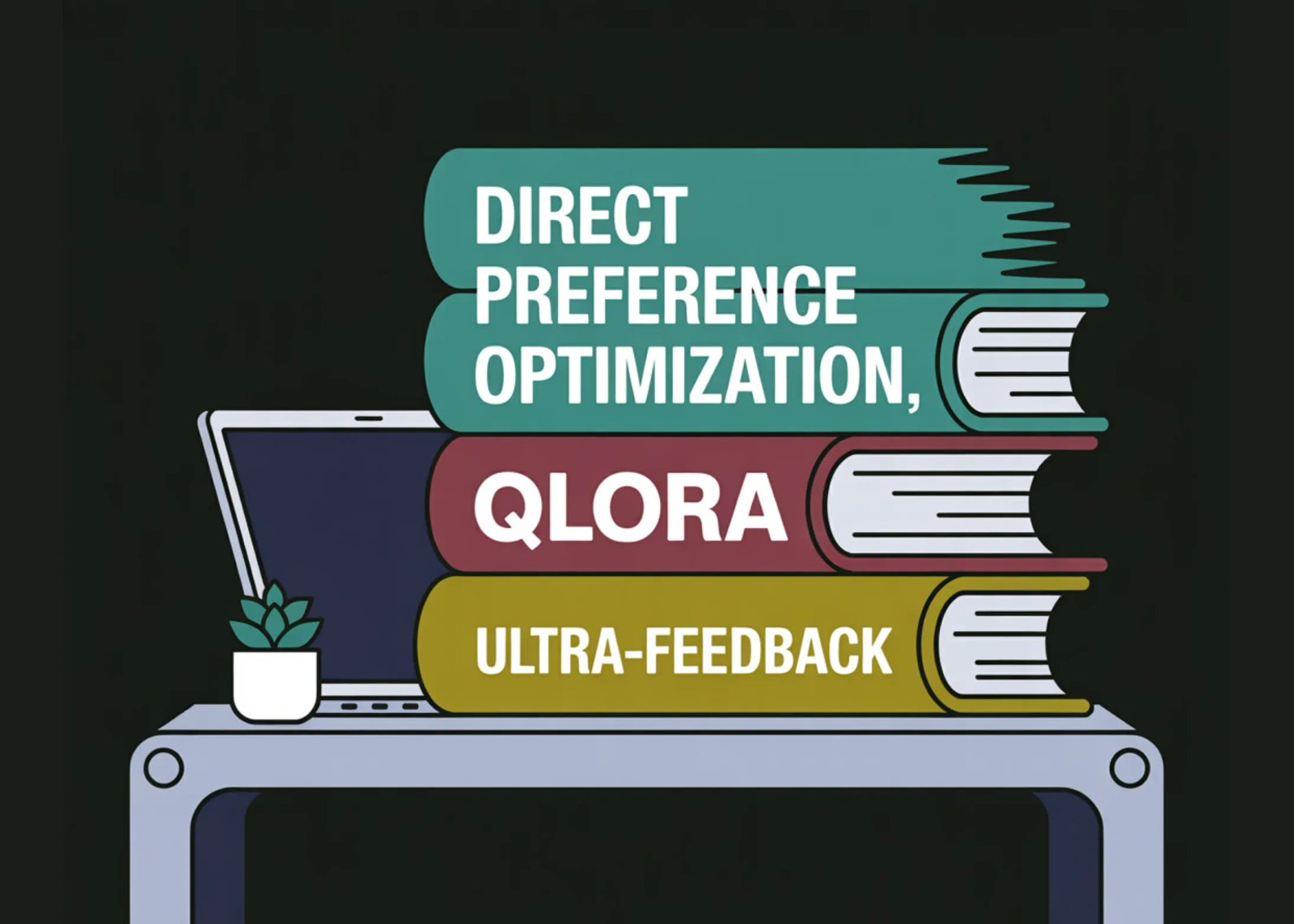
In this tutorial, we implement an end-to-end Direct Preference Optimization workflow to align a large language model with human preferences without using a reward model. We combine TRL’s DPOTrainer with QLoRA and PEFT to make preference-based alignment feasible on a single Colab GPU. We train directly on the UltraFeedback binarized dataset, where each prompt has a chosen and a rejected response, allowing us to shape model behavior and style rather than just factual recall.
import os
import math
import random
import torch


!pip -q install -U "transformers>=4.45.0" "datasets>=2.19.0" "accelerate>=0.33.0" "trl>=0.27.0" "peft>=0.12.0" "bitsandbytes>=0.43.0" "sentencepiece" "evaluate"


SEED = 42
random.seed(SEED)
torch.manual_seed(SEED)
torch.cuda.manual_seed_all(SEED)


MODEL_NAME = os.environ.get("MODEL_NAME", "Qwen/Qwen2-0.5B-Instruct")
DATASET_NAME = "HuggingFaceH4/ultrafeedback_binarized"
OUTPUT_DIR = "dpo_ultrafeedback_qlora"


MAX_TRAIN_SAMPLES = 8000
MAX_EVAL_SAMPLES  = 200
MAX_PROMPT_LEN = 512
MAX_COMPLETION_LEN = 256


BETA = 0.1
LR = 2e-4
EPOCHS = 1
PER_DEVICE_BS = 2
GRAD_ACCUM = 8


LOGGING_STEPS = 10
SAVE_STEPS = 200


device = "cuda" if torch.cuda.is_available() else "cpu"
print("Device:", device, "GPU:", torch.cuda.get_device_name(0) if device == "cuda" else "None")
We set up the execution environment and install all required libraries for DPO, PEFT, and quantized training. We define all global hyperparameters, dataset limits, and optimization settings in one place. We also initialize the random number generator and confirm GPU availability to ensure reproducible runs.
from transformers import AutoTokenizer, AutoModelForCausalLM, BitsAndBytesConfig


bnb_config = BitsAndBytesConfig(
   load_in_4bit=True,
   bnb_4bit_quant_type="nf4",
   bnb_4bit_use_double_quant=True,
   bnb_4bit_compute_dtype=torch.bfloat16 if torch.cuda.is_available() and torch.cuda.get_device_capability(0)[0] >= 8 else torch.float16,
)


tokenizer = AutoTokenizer.from_pretrained(MODEL_NAME, use_fast=True)
if tokenizer.pad_token is None:
   tokenizer.pad_token = tokenizer.eos_token


model = AutoModelForCausalLM.from_pretrained(
   MODEL_NAME,
   quantization_config=bnb_config,
   torch_dtype=torch.bfloat16 if torch.cuda.is_available() and torch.cuda.get_device_capability(0)[0] >= 8 else torch.float16,
   device_map="auto",
)
model.config.use_cache = False
We load the tokenizer and the base language model using 4-bit quantization to minimize memory usage. We configure bitsandbytes to enable efficient QLoRA-style computation on Colab GPUs. We prepare the model for training by disabling cache usage to avoid incompatibilities during backpropagation.
from peft import LoraConfig, get_peft_model


lora_config = LoraConfig(
   r=16,
   lora_alpha=32,
   lora_dropout=0.05,
   bias="none",
   task_type="CAUSAL_LM",
   target_modules=["q_proj", "k_proj", "v_proj", "o_proj", "up_proj", "down_proj", "gate_proj"],
)


model = get_peft_model(model, lora_config)
model.print_trainable_parameters()


model.gradient_checkpointing_enable()
We attach LoRA adapters to the model’s attention and feed-forward projection layers. We restrict training to a small set of parameters to make fine-tuning efficient and stable. We enable gradient checkpointing to further reduce GPU memory consumption during training.
from datasets import load_dataset


ds = load_dataset(DATASET_NAME)


train_split = "train_prefs" if "train_prefs" in ds else ("train" if "train" in ds else list(ds.keys())[0])
test_split  = "test_prefs" if "test_prefs" in ds else ("test" if "test" in ds else None)


train_raw = ds[train_split]
test_raw = ds[test_split] if test_split is not None else None


print("Splits:", ds.keys())
print("Using train split:", train_split, "size:", len(train_raw))
if test_raw is not None:
   print("Using test split:", test_split, "size:", len(test_raw))


def _extract_last_user_and_assistant(messages):
   last_user_idx = None
   last_asst_idx = None
   for i, m in enumerate(messages):
       if m.get("role") == "user":
           last_user_idx = i
       if m.get("role") == "assistant":
           last_asst_idx = i


   if last_user_idx is None or last_asst_idx is None:
       return None, None


   prompt_messages = messages[: last_user_idx + 1]
   assistant_text = messages[last_asst_idx].get("content", "")
   return prompt_messages, assistant_text


def format_example(ex):
   chosen_msgs = ex["chosen"]
   rejected_msgs = ex["rejected"]


   prompt_msgs_c, chosen_text = _extract_last_user_and_assistant(chosen_msgs)
   prompt_msgs_r, rejected_text = _extract_last_user_and_assistant(rejected_msgs)


   if prompt_msgs_c is None or prompt_msgs_r is None:
       return {"prompt": None, "chosen": None, "rejected": None}


   prompt_text = tokenizer.apply_chat_template(
       prompt_msgs_c, tokenize=False, add_generation_prompt=True
   )


   return {
       "prompt": prompt_text,
       "chosen": chosen_text.strip(),
       "rejected": rejected_text.strip(),
   }


train_raw = train_raw.shuffle(seed=SEED)
train_raw = train_raw.select(range(min(MAX_TRAIN_SAMPLES, len(train_raw))))


train_ds = train_raw.map(format_example, remove_columns=train_raw.column_names)
train_ds = train_ds.filter(lambda x: x["prompt"] is not None and len(x["chosen"]) > 0 and len(x["rejected"]) > 0)


if test_raw is not None:
   test_raw = test_raw.shuffle(seed=SEED)
   test_raw = test_raw.select(range(min(MAX_EVAL_SAMPLES, len(test_raw))))
   eval_ds = test_raw.map(format_example, remove_columns=test_raw.column_names)
   eval_ds = eval_ds.filter(lambda x: x["prompt"] is not None and len(x["chosen"]) > 0 and len(x["rejected"]) > 0)
else:
   eval_ds = None


print("Train examples:", len(train_ds), "Eval examples:", len(eval_ds) if eval_ds is not None else 0)
print(train_ds[0])
We load the UltraFeedback binarized dataset and dynamically select the appropriate train and test splits. We extract prompt, chosen, and rejected responses from multi-turn conversations and format them using the model’s chat template. We shuffle, filter, and subsample the data to create clean and efficient training and evaluation datasets.
from trl import DPOTrainer, DPOConfig


use_bf16 = torch.cuda.is_available() and torch.cuda.get_device_capability(0)[0] >= 8
use_fp16 = torch.cuda.is_available() and not use_bf16


training_args = DPOConfig(
   output_dir=OUTPUT_DIR,
   beta=BETA,
   per_device_train_batch_size=PER_DEVICE_BS,
   gradient_accumulation_steps=GRAD_ACCUM,
   num_train_epochs=EPOCHS,
   learning_rate=LR,
   lr_scheduler_type="cosine",
   warmup_ratio=0.05,
   logging_steps=LOGGING_STEPS,
   save_steps=SAVE_STEPS,
   save_total_limit=2,
   bf16=use_bf16,
   fp16=use_fp16,
   optim="paged_adamw_8bit",
   max_length=MAX_PROMPT_LEN + MAX_COMPLETION_LEN,
   max_prompt_length=MAX_PROMPT_LEN,
   report_to="none",
)


trainer = DPOTrainer(
   model=model,
   args=training_args,
   processing_class=tokenizer,
   train_dataset=train_ds,
   eval_dataset=eval_ds,
)


trainer.train()


trainer.save_model(OUTPUT_DIR)
tokenizer.save_pretrained(OUTPUT_DIR)


print("Saved to:", OUTPUT_DIR)
We configure the DPO training objective with carefully chosen optimization and scheduling parameters. We initialize the DPOTrainer to directly optimize preference pairs without a reward model. We train the LoRA adapters and save the aligned model artifacts for later inference.
from peft import PeftModel
from transformers import pipeline


def generate_text(model_for_gen, prompt, max_new_tokens=180):
   model_for_gen.eval()
   inputs = tokenizer(prompt, return_tensors="pt", truncation=True, max_length=MAX_PROMPT_LEN).to(model_for_gen.device)
   with torch.no_grad():
       out = model_for_gen.generate(
           **inputs,
           max_new_tokens=max_new_tokens,
           do_sample=True,
           temperature=0.7,
           top_p=0.95,
           pad_token_id=tokenizer.eos_token_id,
       )
   return tokenizer.decode(out[0], skip_special_tokens=True)


base_model = AutoModelForCausalLM.from_pretrained(
   MODEL_NAME,
   quantization_config=bnb_config,
   torch_dtype=torch.bfloat16 if use_bf16 else torch.float16,
   device_map="auto",
)
base_model.config.use_cache = True


dpo_model = PeftModel.from_pretrained(base_model, OUTPUT_DIR)
dpo_model.config.use_cache = True


sample_pool = eval_ds if eval_ds is not None and len(eval_ds) > 0 else train_ds
samples = [sample_pool[i] for i in random.sample(range(len(sample_pool)), k=min(3, len(sample_pool)))]


for i, ex in enumerate(samples, 1):
   prompt = ex["prompt"]
   print("\n" + "="*90)
   print(f"Sample #{i}")
   print("- Prompt:\n", prompt)


   base_out = generate_text(base_model, prompt)
   dpo_out  = generate_text(dpo_model, prompt)


   print("\n- Base model output:\n", base_out)
   print("\n- DPO (LoRA) output:\n", dpo_out)


print("\nDone.")
We reload the base model and attach the trained DPO LoRA adapters for inference. We generate responses from both the original and aligned models using the same prompts for comparison. We qualitatively evaluate how preference optimization changes model behavior by inspecting the outputs side by side.
In conclusion, we demonstrated how DPO provides a stable and efficient alternative to RLHF by directly optimizing preference pairs with a simple, well-defined objective. We showed that parameter-efficient fine-tuning with LoRA and 4-bit quantization enables practical experimentation even under tight compute constraints. We qualitatively validated alignment by comparing generations before and after DPO training, confirming that the model learns to prefer higher-quality responses while remaining lightweight and deployable.
Check out the FULL CODES here. Also, feel free to follow us on Twitter and don’t forget to join our 100k+ ML SubReddit and Subscribe to our Newsletter. Wait! are you on telegram? now you can join us on telegram as well.