[ad_1]
In this Daytona SDK tutorial, we provide a hands-on walkthrough for leveraging Daytona’s secure sandbox environment to execute untrusted or AI-generated Python code safely within Notebook. Beginning with straightforward sandbox creation and basic code execution, the guide demonstrates how to isolate processes, install dependencies, and run simple scripts without jeopardizing the host environment. As the tutorial progresses, it delves into data processing with pandas, file operations including reading and writing JSON files, and the execution of complex AI-generated snippets such as recursive functions and sorting algorithms. Finally, it showcases parallel task execution across multiple sandboxes and proper cleanup procedures, ensuring that every resource is managed and disposed of correctly.
import os
import time
import json
from typing import List, Dict, Any


try:
    import daytona_sdk
except ImportError:
    print("Installing Daytona SDK...")
    !pip install daytona-sdk
    import daytona_sdk


from daytona_sdk import Daytona, DaytonaConfig, CreateSandboxParams
We install and import the Daytona SDK (if not already present), then initialize the core Daytona classes (Daytona, DaytonaConfig, and CreateSandboxParams) for configuring and creating secure Python sandboxes. It also brings in standard utilities like os, time, and json for use within those sandboxes.
class DaytonaTutorial:
    """Complete tutorial for Daytona SDK - Secure AI Code Execution Platform"""


    def __init__(self, api_key: str):
        """Initialize Daytona client"""
        self.config = DaytonaConfig(api_key=api_key)
        self.daytona = Daytona(self.config)
        self.sandboxes: List[Any] = []


    def basic_sandbox_demo(self):
        """Demo 1: Basic sandbox creation and code execution"""
        print("🚀 Demo 1: Basic Sandbox Operations")
        print("-" * 40)


        try:
            sandbox = self.daytona.create(CreateSandboxParams(language="python"))
            self.sandboxes.append(sandbox)


            print(f"✅ Created sandbox: {sandbox.id}")


            code="print("Hello from Daytona Sandbox!")\nprint(f"2 + 2 = {2 + 2}")"
            response = sandbox.process.code_run(code)


            if response.exit_code == 0:
                print(f"📝 Output: {response.result}")
            else:
                print(f"❌ Error: {response.result}")


        except Exception as e:
            print(f"❌ Error in basic demo: {e}")


    def data_processing_demo(self):
        """Demo 2: Data processing in isolated environment"""
        print("\n📊 Demo 2: Secure Data Processing")
        print("-" * 40)


        try:
            sandbox = self.daytona.create(CreateSandboxParams(language="python"))
            self.sandboxes.append(sandbox)


            install_cmd = "import subprocess; subprocess.run(['pip', 'install', 'pandas'])"
            response = sandbox.process.code_run(install_cmd)


            data_code = """
import pandas as pd
import json


# Create sample dataset
data = {
    'name': ['Alice', 'Bob', 'Charlie', 'Diana'],
    'age': [25, 30, 35, 28],
    'salary': [50000, 60000, 70000, 55000]
}


df = pd.DataFrame(data)
result = {
    'total_records': len(df),
    'avg_age': df['age'].mean(),
    'avg_salary': df['salary'].mean(),
    'summary': df.describe().to_dict()
}


print(json.dumps(result, indent=2))
"""


            response = sandbox.process.code_run(data_code)
            if response.exit_code == 0:
                print("✅ Data processing completed:")
                print(response.result)
            else:
                print(f"❌ Error: {response.result}")


        except Exception as e:
            print(f"❌ Error in data processing demo: {e}")


    def file_operations_demo(self):
        """Demo 3: File operations within sandbox"""
        print("\n📁 Demo 3: File Operations")
        print("-" * 40)


        try:
            sandbox = self.daytona.create(CreateSandboxParams(language="python"))
            self.sandboxes.append(sandbox)


            file_code = """
import os
import json


# Create a sample file
data = {'message': 'Hello from Daytona!', 'timestamp': '2025-06-13'}
with open('sample.json', 'w') as f:
    json.dump(data, f, indent=2)


# Read and display file contents
with open('sample.json', 'r') as f:
    content = f.read()
    print("File contents:")
    print(content)


# List files in current directory
files = os.listdir('.')
print(f"\\nFiles in directory: {files}")
"""


            response = sandbox.process.code_run(file_code)
            if response.exit_code == 0:
                print("✅ File operations completed:")
                print(response.result)
            else:
                print(f"❌ Error: {response.result}")


        except Exception as e:
            print(f"❌ Error in file operations demo: {e}")


    def ai_code_execution_demo(self):
        """Demo 4: Simulated AI-generated code execution"""
        print("\n🤖 Demo 4: AI-Generated Code Execution")
        print("-" * 40)


        ai_codes = [
            "# Calculate fibonacci sequence\ndef fib(n):\n    if n <= 1: return n\n    return fib(n-1) + fib(n-2)\nprint([fib(i) for i in range(10)])",
            "# Sort algorithm\ndef bubble_sort(arr):\n    n = len(arr)\n    for i in range(n):\n        for j in range(0, n-i-1):\n            if arr[j] > arr[j+1]:\n                arr[j], arr[j+1] = arr[j+1], arr[j]\n    return arr\nprint(bubble_sort([64, 34, 25, 12, 22, 11, 90]))",
            "# Data analysis\nimport math\ndata = [1, 2, 3, 4, 5, 6, 7, 8, 9, 10]\nmean = sum(data) / len(data)\nvariance = sum((x - mean) ** 2 for x in data) / len(data)\nstd_dev = math.sqrt(variance)\nprint(f'Mean: {mean}, Std Dev: {std_dev:.2f}')"
        ]


        try:
            sandbox = self.daytona.create(CreateSandboxParams(language="python"))
            self.sandboxes.append(sandbox)


            for i, code in enumerate(ai_codes, 1):
                print(f"\n🔄 Executing AI Code Snippet {i}:")
                response = sandbox.process.code_run(code)


                if response.exit_code == 0:
                    print(f"✅ Output: {response.result}")
                else:
                    print(f"❌ Error: {response.result}")


                time.sleep(1)


        except Exception as e:
            print(f"❌ Error in AI code execution demo: {e}")


    def parallel_execution_demo(self):
        """Demo 5: Multiple sandboxes for parallel processing"""
        print("\n⚡ Demo 5: Parallel Execution")
        print("-" * 40)


        tasks = [
            "print('Task 1: Computing prime numbers')\nprimes = [i for i in range(2, 50) if all(i % j != 0 for j in range(2, int(i**0.5) + 1))]\nprint(f'Primes: {primes[:10]}')",
            "print('Task 2: String processing')\ntext="Hello Daytona World"\nprint(f'Reversed: {text[::-1]}')\nprint(f'Word count: {len(text.split())}')",
            "print('Task 3: Mathematical calculations')\nimport math\nresult = sum(math.sqrt(i) for i in range(1, 101))\nprint(f'Sum of square roots 1-100: {result:.2f}')"
        ]


        try:
            parallel_sandboxes = []
            for i in range(len(tasks)):
                sandbox = self.daytona.create(CreateSandboxParams(language="python"))
                parallel_sandboxes.append(sandbox)
                self.sandboxes.append(sandbox)


            results = []
            for i, (sandbox, task) in enumerate(zip(parallel_sandboxes, tasks)):
                print(f"\n🏃 Starting parallel task {i+1}")
                response = sandbox.process.code_run(task)
                results.append((i+1, response))


            for task_num, response in results:
                if response.exit_code == 0:
                    print(f"✅ Task {task_num} completed: {response.result}")
                else:
                    print(f"❌ Task {task_num} failed: {response.result}")


        except Exception as e:
            print(f"❌ Error in parallel execution demo: {e}")


    def cleanup_sandboxes(self):
        """Clean up all created sandboxes"""
        print("\n🧹 Cleaning up sandboxes...")
        print("-" * 40)


        for sandbox in self.sandboxes:
            try:
                self.daytona.remove(sandbox)
                print(f"✅ Removed sandbox: {sandbox.id}")
            except Exception as e:
                print(f"❌ Error removing sandbox {sandbox.id}: {e}")


        self.sandboxes.clear()
        print("🎉 Cleanup completed!")


    def run_full_tutorial(self):
        """Run the complete Daytona tutorial"""
        print("🎯 Daytona SDK Complete Tutorial")
        print("=" * 50)
        print("Secure & Isolated AI Code Execution Platform")
        print("=" * 50)


        self.basic_sandbox_demo()
        self.data_processing_demo()
        self.file_operations_demo()
        self.ai_code_execution_demo()
        self.parallel_execution_demo()
        self.cleanup_sandboxes()


        print("\n🎊 Tutorial completed successfully!")
        print("Key Daytona features demonstrated:")
        print("• Secure sandbox creation")
        print("• Isolated code execution")
        print("• File system operations")
        print("• Parallel processing")
        print("• Resource cleanup")
This DaytonaTutorial class encapsulates a complete end-to-end guide for using the Daytona SDK: it initializes a secure sandbox client with your API key, demonstrates isolated code execution (from simple prints through pandas data processing and file I/O to AI-generated snippets), orchestrates parallel tasks across multiple sandboxes, and finally ensures clean teardown of all resources. Each method is self-contained, showcasing key Daytona features, sandbox creation, dependency installation, safe execution, and resource cleanup, in a clear, step-by-step workflow that’s ideal for running in Notebook.
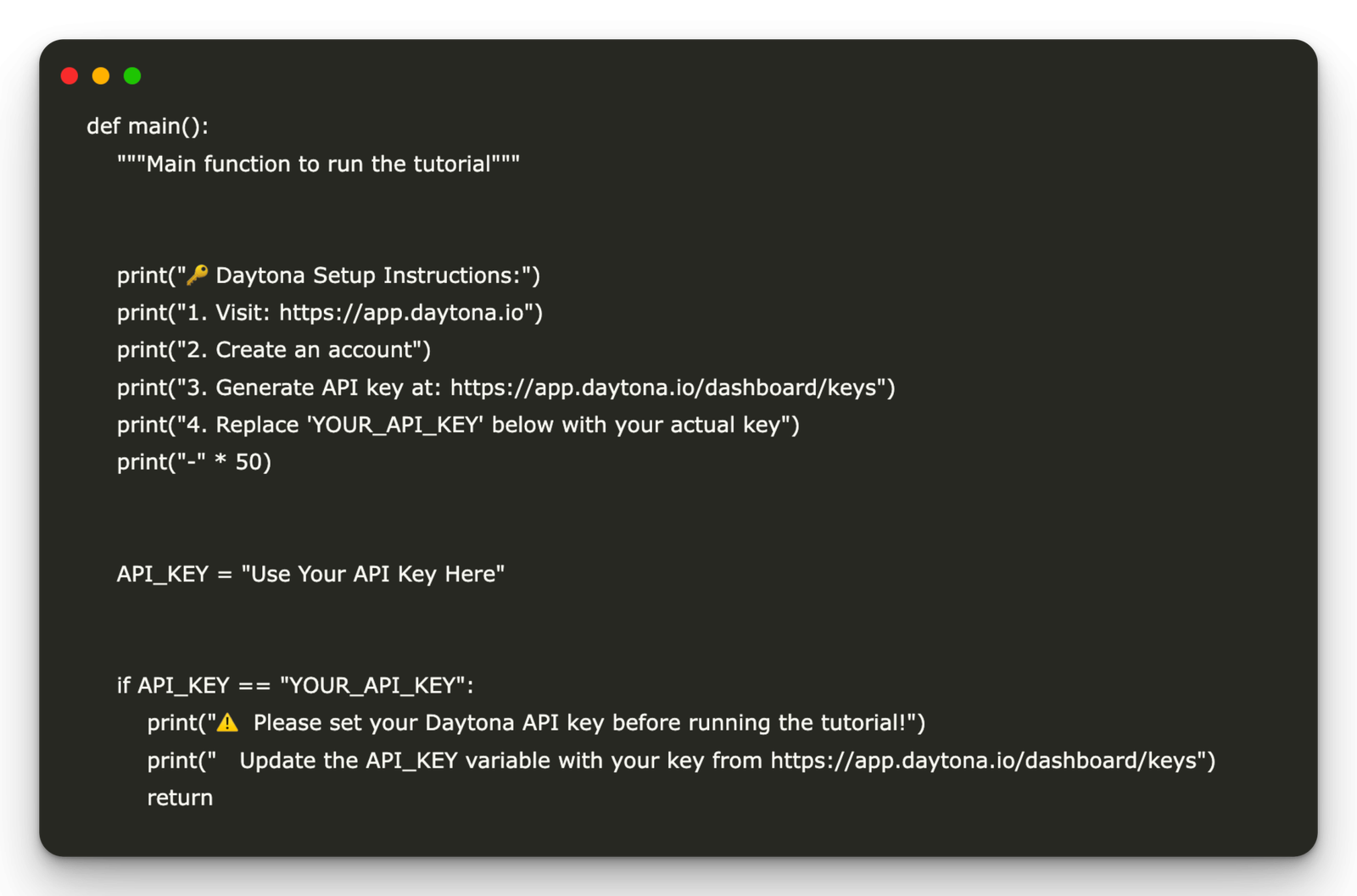
def main():
    """Main function to run the tutorial"""


    print("🔑 Daytona Setup Instructions:")
    print("1. Visit: https://app.daytona.io")
    print("2. Create an account")
    print("3. Generate API key at: https://app.daytona.io/dashboard/keys")
    print("4. Replace 'YOUR_API_KEY' below with your actual key")
    print("-" * 50)


    API_KEY = "Use Your API Key Here"


    if API_KEY == "YOUR_API_KEY":
        print("⚠️  Please set your Daytona API key before running the tutorial!")
        print("   Update the API_KEY variable with your key from https://app.daytona.io/dashboard/keys")
        return


    try:
        tutorial = DaytonaTutorial(API_KEY)
        tutorial.run_full_tutorial()


    except Exception as e:
        print(f"❌ Tutorial failed: {e}")
        print("💡 Make sure your API key is valid and you have network access")
The main() function outlines the initial setup steps, guiding users to create a Daytona account and generate their API key, then validates that the key has been provided before instantiating the DaytonaTutorial class and running the full walkthrough. If the API key is missing or invalid, it prints clear instructions and aborts, ensuring a smooth first-time experience.
if __name__ == "__main__":
    main()
Finally, the above standard Python entry-point check ensures that main() is only invoked when the script is run directly, initiating the Daytona tutorial workflow in a clear and controlled manner.
In conclusion, by following this tutorial, developers gain a comprehensive understanding of Daytona’s core capabilities: creating isolated Python sandboxes, performing secure data manipulations, managing file I/O, running arbitrary or AI-generated code, and orchestrating parallel workloads, all while maintaining strict separation from the host system. The cleanup routines underscore the importance of resource hygiene in long-running workflows. Armed with these foundational skills, users can confidently integrate Daytona into larger machine-learning pipelines, automated testing frameworks, or any scenario that requires the safe execution of dynamic code.
Check out the Notebook. All credit for this research goes to the researchers of this project. Also, feel free to follow us on Twitter and don’t forget to join our 99k+ ML SubReddit and Subscribe to our Newsletter.

Asif Razzaq is the CEO of Marktechpost Media Inc.. As a visionary entrepreneur and engineer, Asif is committed to harnessing the potential of Artificial Intelligence for social good. His most recent endeavor is the launch of an Artificial Intelligence Media Platform, Marktechpost, which stands out for its in-depth coverage of machine learning and deep learning news that is both technically sound and easily understandable by a wide audience. The platform boasts of over 2 million monthly views, illustrating its popularity among audiences.

[ad_2]
Source_link