[ad_1]

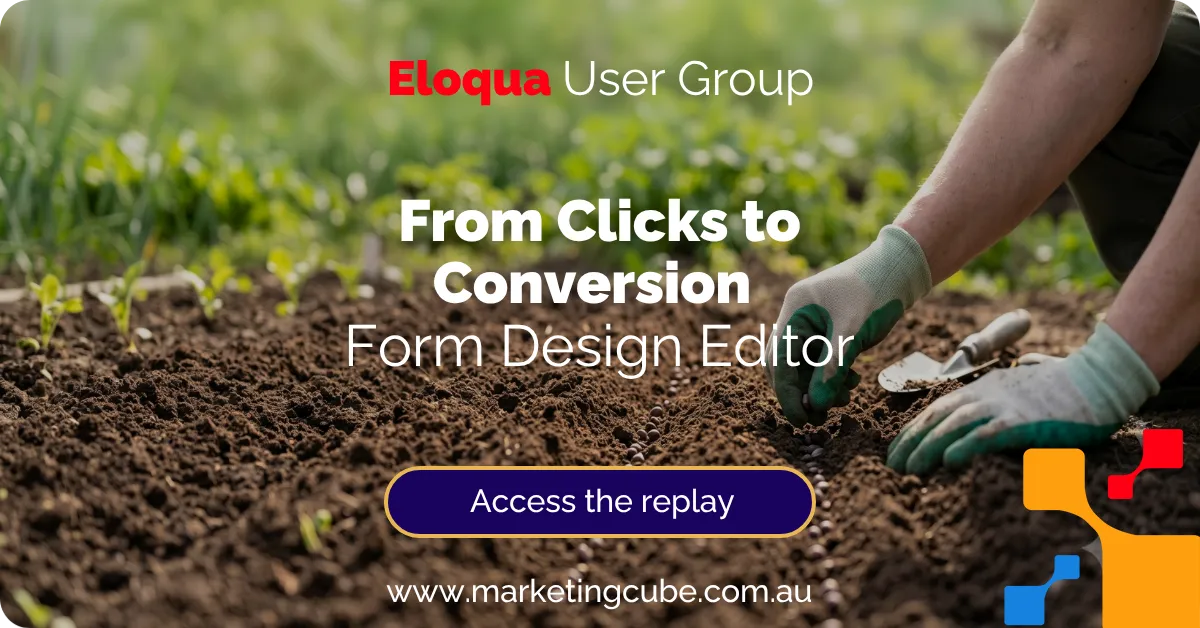
From Clicks to Conversion – Episode 1
August Eloqua User Group | All About Growth | 3-part series
Estimated Reading Time
7
Minutes
Published: 12 August 2026 | Derek Bell & Macy AI*
Overview
If you joined our latest Marketing Cube User Group webinar, you’ll know we spent most of the session in the weeds (in a good way) on one of the most underused parts of Eloqua: forms.
Yes, forms can capture enquiries and event registrations – but in practice, they can do much more.
Forms can help you progressively learn about a contact over time, improve attribution and reporting, reduce friction for repeat visitors, and create a smoother post-submit experience that nudges people towards the next step.
In this first episode of From Clicks to Conversion, we focused on three levers you can pull to turn more clicks into real outcomes.
On this page
Why this topic?
A lot of forms get stuck in the narrow mindset of “We need a form to get a lead.”
Eloqua forms are flexible enough to support a wide range of use cases, including:
- Surveys and feedback loops
- Calculators and self-assessments
- File uploads (with built-in scanning)
- Testimonials and referrals
- Event bookings or appointment requests
- Social lead generation flows (for example, LinkedIn and Facebook)
The key takeaway here is that when you treat forms as a data-capture and experience layer, not just a lead-capture gate, you collect better data which unlocks better personalisation and conversion.
Missed the session or want to share it with your team? You can watch the replay here.

Lever 1: Reduce friction with progressive profiling
If you want more conversions, one of the fastest wins is removing unnecessary effort.
Progressive profiling is an approach that shows different fields based on what you already know about a contact. Instead of asking the same questions every time, you gradually build a richer profile over multiple interactions.
What progressive profiling looks like in practice
In the webinar, we demonstrated forms that adapt based on known data. For example:
- A new contact sees the essentials (name and email)
- A known contact might skip those and instead see one or two higher-value questions
- A returning contact could be asked a different question again, building a profile over time
This reduces form fatigue, keeps the experience relevant, and helps you collect better data without scaring people off.
Build it into templates, not as a manual add-on
One of the biggest operational mistakes we see is bolting progressive profiling onto individual forms as a one-off.
A better approach is to design progressive profiling into your form templates, so it becomes repeatable and consistent. That way:
- Your team does not have to reinvent the wheel every time
- You avoid inconsistent field logic across campaigns
- You can scale your approach across always-on and campaign forms
A few practical considerations
Some points we covered that are worth checking in your own environment:
- Layout choice: list vs staged layouts can change completion rates, depending on your audience and use case
- Field limits: fewer fields usually win, but the right fields win more
- Required fields: challenge assumptions about what must be mandatory
- Prioritisation: if you need certain fields for CRM sync (for example, first and last name), make sure they are handled sensibly


Lever 2: Increase insight with attribution tracking
If you cannot see what is working, it is hard to improve.
Attribution tracking is about capturing where a form submission came from, so you can report on performance by channel, campaign, and conversion path.
The simplest way to start
A practical starting point is to capture UTM parameters and query string values into hidden form fields. For example:
- Source
- Medium
- Campaign
- Content
This gives you a clearer view of what is driving conversions and helps you move beyond “we think LinkedIn is working” to “this specific campaign drove these outcomes.”
Why it matters
When attribution is captured consistently:
- Reporting becomes more reliable
- Optimisation becomes easier
- You can justify investment in the channels that actually convert

Lever 3: Improve follow-through with smarter post-submit experiences
The form submission is not the finish line – it is the handoff.
We spent time in the session looking at what happens after someone clicks submit, because this is where a lot of conversion momentum gets lost.
Confirmation pages and autoresponders are part of the conversion journey
Two quick wins to review:
- Confirmation pages: personalise them, and make the next step obvious
- Autoresponder emails: ensure they match the promise of the form, and guide the user to the next action
Even small improvements here can lift conversion rates and reduce drop-off.
A quick checklist you can apply this week
If you want to turn the webinar into action, here is a simple checklist to work through:
- Identify your top 5 highest-traffic forms
- Remove or rework any fields that are “nice to have” rather than essential
- Add progressive profiling logic, ideally edit templates for future forms
- Capture UTMs and key query string values into hidden fields
- Review confirmation pages and autoresponders for clarity, relevance, and next step
Learn more: Smart Form Design for Eloqua
Want to get more value from Eloqua forms than enquiries and event registrations? Learn how Smart Form Design helps you capture higher-quality first-party data, improve segmentation, and build better journeys.
Eloqua Release 26C Highlights
What’s news? What’s coming soon?
Release 26C provides “Preview” access to the new Redwood Campaign Canvas. Oracle is seeking feedback from clients. Here’s how you can provide feedback directly to the Eloqua Product Marketing Team.
As this is an Early Preview, some capabilities available in the classic Campaign Canvas are not yet included. Current limitations include:
- Notes
- Favorite Steps
- Copy & Paste of campaign steps
These capabilities are planned for future Redwood releases alongside the Campaign Template Editor.

- Auto-Click Detection Updates: Enhancements to auto-click detection that will evaluate click sequences using multiple signals, providing more accurate engagement data and becoming available in Controlled Availability in 26C.
- Gen AI: Implementation of controls to allow admins to determine which users have access to Generative AI features in Eloqua.
- Apps & Integration: Launch of the Microsoft Dynamics Integration App in the Control Availability Program from July 20th.
We filter through Oracle Eloqua release details, then deliver what you need directly to your inbox.
This subscription delivers one email a quarter to coincide with the Eloqua release schedule.
Oracle Eloqua Releases take place once per quarter, typically in the second month of the quarter, i.e. February, May, August & November.
As details become available, our Customer Success team reads through the documentation and consolidates the most important information into this subscription.
You may find this past Eloqua User Group webinar of interest

29
Jun
2020
Revenue Performance Management, User Group
Attribution, attribution models, revenue tracking, ROI
0 comments
Campaign Attribution – Uncover the ROI you’re seeking
Understanding campaign attribution is essential for tracking marketing ROI. By assigning value to each touchpoint along the buyer path, you can identify which strategies drive sales and optimize your budget. Explore practical attribution models today to make data-backed decisions that grow your business with confidence.
Frequently Asked Questions
Q: What is progressive profiling in Eloqua forms?
A: Progressive profiling is a way to show different form fields based on what you already know about a contact. It helps reduce friction by avoiding repeat questions and lets you collect better data over time.
Q: How many fields should an Eloqua form have?
A: As a rule, fewer fields improve completion rates. Start by asking only what you need to take the next step, then use progressive profiling to gather additional information across future interactions.
Q: Can Eloqua forms capture UTM parameters for attribution?
A: Yes. You can pass UTM parameters and other query string values into hidden form fields, which makes it easier to report on lead source, campaign performance, and conversion paths.
Q: What are hidden fields used for in Eloqua forms?
A: Hidden fields are commonly used to capture tracking data (like UTMs), store technical values, or pass context into Eloqua without asking the user to type it in.
Q: What can Eloqua forms be used for besides enquiries and event registrations?
A: Eloqua forms can be used for surveys, calculators, file uploads, testimonials, bookings, and other experiences where you need to capture structured data and trigger follow-up actions.
Q: Why do confirmation pages matter for conversion?
A: Confirmation pages are a key moment to guide the user to the next step. A generic “thank you” page often wastes momentum, while a personalised page can drive the next action.
Q: How can Marketing Cube help improve our Eloqua forms?
A: We help Eloqua teams design smarter forms that capture quality first-party data, reduce friction with progressive profiling, improve attribution tracking, and create better post-submit experiences.
Meet Macy AI, the newest virtual member of our team
Where we use GenAI to support the development of content, you’ll find Macy AI mentioned as a co-author. Our approach is to always keep a human in the loop. Macy will be used to support various aspects of our content development.

The post Eloqua Forms Guide: 3 levers to boost conversions first appeared on Marketing Cube | Connected Capability.
[ad_2]
Source_link












![The best time to post on Facebook [2025 data]](https://mgrowtech.com/wp-content/uploads/2025/11/The-best-time-to-post-on-Facebook-2025-data-120x86.png)