• About Us
  • Disclaimer
  • Contact Us
  • Privacy Policy
Tuesday, September 8, 2026
mGrowTech
No Result
View All Result
  • Technology And Software
    • Account Based Marketing
    • Channel Marketing
    • Marketing Automation
      • Al, Analytics and Automation
      • Ad Management
  • Digital Marketing
    • Social Media Management
    • Google Marketing
  • Direct Marketing
    • Brand Management
    • Marketing Attribution and Consulting
  • Mobile Marketing
  • Event Management
  • PR Solutions
  • Technology And Software
    • Account Based Marketing
    • Channel Marketing
    • Marketing Automation
      • Al, Analytics and Automation
      • Ad Management
  • Digital Marketing
    • Social Media Management
    • Google Marketing
  • Direct Marketing
    • Brand Management
    • Marketing Attribution and Consulting
  • Mobile Marketing
  • Event Management
  • PR Solutions
No Result
View All Result
mGrowTech
No Result
View All Result
Home Technology And Software

What Is Roku’s Secret Menu And How Do You Unlock It?

Josh by Josh
September 8, 2026
in Technology And Software
0
What Is Roku’s Secret Menu And How Do You Unlock It?


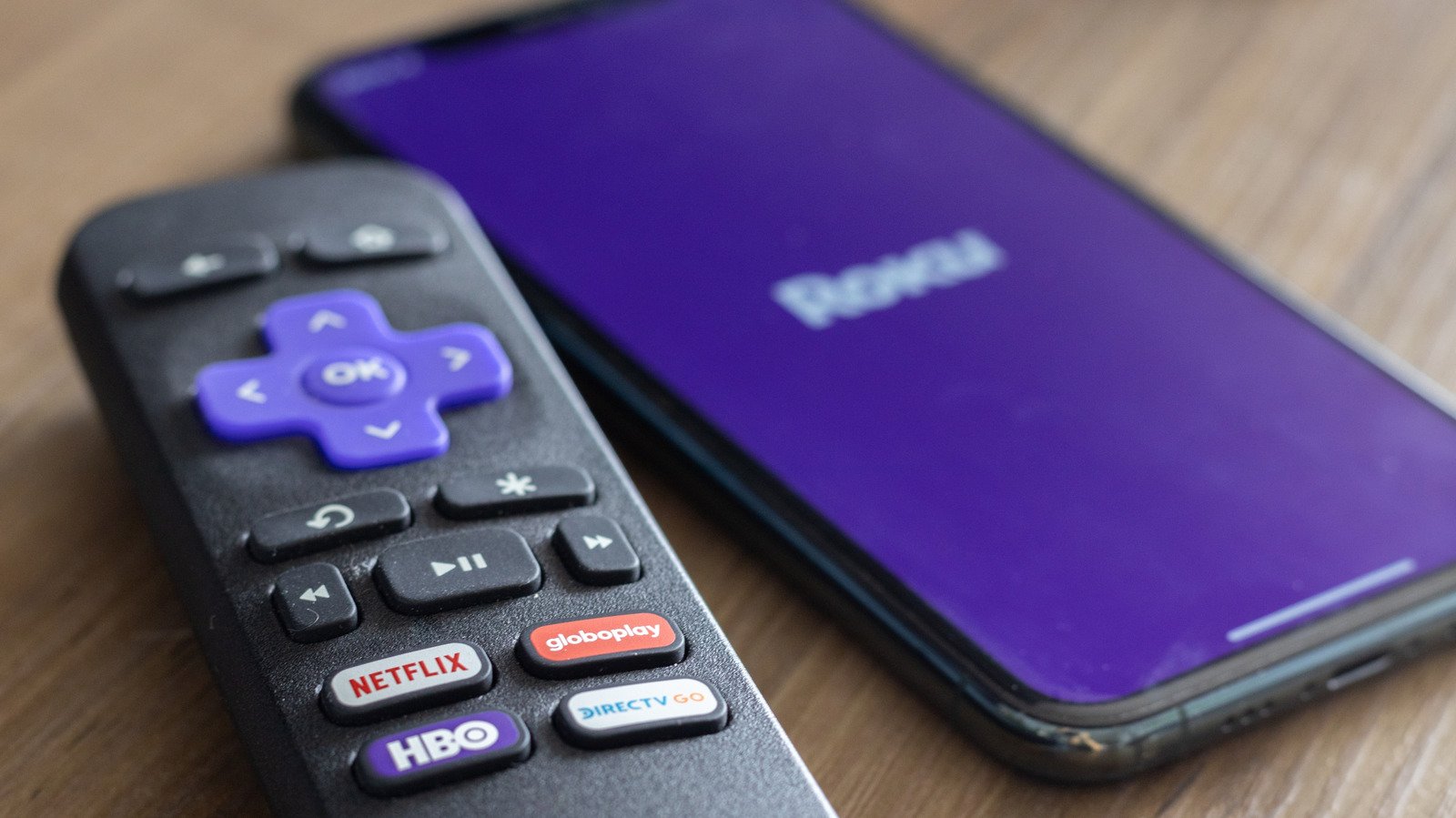
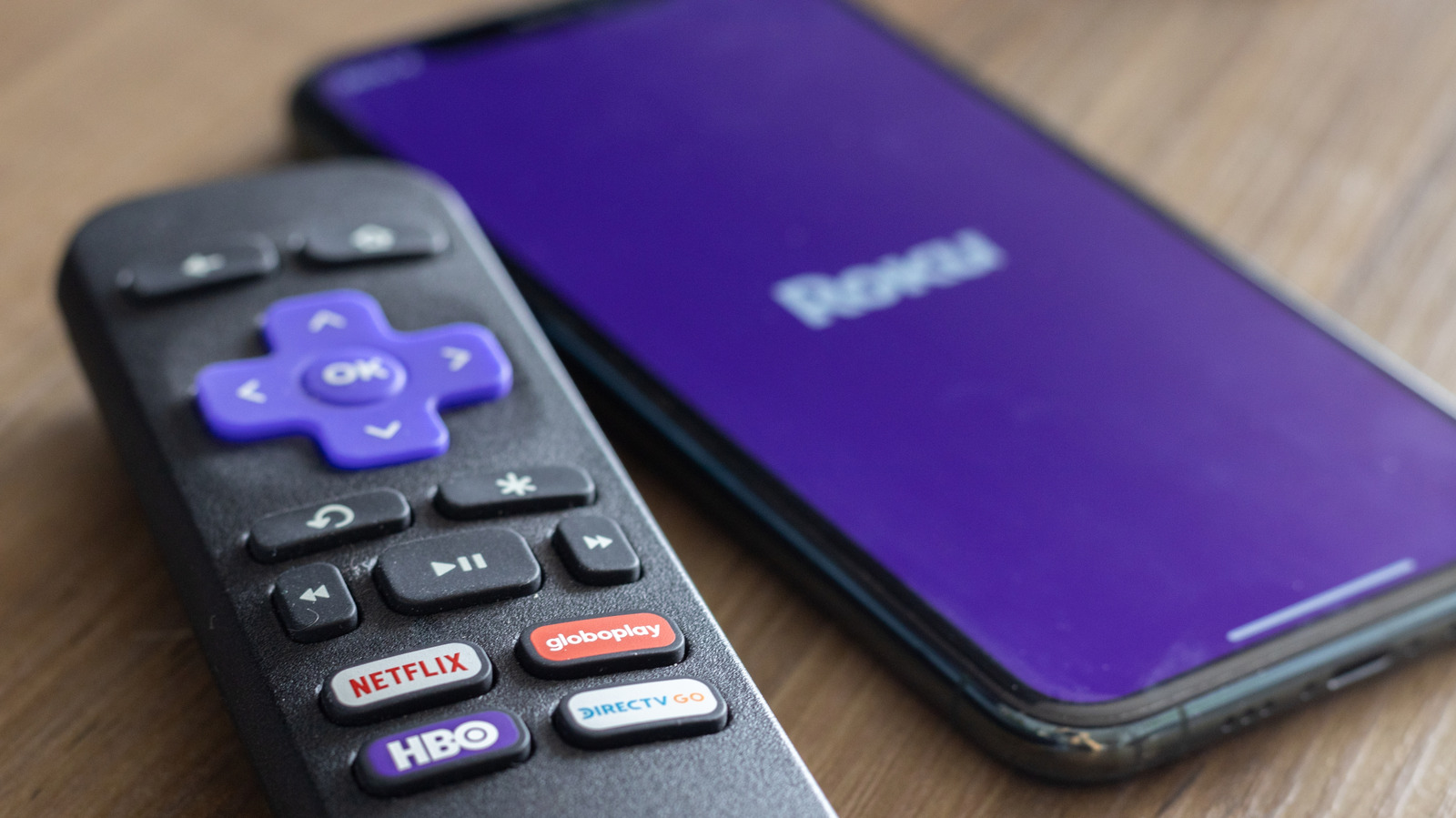
The most useful of Roku’s secret menus is its developer menu, which allows you to tap into your device’s Developer Settings menu. Here, you can access your Roku’s developer installer and manage your developer account. In doing so, you can also sideload custom applications and explore the testing environment. To access your developer menu, press Home × 3 > Up × 2 > Right > Left > Right > Left > Right. 

You can use a similar shortcut to access your Network Settings, where you can check your connection, enter bandwidth saver mode and find your IP and MAC addresses. To do so, hit Home × 5 > Right > Left > Right > Left > Right. Now, if you want to dive deeper into your wireless connection, you can access your Wireless Secret Screen. Here, you can check your signal strength and glitch rate, run speed tests, and reset your network. So if you  start to experience a lagging connection, check your connection by pressing Home × 5 > Up > Down > Up > Down > Up.

Roku allows you to adjust your ad experience via its Secret Screen 2 menu. Here, you can cycle through your Roku’s image service, screenshot output format and ad channels. This is also where you can adjust your screenshot output settings. Accessing your Secret Screen 2 is easy. Just press Home × 5 > Up > Right > Down > Left > Up. Critically, you may need to restart your device for ad preferences to change.

Another helpful menu is your Platform Secret Screen, which shows more granular operational information, ranging from your memory usage and remote battery levels to your device’s temperature. Here, you can also find advanced diagnostics, like your IPv6 settings, your remote button usage and your RF remote diagnostics. You can access your platform menu by pressing Home x 5 > Fast Forward > Down > Rewind > Down > Fast Forward. 

Similarly, you can go into the weeds of your Roku’s HDMI Settings, where you can adjust inputs, double-check the refresh rate and keep tabs on resolution performance. You can check out this HDMI screen by pressing Home x 5> Down > Left > Up > Up > Up. 

To see what versions of applications like Netflix or Kanopy your Roku is running, visit the Channel Info Menu. This menu is also helpful if you need to troubleshoot, uninstall or reboot one of your Roku apps. To visit the Channel Info menu, simply hit Home x 3 > Up x 2 > Left > Right > Left > Right > Left.

While most of these screens help you tap into your Roku’s settings, the most important may be your device’s reset and update screen. By pressing Home x 5 > Fast Forward x 3 > Rewind x 2, you can access a secret screen that allows you to initiate a factory reset of your Roku device. Such resets are particularly useful if your streaming apps consistently crash, your startup screen freezes or you begin experiencing software glitches. Moreover, you can also initiate software updates and test your USB port. If you’d rather initiate a restart more directly, simply press Home × 5 > Up > Rewind × 2 > Fast Forward × 2 to immediately reboot your device.



Source_link

READ ALSO

Here’s Samsung’s Advice for Apple and Its Upcoming Folding iPhone

Stoke Space raises another billion to rival SpaceX at re-flying rockets

Related Posts

Here’s Samsung’s Advice for Apple and Its Upcoming Folding iPhone
Technology And Software

Here’s Samsung’s Advice for Apple and Its Upcoming Folding iPhone

September 8, 2026
Stoke Space raises another billion to rival SpaceX at re-flying rockets
Technology And Software

Stoke Space raises another billion to rival SpaceX at re-flying rockets

September 8, 2026
The AI visibility gap: Why great brands disappear from AI answers
Technology And Software

The AI visibility gap: Why great brands disappear from AI answers

September 8, 2026
Data center backlash: How Texas and other states reversed course
Technology And Software

Data center backlash: How Texas and other states reversed course

September 8, 2026
Capcom Is Reviving More Dormant Franchises After The Success Of Onimusha: Way Of The Sword
Technology And Software

Capcom Is Reviving More Dormant Franchises After The Success Of Onimusha: Way Of The Sword

September 7, 2026
The 57 Best Deals From the REI Labor Day Sale
Technology And Software

The 57 Best Deals From the REI Labor Day Sale

September 7, 2026

POPULAR NEWS

Trump ends trade talks with Canada over a digital services tax

Trump ends trade talks with Canada over a digital services tax

June 28, 2025
15 Trending Songs on TikTok in 2025 (+ How to Use Them)

15 Trending Songs on TikTok in 2025 (+ How to Use Them)

June 18, 2025
Communication Effectiveness Skills For Business Leaders

Communication Effectiveness Skills For Business Leaders

June 10, 2025
Comparing the Top 7 Large Language Models LLMs/Systems for Coding in 2025

Comparing the Top 7 Large Language Models LLMs/Systems for Coding in 2025

November 4, 2025
App Development Cost in Singapore: Pricing Breakdown & Insights

App Development Cost in Singapore: Pricing Breakdown & Insights

June 22, 2025

EDITOR'S PICK

Experiential Marketing Trend of the Week: Red-Carpet Premieres

Experiential Marketing Trend of the Week: Red-Carpet Premieres

March 3, 2026
Short-Form Video Strategy for AI-Curated Feeds

Short-Form Video Strategy for AI-Curated Feeds

August 17, 2026
What Happens When You Turn 800 Years of History Into a Sonic Brand Identity? Leffe Shows Us

What Happens When You Turn 800 Years of History Into a Sonic Brand Identity? Leffe Shows Us

July 19, 2025
Celebrating the Season & Shaping the Future: Key Insights from The Latinas In Beauty x 5W Panel

Celebrating the Season & Shaping the Future: Key Insights from The Latinas In Beauty x 5W Panel

December 13, 2025

About

We bring you the best Premium WordPress Themes that perfect for news, magazine, personal blog, etc. Check our landing page for details.

Follow us

Categories

  • Account Based Marketing
  • Ad Management
  • Al, Analytics and Automation
  • Brand Management
  • Channel Marketing
  • Digital Marketing
  • Direct Marketing
  • Event Management
  • Google Marketing
  • Marketing Attribution and Consulting
  • Marketing Automation
  • Mobile Marketing
  • PR Solutions
  • Social Media Management
  • Technology And Software
  • Uncategorized

Recent Posts

  • What Is Roku’s Secret Menu And How Do You Unlock It?
  • Mucca makes New York supermarket company Fairway’s everyday essentials anything but basic
  • Missouri partners with Google for statewide AI training
  • How B2B Influencer Marketing Powers Full-Funnel Content Strategy – TopRank® Marketing
  • About Us
  • Disclaimer
  • Contact Us
  • Privacy Policy
No Result
View All Result
  • Technology And Software
    • Account Based Marketing
    • Channel Marketing
    • Marketing Automation
      • Al, Analytics and Automation
      • Ad Management
  • Digital Marketing
    • Social Media Management
    • Google Marketing
  • Direct Marketing
    • Brand Management
    • Marketing Attribution and Consulting
  • Mobile Marketing
  • Event Management
  • PR Solutions