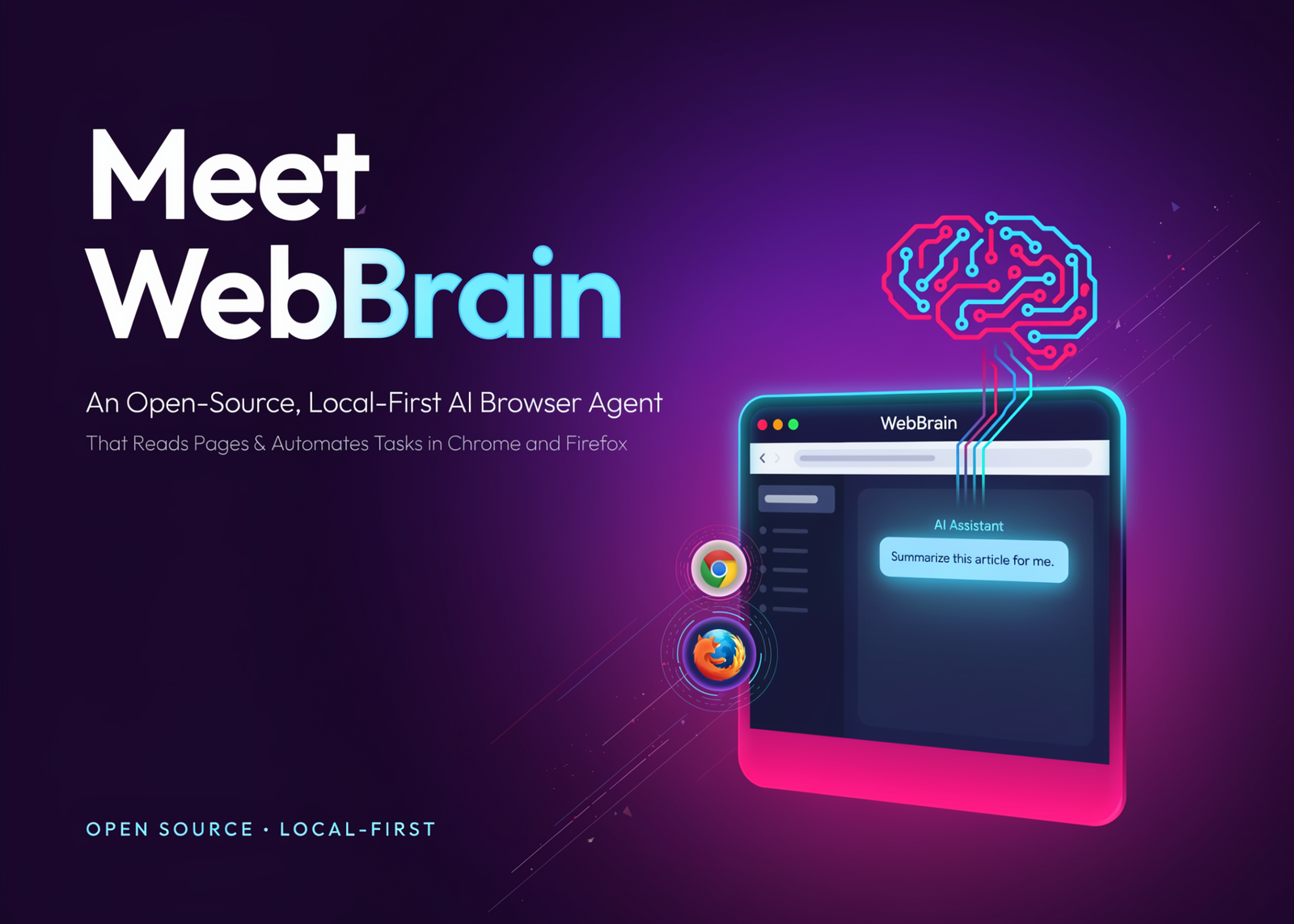
WebBrain is a free, open-source browser agent for Chrome and Firefox. It reads pages, extracts data, and automates multi-step tasks. Unlike most browser AI plugins, it can also run entirely on a local model.
It is built by Emre Sokullu and licensed under MIT. The full source lives on GitHub.
Run the agent against a local model, and no page data leaves your machine. Connect a cloud API when you want more capability.
What is WebBrain?
WebBrain lives in your browser’s side panel. In Chrome it uses Manifest V3 and the sidePanel API. In Firefox it uses Manifest V2 and sidebar_action. Each tab keeps its own conversation history.
The extension operates inside your existing authenticated session. It sees your logged-in accounts exactly as you do. It stores no data externally and adds no telemetry or accounts.
The plugin ships in English, Español, Français, Türkçe, and 中文. It auto-detects your browser language on first launch.
Ask Mode, Act Mode, and How Actions Actually Fire
WebBrain has two modes: Ask mode is read-only and cannot change the page. Act mode can click, type, scroll, navigate, and run workflows.
Ask mode reads pages through ordinary content scripts. Act mode is different. It drives the page through the Chrome DevTools Protocol via the chrome.debugger API. That produces trusted input events that modern sites actually honor. It also reaches cross-origin iframes and shadow DOM that content scripts cannot see.
That power is scoped deliberately. WebBrain attaches the debugger only when an action needs it, per tab. Chrome surfaces its standard ‘WebBrain started debugging this browser’ banner while attached. Firefox has no CDP equivalent, so its Act mode is meaningfully weaker.
Temperatures are fixed for predictability. Act mode uses temperature 0.15. Ask mode uses 0.3. Dedicated vision screenshot descriptions use 0.
The Security Model
Browser agents run on an adversarial surface. Web pages can hide prompt injections that hijack an agent’s behavior. WebBrain’s design addresses this directly.
The agent starts in read-only Ask mode. It asks before consequential actions. You can disable those prompts in the Permissions settings. They are on by default.
There is also a UI-first rule for mutations. For anything that creates, sends, submits, or buys, WebBrain uses the visible UI. It refuses to call REST or GraphQL endpoints directly for mutations. A per-conversation /allow-api override exists when the UI genuinely fails.
Reading is treated separately. Fetching a README or comparing prices uses background HTTP through the fetch_url and research_url tools. Reading changes nothing remotely, so the strict rules do not apply.
Use Cases, With Concrete Examples
- Data extraction is the obvious one: Open a catalog and ask: ‘Extract all product names and prices from this page.’ The agent reads the structure and returns rows. It also works with PDFs.
- Research summaries are another: Ask ‘Summarize this article,’ then follow up with a specific question. WebBrain detects paywalls honestly and does not try to bypass them. It also dismisses common cookie-consent banners before reading.
- Form filling suits repetitive signups: An optional Profile auto-fill stores a short bio in local plaintext. That text is sent to your configured LLM to complete low-stakes forms. Keep important passwords out of it.
- Automation spans multiple steps: Try ‘Navigate to github.com and find trending repositories.’ In Act mode, the agent chains navigation, reads, and clicks.
Keeping Token Costs Down
Cloud tokens add up on long sessions. WebBrain bounds the cost in three ways.
- Screenshots are resized and iteratively JPEG-compressed before they leave your machine. That keeps image tokens small.
- Conversation history and tool outputs are trimmed oldest-first as the context window fills.
- You can also pair a cheap text model for planning with a separate vision model for screenshots.
How It Compares
WebBrain sits between browser AI plugins and full agent frameworks. Here is the plugin comparison, drawn from the project’s own documentation.
| Feature | WebBrain | Claude in Chrome |
|---|---|---|
| Open source | MIT License | Proprietary |
| Price | Free forever | Requires Claude Pro ($20/mo) |
| Local LLM support | llama.cpp, Ollama | No — Claude only |
| Multi-provider | All OpenAI-compatible endpoints | Claude only |
| Chrome | Yes (MV3) | Yes |
| Firefox | Yes (MV2) | No |
| Side panel UI | Yes | Yes |
| Ask / Act modes | Yes | Similar |
| Fully offline | Yes (with local LLM) | No — cloud required |
| Self-hostable | Yes | No |
Frameworks like OpenClaw or Browser-Use are a different category. Those are developer SDKs for headless pipelines. WebBrain is an end-user extension you drive from a chat panel. You can use both.
Running It: Providers and Setup
WebBrain supports local and cloud models through one interface. Local options include llama.cpp, Ollama, LM Studio, Jan, vLLM, and SGLang. Cloud options include OpenAI, Anthropic Claude, Gemini, Mistral, DeepSeek, and xAI Grok. It also supports Groq, MiniMax, Alibaba Cloud (Qwen), Nvidia NIM, and OpenRouter.
A built-in managed option, WebBrain Cloud, needs no local setup. It costs $5 per month per device profile under a fair-use policy. For local use, llama.cpp needs no API key.
Starting a local server takes one command:
# llama.cpp — load at least a 16k-token context window
llama-server -m your-model.gguf -c 16384 --port 8080

# Ollama (OpenAI-compatible) — set the extension-origin env var
OLLAMA_ORIGINS="*" ollama serve
# then set the base URL to http://localhost:11434/v1 in settings
Point WebBrain at the endpoint in settings. For a cross-machine vLLM server, enable CORS with –allowed-origins ‘[“*”]’.
The recommended model is Qwen 3.6 35B (Qwen3.6-35B-A3B). It beat Gemma 4 on the project’s screenshot benchmark. An RTX 5090 is ideal; an RTX 4090 works with INT4 AutoRound quantization.
Each provider is a class that extends BaseLLMProvider. It normalizes to one response shape:
{ content: string, toolCalls: Array|null, usage: Object|null }Key Takeaways
- WebBrain is a free, MIT-licensed AI browser agent for Chrome and Firefox, built by Emre Sokullu.
- It runs on local models (llama.cpp, Ollama; Qwen 3.6 35B recommended) or any cloud API — no page data leaves your machine when local.
- Ask mode reads pages read-only; Act mode clicks and types via the Chrome DevTools Protocol for trusted input events.
- Security-first by design: starts read-only, approves consequential actions, and uses the UI instead of direct API calls for mutations.
- Free forever self-hosted, or $5/month per device profile for the managed WebBrain Cloud under fair use.
Interactive Explainer with Demo
Demo-1
Demo-2
WebBrain is available on the Chrome Web Store, Firefox Add-ons, and GitHub. Product details at webbrain website.
Note:Thanks to the Webbrain team for the thought leadership/ Resources for this article. Webbrain team has supported this content/article for promotion.