Scheduling is what Buffer is known for, and fair enough. But there’s way more going on under the hood!
Buffer has grown into a pretty comprehensive toolkit over the past few years, and some of the newer features (some of my personal favorites) are super useful in ways that go well beyond the queue.
Here’s what else it can do.
If you’ve ever posted something, disappeared, and come back three days later to a pile of unanswered comments, this one’s for you.
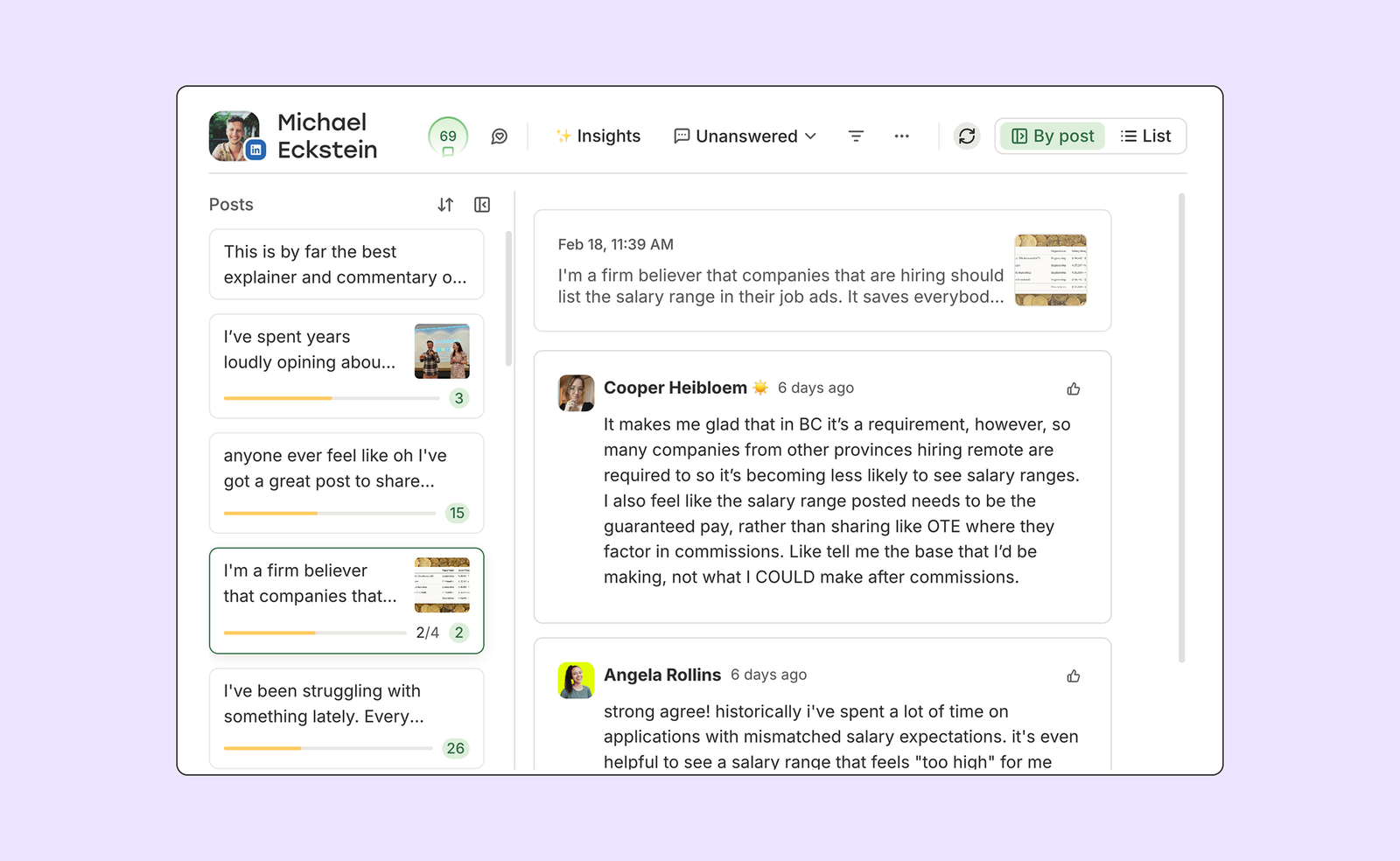
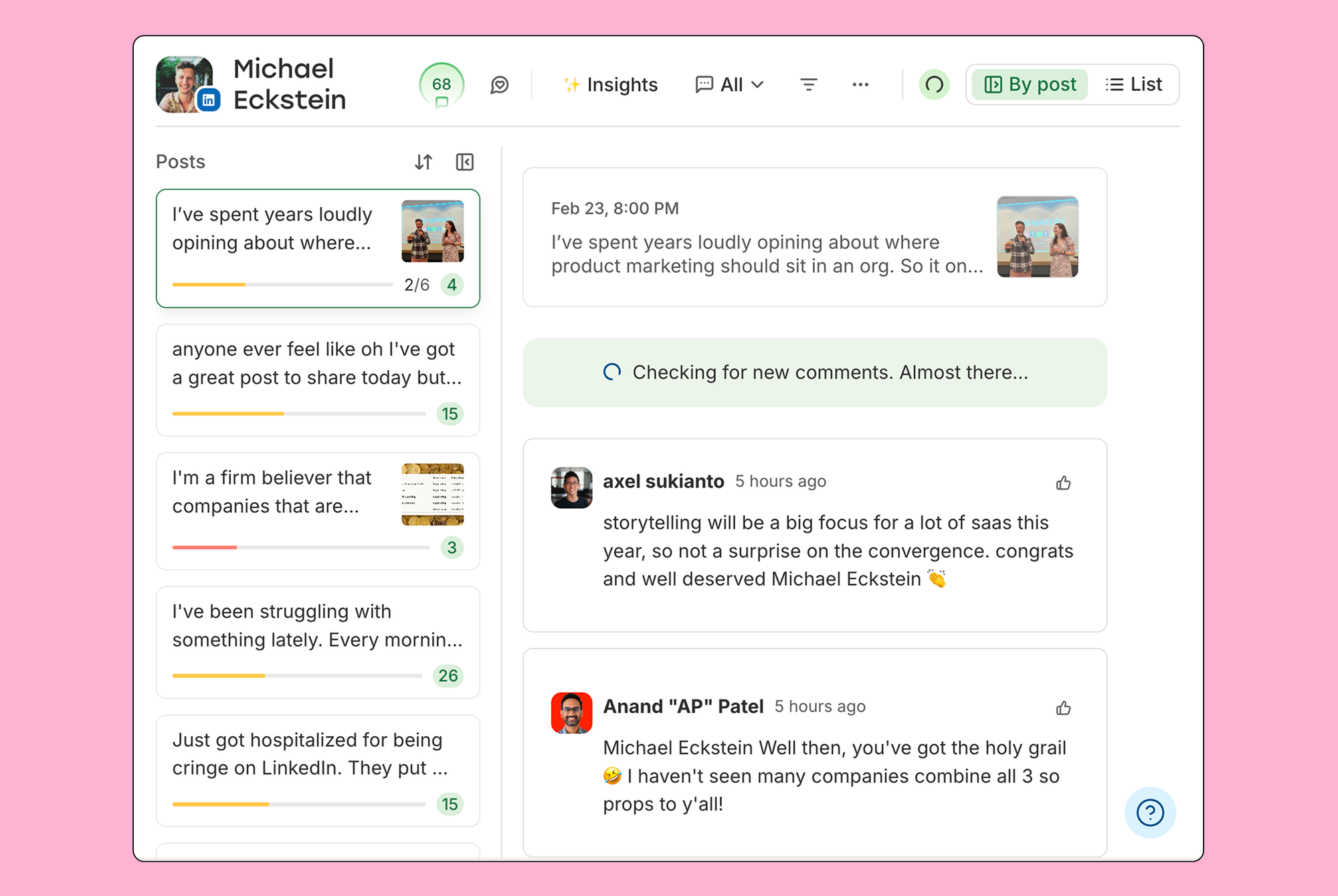
Community is Buffer’s unified comment inbox. It pulls in comments from Instagram, Facebook, LinkedIn, Threads, Bluesky, and X, so you can see and reply to everything without bouncing between apps. You can filter by what needs attention, mark things as done, and even turn a good comment thread into a new post right from the dashboard.
Google Business Profile reviews are now in Community too, which is a big deal for small businesses. Replying to reviews is one of the easier wins for local SEO and reputation management, and having it sit alongside everything else makes it a lot harder to let slip. TikTok, Mastodon, and YouTube are coming to Community soon as well.
We call it the “don’t post and ghost” feature, and it’s available on the free plan, so there’s no reason not to try it.
See what’s trending on Threads while you write
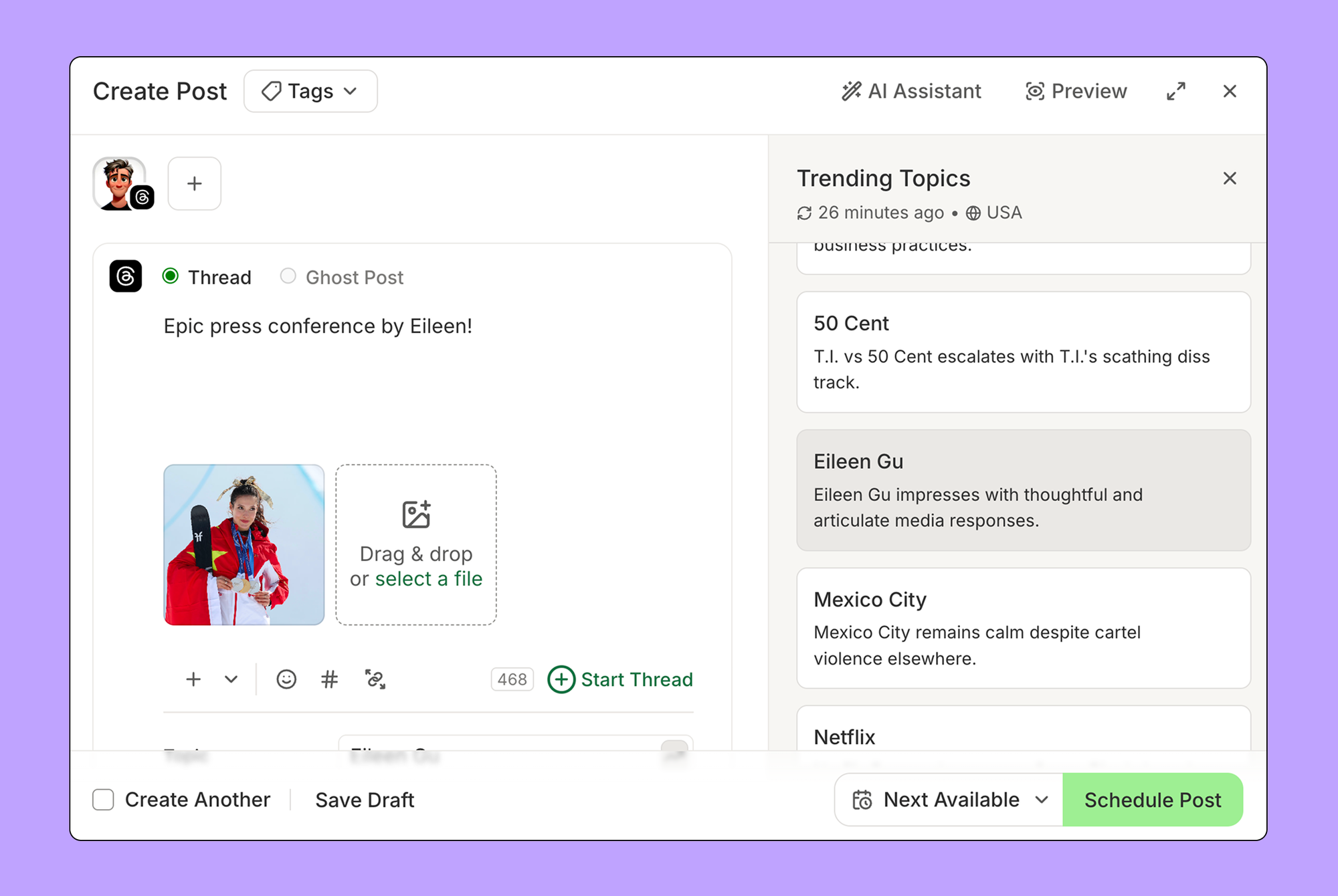
Threads moves fast. A topic spikes, everyone piles in, and if you blink, you’ve missed it.
Trending Topics brings real-time trending Threads conversations directly into Buffer’s composer. You can see what’s going off right now, browse actual posts from the conversation to get context, and jump in with your take, all without leaving Buffer to go hunting.
One handy detail: Threads only shows trending topics natively to users in the US and Japan. Through Buffer’s API access, anyone, anywhere can see them. It’s available on all plans, including free.
Find out what’s actually working with analytics
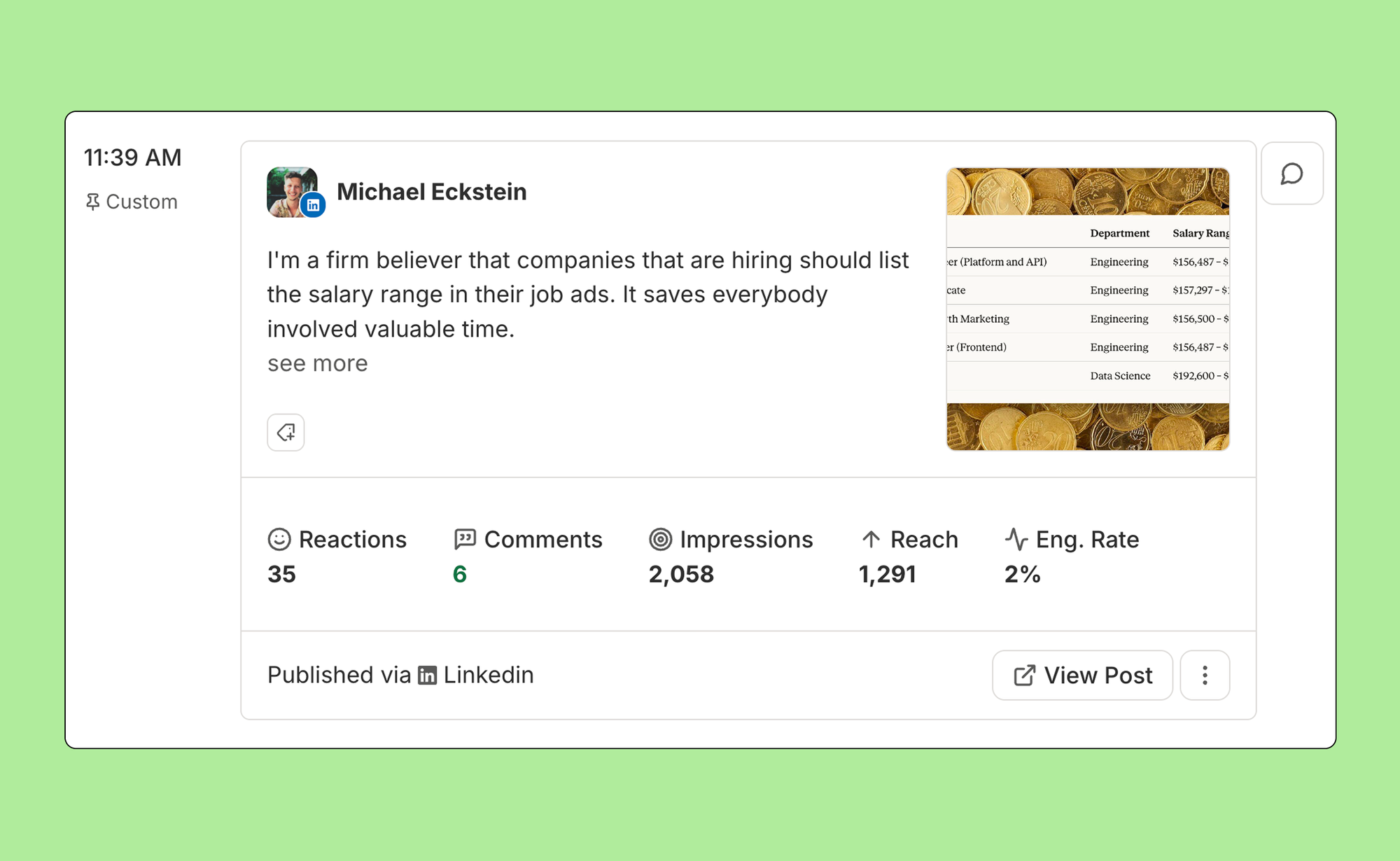
There’s not much point in posting consistently if you don’t know whether any of it’s landing.
Once you connect a channel to Buffer, analytics populate straight away, including up to six months of historic data, so you’re not staring at a blank dashboard waiting to build history. You can track likes, comments, reach, impressions, and engagement rate across all your connected accounts from one place.
A couple of recent updates worth knowing about: Buffer partnered with LinkedIn to expand Personal Profile Analytics, which now includes views, watch time, and engagement rate alongside the standard metrics, all inside the Sent Posts tab. And X analytics are now on the free plan too, after a long stint being gated behind paid tiers.
If you want to go deeper, professional reports let you pull data across multiple channels and set your own cadence. Really useful if you’re reporting to clients or just want a cleaner view of how things are going.
Actually stick to a posting schedule with Streaks and Posting Goals
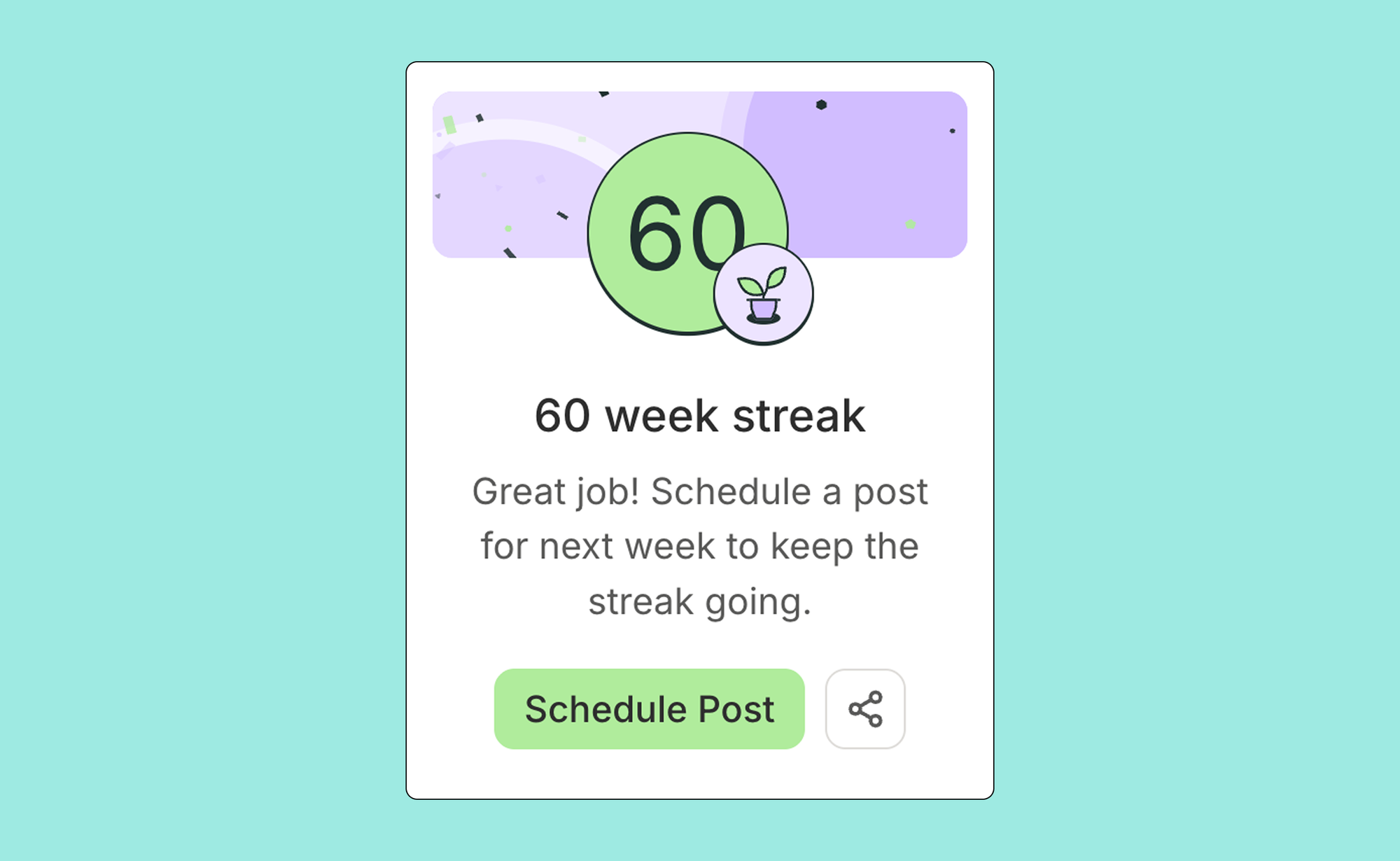
Buffer’s own data is pretty clear on this: creators who post every single week get dramatically better results than those who go hard for a bit and then fall off. Consistency is what compounds.
To make that easier, we built a couple of features around the habit itself. Posting Goals let you set weekly targets per channel, so you have something concrete to aim for. Streaks track how many consecutive weeks you’ve hit your goal and send you a nudge when you’re about to break one. (More motivating than it sounds, I promise!)
And if you hit a milestone worth celebrating, Share Your Streak generates a ready-to-post graphic.
Capture ideas before they disappear
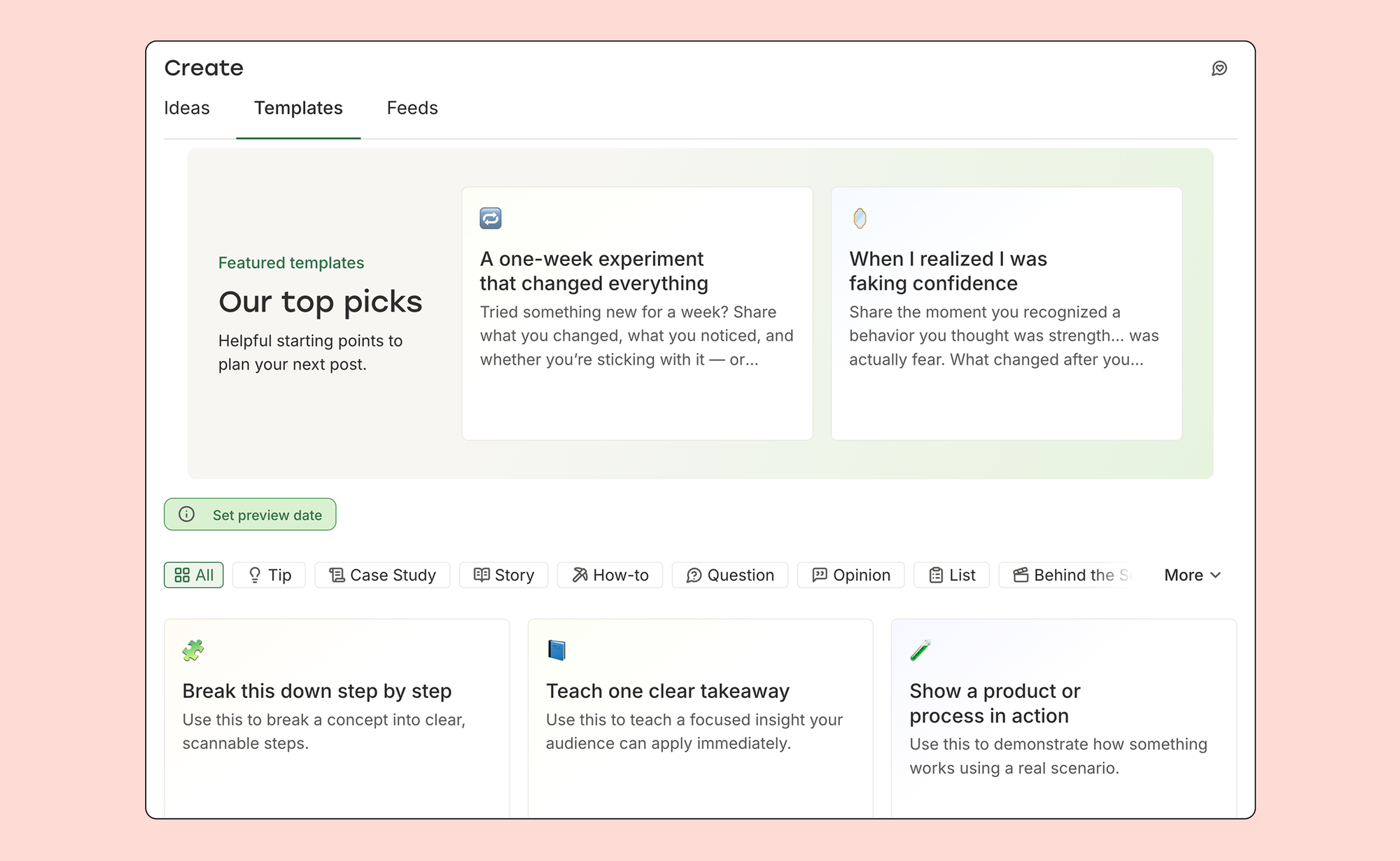
Good content ideas have a habit of showing up at the worst times. Ideas is Buffer’s built-in capture tool, available from the mobile app, the browser extension, or directly in the dashboard, so nothing gets lost in a half-forgotten voice memo.
From there, the AI Assistant can help develop a rough idea into a full draft, repurpose something that did well into a different format, or write platform-specific variations of the same post. And if you ever open the composer and draw a complete blank, the Template Library has writing prompts organised by post type to help you get unstuck.
More fun things worth knowing about
Bulk scheduling via CSV — you can now import up to 100 posts at once from a spreadsheet. If you batch your content in Google Sheets, this will save you a lot of clicking.
Channel Groups — save sets of channels and publish to all of them at once. Less repetitive, same result.
Instagram Grid Preview — now on all plans, so you can see how a new post will look in your grid before it goes live. No more posting something and immediately regretting where it lands.
Feeds — pulls content from RSS sources, blogs, and YouTube channels directly into Buffer. Great for curation, or just keeping tabs on what others in your space are putting out.
Tags — organise posts by campaign, content type, or whatever system works for how you plan. Useful for tracking performance across a theme or checking whether a particular content series is pulling its weight.
Dark mode — Enable it in Settings or let your system preferences handle it.
From your first post to your full team
Buffer is built to work for you wherever you’re at, whether you’re just getting started, growing an audience on your own, or managing content across a whole team. Most of what’s in this post is available from day one, on the free plan.
The idea is that you shouldn’t have to start over with a new tool every time your situation changes. Buffer grows with you.
If you haven’t tried these features yet, Community is a great place to start. Connect your channels, get your comments in one place, and go from there!