In this article, you will learn how to implement state-managed interruptions in LangGraph so an agent workflow can pause for human approval before resuming execution.
Topics we will cover include:
- What state-managed interruptions are and why they matter in agentic AI systems.
- How to define a simple LangGraph workflow with a shared agent state and executable nodes.
- How to pause execution, update the saved state with human approval, and resume the workflow.
Read on for all the info.
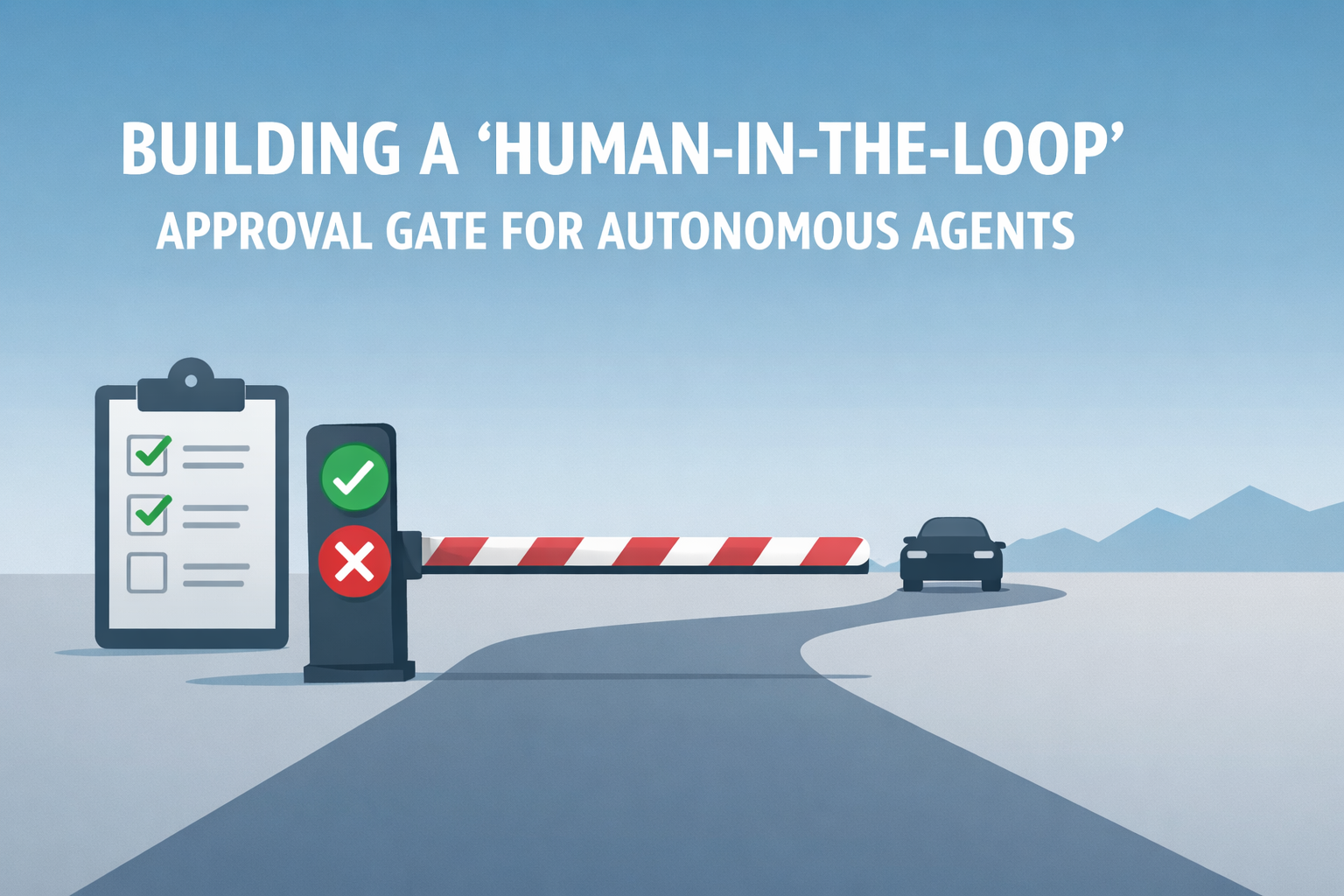
Building a ‘Human-in-the-Loop’ Approval Gate for Autonomous Agents
Image by Editor
Introduction
In agentic AI systems, when an agent’s execution pipeline is intentionally halted, we have what is known as a state-managed interruption. Just like a saved video game, the “state” of a paused agent — its active variables, context, memory, and planned actions — is persistently saved, with the agent placed in a sleep or waiting state until an external trigger resumes its execution.
The significance of state-managed interruptions has grown alongside progress in highly autonomous, agent-based AI applications for several reasons. Not only do they act as effective safety guardrails to recover from otherwise irreversible actions in high-stakes settings, but they also enable human-in-the-loop approval and correction. A human supervisor can reconfigure the state of a paused agent and prevent undesired consequences before actions are carried out based on an incorrect response.
LangGraph, an open-source library for building stateful large language model (LLM) applications, supports agent-based workflows with human-in-the-loop mechanisms and state-managed interruptions, thereby improving robustness against errors.
This article brings all of these elements together and shows, step by step, how to implement state-managed interruptions using LangGraph in Python under a human-in-the-loop approach. While most of the example processes defined below are meant to be automated by an agent, we will also show how to make the workflow stop at a key point where human review is needed before execution resumes.
Step-by-Step Guide
First, we pip install langgraph and make the necessary imports for this practical example:
|
from typing import TypedDict from langgraph.graph import StateGraph, END from langgraph.checkpoint.memory import MemorySaver |
Notice that one of the imported classes is named StateGraph. LangGraph uses state graphs to model cyclic, complex workflows that involve agents. There are states representing the system’s shared memory (a.k.a. the data payload) and nodes representing actions that define the execution logic used to update this state. Both states and nodes need to be explicitly defined and checkpointed. Let’s do that now.
|
class AgentState(TypedDict): draft: str approved: bool sent: bool |
The agent state is structured similarly to a Python dictionary because it inherits from TypedDict. The state acts like our “save file” as it is passed between nodes.
Regarding nodes, we will define two of them, each representing an action: drafting an email and sending it.
|
def draft_node(state: AgentState): print(“[Agent]: Drafting the email…”) # The agent builds a draft and updates the state return {“draft”: “Hello! Your server update is ready to be deployed.”, “approved”: False, “sent”: False}
def send_node(state: AgentState): print(f“[Agent]: Waking back up! Checking approval status…”) if state.get(“approved”): print(“[System]: SENDING EMAIL ->”, state[“draft”]) return {“sent”: True} else: print(“[System]: Draft was rejected. Email aborted.”) return {“sent”: False} |
The draft_node() function simulates an agent action that drafts an email. To make the agent perform a real action, you would replace the print() statements that simulate the behavior with actual instructions that execute it. The key detail to notice here is the object returned by the function: a dictionary whose fields match those in the agent state class we defined earlier.
Meanwhile, the send_node() function simulates the action of sending the email. But there is a catch: the core logic for the human-in-the-loop mechanism lives here, specifically in the check on the approved status. Only if the approved field has been set to True — by a human, as we will see, or by a simulated human intervention — is the email actually sent. Once again, the actions are simulated through simple print() statements for the sake of simplicity, keeping the focus on the state-managed interruption mechanism.
What else do we need? An agent workflow is described by a graph with multiple connected states. Let’s define a simple, linear sequence of actions as follows:
|
workflow = StateGraph(AgentState)
# Adding action nodes workflow.add_node(“draft_message”, draft_node) workflow.add_node(“send_message”, send_node)
# Connecting nodes through edges: Start -> Draft -> Send -> End workflow.set_entry_point(“draft_message”) workflow.add_edge(“draft_message”, “send_message”) workflow.add_edge(“send_message”, END) |
To implement the database-like mechanism that saves the agent state, and to introduce the state-managed interruption when the agent is about to send a message, we use this code:
|
# MemorySaver is like our “database” for saving states memory = MemorySaver()
# THIS IS A KEY PART OF OUR PROGRAM: telling the agent to pause before sending app = workflow.compile( checkpointer=memory, interrupt_before=[“send_message”] ) |
Now comes the real action. We will execute the action graph defined a few moments ago. Notice below that a thread ID is used so the memory can keep track of the workflow state across executions.
|
config = {“configurable”: {“thread_id”: “demo-thread-1”}} initial_state = {“draft”: “”, “approved”: False, “sent”: False}
print(“\n— RUNNING INITIAL GRAPH —“) # The graph will run ‘draft_node’, then hit the breakpoint and pause. for event in app.stream(initial_state, config): pass |
Next comes the human-in-the-loop moment, where the flow is paused and human approval is simulated by setting approved to True:
|
print(“\n— GRAPH PAUSED —“) current_state = app.get_state(config) print(f“Next node to execute: {current_state.next}”) # Should show ‘send_message’ print(f“Current Draft: ‘{current_state.values[‘draft’]}'”)
# Simulating a human reviewing and approving the email draft print(“\n [Human]: Reviewing draft… Looks good. Approving!”)
# IMPORTANT: the state is updated with the human’s decision app.update_state(config, {“approved”: True}) |
This resumes the graph and completes execution.
|
print(“\n— RESUMING GRAPH —“) # We pass ‘None’, as the input tells the graph to just resume where it left off for event in app.stream(None, config): pass
print(“\n— FINAL STATE —“) print(app.get_state(config).values) |
The overall output printed by this simulated workflow should look like this:
|
—– RUNNING INITIAL GRAPH —– [Agent]: Drafting the email...
—– GRAPH PAUSED —– Next node to execute: (‘send_message’,) Current Draft: ‘Hello! Your server update is ready to be deployed.’
[Human]: Reviewing draft... Looks good. Approving!
—– RESUMING GRAPH —– [Agent]: Waking back up! Checking approval status... [System]: SENDING EMAIL -> Hello! Your server update is ready to be deployed.
—– FINAL STATE —– {‘draft’: ‘Hello! Your server update is ready to be deployed.’, ‘approved’: True, ‘sent’: True} |
Wrapping Up
This article illustrated how to implement state-managed interruptions in agent-based workflows by introducing human-in-the-loop mechanisms — an important capability in critical, high-stakes scenarios where full autonomy may not be desirable. We used LangGraph, a powerful library for building agent-driven LLM applications, to simulate a workflow governed by these rules.