[ad_1]
In this article, you will learn how to implement a context pruning pipeline for long-running AI agents, enabling them to manage conversational memory efficiently through semantic similarity.
Topics we will cover include:
- Why unbounded conversation history is a problem for agents built on top of large language models, and what a context pruning strategy looks like.
- How to use sentence transformer embedding models to compute semantic similarity between a current prompt and archived conversation turns.
- How to assemble a pruned context window from the most recent turn, the top-K semantically relevant past turns, and the current prompt.
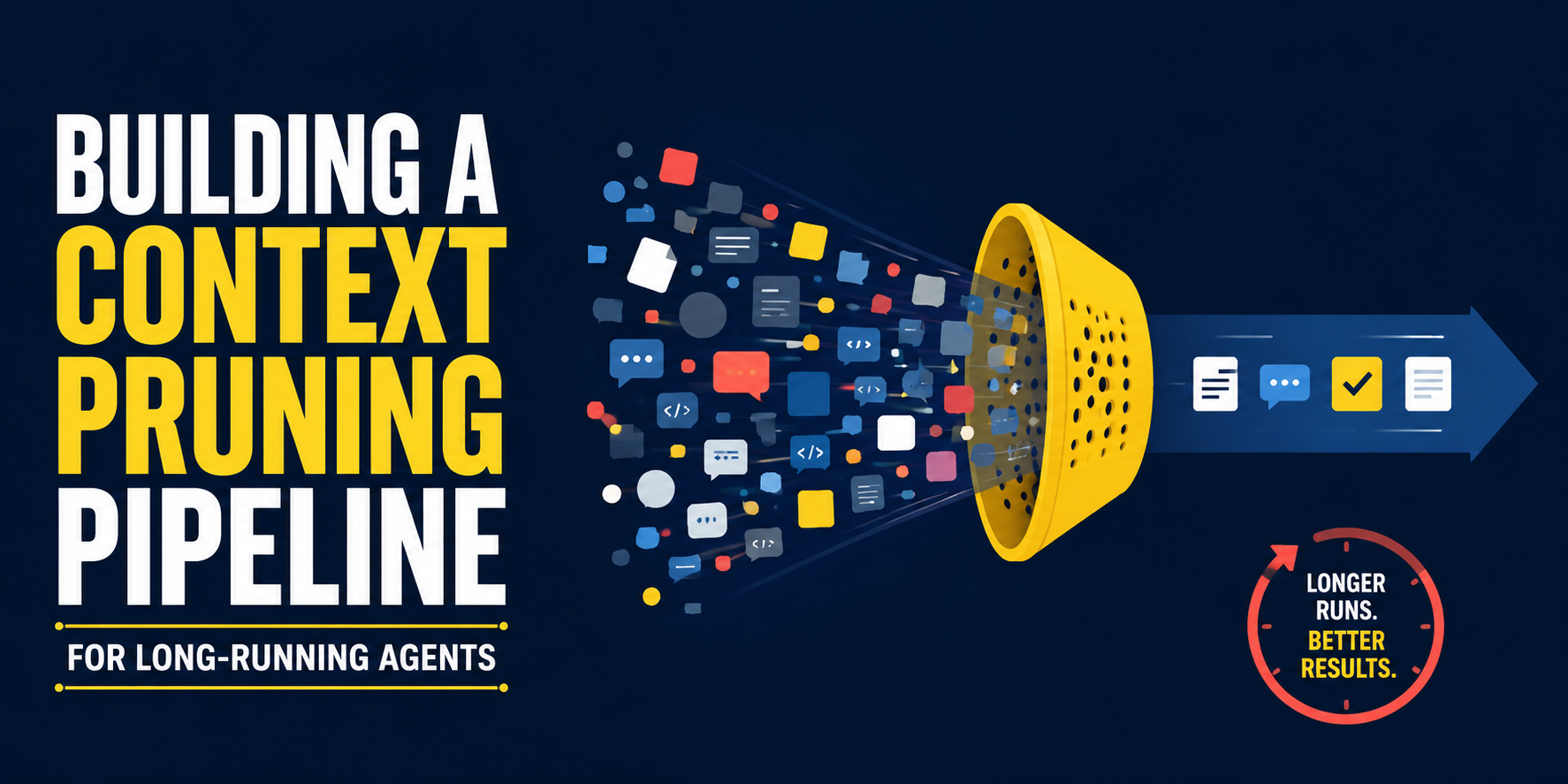
Building a Context Pruning Pipeline for Long-Running Agents
Introduction
Modern AI agents built on top of large language models (LLMs) are designed to run continuously. As a result, their conversation history keeps growing indefinitely. Passing such an entire history as the LLM’s context window is the perfect recipe for prohibitive token costs, latency bottlenecks, and eventual degradation in reasoning.
Building a context pruning pipeline can address this issue by dynamically managing recent conversational memory. This article outlines the basic principles for implementing a context pruning pipeline for long-running agents.
We use an entirely accessible and free-to-run local solution based on open-source embedding models rather than paid APIs, but you can replace them with paid APIs if you want a more efficient solution.
Proposed Memory Strategy
Classical memory strategies in agents rely on a sliding window that forgets old information as it falls behind, including potentially critical details. Moving beyond that approach, it is possible to build a selective, smarter pipeline that gives the LLM precisely what it needs as context.
In essence, the context can be pruned down to the following basic elements:
- The current prompt, containing the user’s request or question.
- The most recent turn, i.e. the immediate previous input-response exchange, which is key to maintaining conversational continuity.
- The top-K semantically relevant matches, calculated based on a similarity score. These are past turns closely related to the current prompt, retrieved through vector embeddings.
Everything in the conversation history that falls outside the scope of these three elements is discarded from the active prompt’s context, saving compute and memory.
Simulation-Based Implementation
Our example implementation simulates the application of the aforementioned strategy, building a context pruning window step by step. Sentence transformer models are used to simulate a long-running pipeline alongside a mocked conversation history.
We start by making the necessary imports:
|
import numpy as np from sentence_transformers import SentenceTransformer from scipy.spatial.distance import cosine |
Next, we load and initialize a pre-trained embedding model — concretely all-MiniLM-L6-v2 from the sentence_transformers library. This model has been trained to transform raw text into embedding vectors that capture semantic characteristics. We also create a simple, simulated agent history containing user-agent interactions (in a real setting, this would be fetched from a database):
|
# Initialize a lightweight open-source embedding model model = SentenceTransformer(‘all-MiniLM-L6-v2’)
# 1. Simulated Agent History (Usually fetched from a database) chat_history = [ {“role”: “user”, “content”: “My name is Alice and I work in logistics.”}, {“role”: “agent”, “content”: “Nice to meet you, Alice. How can I help with logistics?”}, {“role”: “user”, “content”: “What’s the weather like today?”}, {“role”: “agent”, “content”: “It’s sunny and 75 degrees.”}, {“role”: “user”, “content”: “I need help calculating route efficiency for my fleet.”}, {“role”: “agent”, “content”: “Route efficiency involves analyzing distance, traffic, and load weight.”}, {“role”: “user”, “content”: “Thanks, that makes sense.”}, {“role”: “agent”, “content”: “You’re welcome! Let me know if you need anything else.”} ] |
The core logic of the context pruning pipeline comes next. It is encapsulated in a prune_context() function that receives the current prompt, the full interaction history, and the number of semantically relevant past turns to retrieve, k:
|
1 2 3 4 5 6 7 8 9 10 11 12 13 14 15 16 17 18 19 20 21 22 23 24 25 26 27 28 29 30 31 32 33 |
def prune_context(current_prompt, history, top_k=2): # If the conversation history is too short, we simply return it if len(history) <= 2: return history + [{“role”: “user”, “content”: current_prompt}]
# Extracting the most recent turn (last user/agent pair) recent_turn = history[–2:]
# The rest of the history will be eligible for semantic pruning archived_turns = history[:–2]
# 2. Embedding the current prompt prompt_emb = model.encode(current_prompt)
# 3. Embedding archived turns and computing similarities scored_turns = [] for turn in archived_turns: turn_emb = model.encode(turn[“content”]) # We want similarity, so we subtract cosine distance from 1 similarity = 1 – cosine(prompt_emb, turn_emb) scored_turns.append((similarity, turn))
# 4. Sorting by highest similarity and slicing the Top-K turns scored_turns.sort(key=lambda x: x[0], reverse=True) top_semantic_turns = [turn for score, turn in scored_turns[:top_k]]
# Sorting the semantic turns chronologically (optional but recommended for LLMs) top_semantic_turns.sort(key=lambda x: archived_turns.index(x))
# 5. Assemble the final pruned context pruned_context = top_semantic_turns + recent_turn + [{“role”: “user”, “content”: current_prompt}]
return pruned_context |
The above code is largely self-explanatory. It divides the logic into a base case — when the conversation history is still too short, in which case the whole history is passed as context — and a general case, in which the actual semantic pruning pipeline takes place through several steps: embedding past turns, calculating cosine similarities with the current prompt embedding, sorting them from highest to lowest similarity, and picking the top-K past turns. The current prompt, the most recent turn, and the top-K semantically similar past turns are finally assembled into a pruned context.
The following example illustrates how to obtain the context for a new prompt in which the user returns to aspects related to fleet route efficiency:
|
# Simulation Execution current_request = “Can we go back to the fleet math?” optimized_context = prune_context(current_request, chat_history)
# Output the result print(“— PRUNED CONTEXT WINDOW —“) for msg in optimized_context: print(f“{msg[‘role’].upper()}: {msg[‘content’]}”) |
The resulting context window produced by our pruning strategy is shown below:
|
—– PRUNED CONTEXT WINDOW —– USER: I need help calculating route efficiency for my fleet. AGENT: Route efficiency involves analyzing distance, traffic, and load weight. USER: Thanks, that makes sense. AGENT: You‘re welcome! Let me know if you need anything else. USER: Can we go back to the fleet math? |
Note that we used the default value for k, i.e. top_k=2. The last turn, which is always included in our defined pipeline, consists of the message pair:
|
USER: Thanks, that makes sense. AGENT: You‘re welcome! Let me know if you need anything else. |
So why does only one additional user-agent interaction appear before this turn, rather than two? The reason is that the top-k strategy does not operate at the full turn level (i.e. a pair of messages), but at the individual message level. In this case, the two retrieved messages based on similarity happen to form the two halves of the same interaction, but it is equally possible for the two most relevant messages to be both user messages, both agent messages, or simply non-consecutive parts of the chat history.
Wrapping Up
This article demonstrated how to implement a context pruning pipeline — based on a simulated agent conversation history — that relies on semantic similarity to select the most relevant parts of a conversation as context for the current prompt. This is an important technique for long-running agents, helping to reduce memory usage and computation costs while improving overall efficiency.
[ad_2]
Source_link