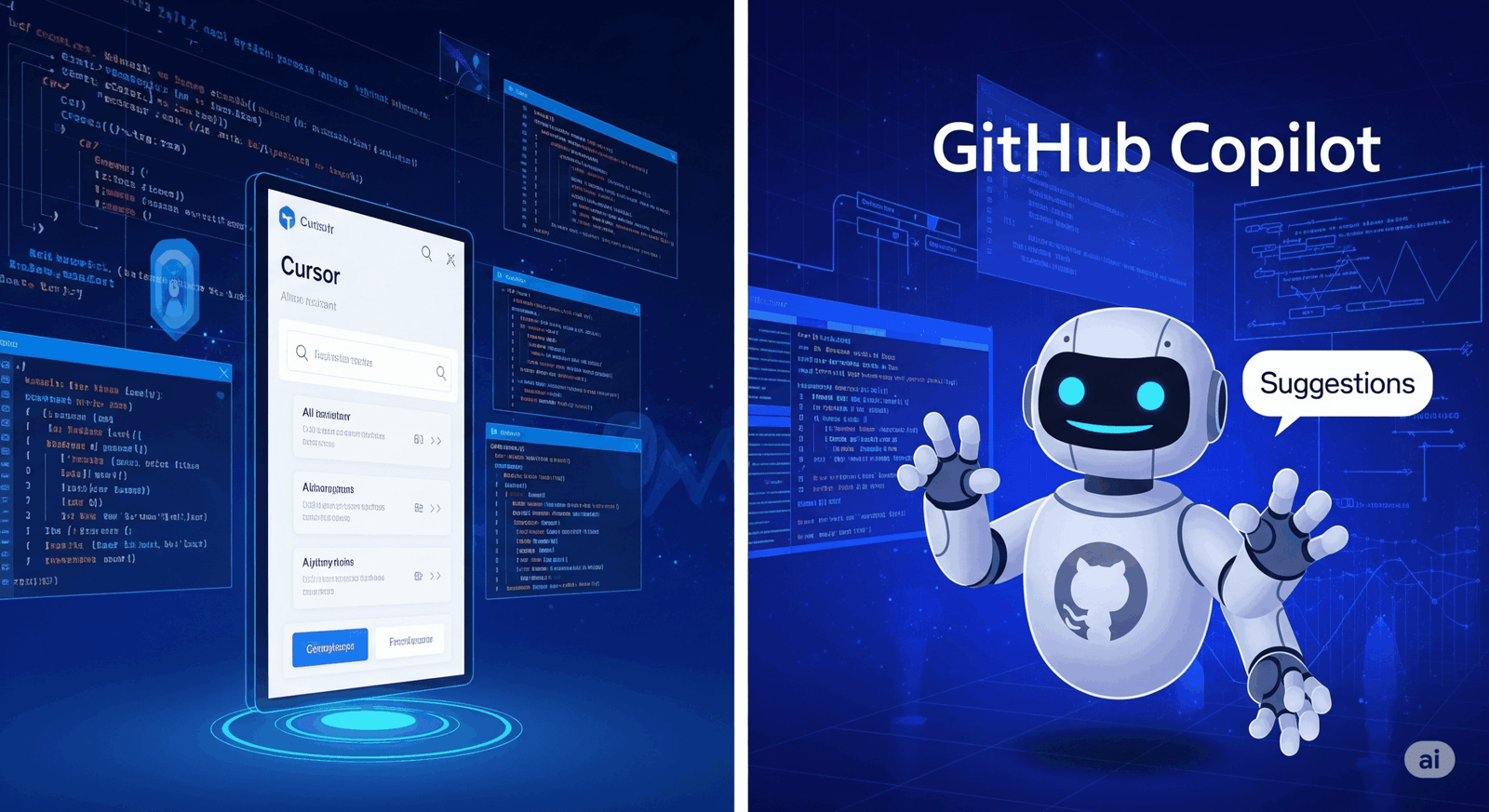
AI has revolutionized how we build software today. AI tools can help developers be more productive. They propose code, handle routine tasks automatically, and simplify the debugging process. Two of the most talked-about tools are Cursor and GitHub Copilot, both designed to enhance the coding experience, yet through distinct approaches. This cursor vs copilot comparison looks at what they do, where they shine, and helps you figure out which one fits your needs better.
Differentiated AI Integration
Cursor and GitHub Copilot both aim to make coding faster, but they work in different ways. Cursor functions as an AI-native code editor, whereas GitHub Copilot operates as an AI assistant that integrates into your existing development environment. Knowing this difference is key to understanding how each one works.
Cursor: The Integrated Editor
Cursor is an AI-driven code editor, not just an AI helper. It builds on Visual Studio Code, offering a familiar feel with integrated AI. The AI becomes a core part of your coding workflow.
GitHub Copilot: The Versatile AI Assistant
GitHub Copilot, made by Microsoft, is an AI coding helper that works with lots of different coding programs. It works with VS Code, Visual Studio, and JetBrains, so you get smart code suggestions and task help no matter what you use. Copilot is an AI that gives you help when you need it, right inside the program you’re already using.
Key Functionality Distinctions
Integrated editors and external assistants differ mainly in their features and how they work. A closer look at Cursor vs Copilot shows key differences.
Project-Wide Contextual Understanding vs. Inline Code Generation:
Cursor: This tool is really good at understanding entire projects. It looks at all the code and how the project is set up. It can also automatically import symbols that were missed. The “Composer” lets you make whole apps just by describing them. It changes code in different files and even code like the rest of the project. For example, it built a simple Next.js app in just 18 minutes.
Copilot: GitHub Copilot is good at suggesting code as you type, looking at what you’re currently working on. It’s especially good at guessing what code comes next and writing small chunks of code for you. It also has “Edits” for changing multiple files, but it can be spotty in how fast and well it works. Copilot offers swift, applicable coding prompts that speed up work on easy tasks.
Tab Completion Capabilities
Cursor: Cursor’s tab completion does more than just give you simple suggestions. It can suggest multiple lines of code, taking into account the whole project.
Copilot: Copilot’s inline suggestions predict code well by learning from common patterns and how you code. However, its primary focus remains on single-line completions, which may require additional manual input for larger code blocks.
AI Agent and Model Flexibility
Cursor: One thing that stands out regarding Cursor is its Agent mode within the Composer. This feature can gather info independently, execute commands, manage files, and intelligently search code. It’s similar to having an assistant with enhanced capabilities. Plus, Cursor lets you pick and link up different AI models like GPT-4o, Claude 3.5 Sonnet, and Gemini 2.0 Flash. It even allows you to add API keys, so that you can customize it.
Copilot: Copilot has an Agent Mode and Next Edit Suggestions that are good for coding jobs with many steps. But its help across a whole project isn’t quite as good as Cursor’s. Copilot uses OpenAI’s Codex (and now GPT-4o, Claude 3.5 Sonnet, and o1 models) but doesn’t let you use your API keys. So, you get a more standard AI experience.
Code Review and Terminal Integration:
Cursor: It spots bugs by scanning code and flagging branch changes, letting you fix them with a single click. There might be a charge for each automated fix you use. Also, Cursor brings its smart AI to the terminal; that way, you can type commands in plain language, and it’ll turn them into terminal actions.
Copilot: Copilot’s code review, which is still newer, gives you suggestions right in the code for changes you’re working on. Plus, it’s got a terminal where you can just type what you want to do, and it’ll run the commands for you.
Resource Consumption
Observations from various users indicate that Cursor might hog more of your computer’s resources than VS Code with Copilot. This is because Cursor tries to really understand your whole project and has AI built right in. So, if you’re working on an older or weaker computer, it’s something to keep in mind.
Pricing Structures
Thinking about the financial side of using either tool is key for people and companies.
- Cursor: Offers a free Hobby tier, a Pro tier priced at $20 per month, and a Business tier at $40 per user per month.
- Copilot: Pro plans start at $10 monthly. Business plans, designed for teams, cost $19 per user each month. Enterprise plans are $39 per user monthly for larger setups.
Copilot offers an easier and cheaper start for pro users, suitable for individual developers or small, budget-minded teams.
Concluding Assessment
Whether Cursor or Copilot is better depends on what you need. They both have their strengths for writing code.
If you’re a coder looking for a great AI editor with project-wide smarts, quick handling of tricky tasks, and the ability to work with different AI models, Cursor is often a solid pick. Cursor is expanding the capabilities of AI in coding, making it a good fit for brand-new coding projects or coders interested in AI. It can speed up coding. But if your team prefers Microsoft products or if you’re looking for stability, simple setup with various IDEs, and support for older codebases like large .NET and Java projects, GitHub Copilot remains a reliable option.
Since Microsoft supports it, it keeps getting better and is reliable. Copilot works well within existing, even complicated, dev setups.
The choice between Cursor and Copilot is based upon a team’s particular requirements, coding practices, and project demands. The best way to know for sure is to try both out and see which one fits best with how your team works and what they’re trying to achieve. AI keeps getting better at helping developers, giving them better tools to get more done and come up with new ideas.