
📌 THE GIST
- Zoho One is worth it for solopreneurs already paying for 3 or more separate tools — 50+ integrated apps for $37/month beats paying $100–$600/month for disconnected tools that don’t talk to each other.
- The tools I replaced were costing me $537/month. My current Zoho One plan costs $37/month — a $500/month difference, or $6,000/year back in the business.
- By the end of this article, you’ll know which Zoho tools to start with, which ones to add as you grow, and the exact 4-week setup sequence to follow if you’re starting over today.
When 1.1 million people got laid off this past year year, a lot of them started a business — and almost every one of them make the same mistake. They grab a free Gmail account, open a spreadsheet, and call it a CRM. That’s what I did before I finally sat down and looked at what all my “professional” tools were costing me. The number was embarrassing: over $500 a month, and half of it was redundant. After moving almost everything to Zoho, my monthly bill for the same capabilities dropped to $37. This is what I switched to, what I ditched, and what you should start with if you’re building a business from scratch right now.
Just for fun, let’s do the math. I started with Zoho in 2017. But about 10 years before that, I was spending anywhere from $300-$500 per month on software. So that’s at least $30,000 I overspent on software over 10 years. OUCH.
What Problem Does Zoho Solve for Solopreneurs?
The problem is tool sprawl (tool creep?). You know what I’m talking about. You start with Gmail. Then you add Calendly for scheduling. Then Mailchimp for email. Then a shopping cart. Then a webinar tool. Then a project manager. Then something to connect them all.
Six months later, you have 10 logins, 10 monthly charges, and 10 tools that don’t share data. Your new booking contact isn’t in your email list. Your email list isn’t in your CRM. Your CRM has nothing to do with your invoicing. You spend half your admin time copying information from one tool to another.
Zoho solves this by putting email marketing, CRM, scheduling, payments, landing pages, meetings, surveys, and file storage under one login, one dashboard, and one monthly fee. The tools talk to each other natively. A new booking creates a CRM contact and adds them to an email list without a Zapier workflow holding it together.
🎯
The core value isn’t features. It’s integration.
Every Zoho tool shares the same contact database. When someone books a session, they’re automatically in your CRM, your email list, and your billing system — without a single Zap.
What Does Zoho One Actually Include for a One-Person Business?
Zoho One is a suite of 50+ business applications available for $37/month per user (billed annually). For a one-person operation, that means $37/month total. The apps most solopreneurs use daily:
- Zoho Campaigns — email marketing, list management, automation sequences
- Zoho Bigin — lightweight CRM with a visual pipeline, built for small teams
- Zoho Bookings — scheduling with payment collection, like Calendly but connected to your CRM
- Zoho Meeting — video meetings and webinars, replaces Zoom
- Zoho Landing Pages — standalone landing pages for offers, lead magnets, opt-ins
- Zoho Sites — full website builder if you need multiple pages
- Zoho Survey — replaces SurveyMonkey for customer feedback
- Zoho Flow — no-code automation between Zoho apps, replaces Zapier for internal workflows
- Zoho WorkDrive — file storage and collaboration, replaces Dropbox
- Zoho Checkout — hosted payment pages for simple offers
All of these are included in the $37/month Zoho One plan. You don’t pay extra per app.
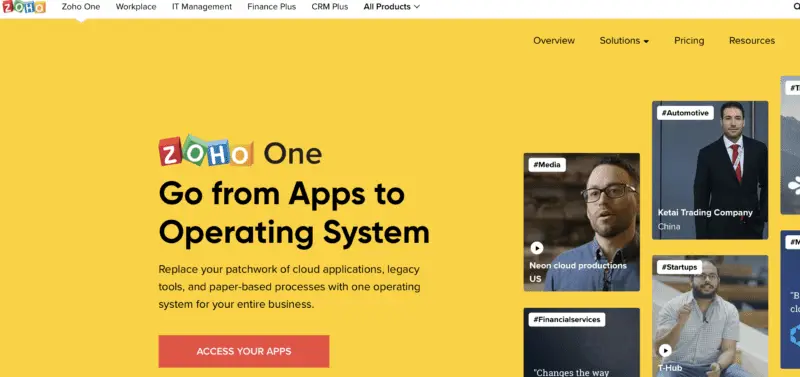
Zoho One – The Operating System for Small Business
Imagine a world where all your business tools play nicely together (cue angelic choir). Whether it’s handling your finances, projects, or marketing, Zoho One keeps everything seamless and oh-so-simple. Plus, the price? A fraction of what you’d pay for piecing together different apps. Talk about a BARGAIN!
If you’re ready to take the leap from surviving to thriving, Zoho One is your trusty steed. Let’s ride into the sunset of efficiency, my friends. Click that button and get ready to supercharge your hustle!
We earn a commission if you make a purchase, at no additional cost to you.
Is Zoho One the Right Fit for You?
For a solopreneur who needs an integrated business system and is willing to spend a few weeks learning it, Zoho One is one of the best-value platforms available in 2026. That said, it’s not right for everyone.
Zoho One makes sense if:
- You’re paying $100+/month across separate tools that don’t integrate
- You’re launching a service business, consulting practice, or side hustle from scratch
- You want scheduling, email, CRM, and payments connected without paying for Zapier to glue them together
- You’re comfortable trading some polish for price — Zoho’s interface isn’t as sleek as standalone competitors, but it works
Hold off on Zoho One if:
- You’re still testing a business idea with no paying clients — start with Zoho Solo (free) first
- You have a large, complex Keap or HubSpot setup with years of automations — migration takes real time
- Courses are your core product and you need Kajabi-level polish — Zoho’s course features don’t match Kajabi on the student experience side
What Real Users Say About Zoho One
“Zoho One provides value to our small business for an affordable price. I like that Zoho has the ability to be easy for novice users and the ability to get under the hood and integrate it with other apps.” — Verified LinkedIn User, CEO, 2–10 employees, via Capterra
“It includes apps for CRM, email, accounting, project management, HR, and more, so you don’t need separate tools.” — Verified LinkedIn User, DevOps professional, via Capterra
“The thing that makes Zoho One attractive may also be its weakness. With so many apps to learn, it can be a bit overwhelming. The UI is not as well designed as some of the other solutions available.” — Managing Director, Marketing and Advertising, 2–10 employees, via Capterra
That last quote is the most honest thing I can share with you. Zoho is not the most beautiful software you’ll use. The onboarding is not hand-holding. If you need everything to feel intuitive on day one, you’ll be frustrated. Give it 30 days. The first week is rough. By week four, you’ve stopped thinking about switching back.
The Real Cost of Your Current Business Software
When I finally looked at what I was paying, the number shocked me. Here’s a direct comparison with 2026 pricing, so you know what these tools cost today:
| Tool | What It Was For | 2026 Cost |
|---|---|---|
| Microsoft 365 | Docs, email | ~$9.99/mo |
| Dropbox Business | File storage | ~$11.99/mo |
| Zoom Pro | Video meetings | ~$16.99/mo |
| Keap | CRM + email automation | $249–$299/mo |
| Kajabi | Courses + landing pages + email | $143–$199/mo |
| Constant Contact | Email marketing | ~$20–$35/mo |
| Mailchimp | Email marketing (I had two, yes) | ~$13/mo |
| Buffer (5 channels) | Social scheduling | ~$25/mo |
| Evernote Personal | Notes | ~$14.99/mo |
| QuickBooks Online | Accounting | ~$35–$40/mo |
| Calendly Standard | Scheduling | ~$10/mo |
| SurveyMonkey Individual | Surveys | ~$39/mo |
| Zapier Starter | Automation glue | ~$19.99/mo |
| WebinarJam Starter | Webinars | ~$49/mo |
| Total monthly | ~$537–$600/mo |
The biggest offenders were Keap at $249+ per month — I was using a fraction of it — and Kajabi at $143+/month. Together those two tools were nearly $400/month.
Your number will be different. But if you’re currently paying $100–$200/month across separate tools that don’t work together, Zoho One at $37/month is worth a serious look.
🛑 DON’T COPY BLINDLY
If Keap and Kajabi aren’t in your stack, your savings will be smaller. I’ve seen solopreneurs cut $80–$150/month by replacing just Mailchimp, Calendly, and Zoom with Zoho One. Still meaningful — and the integration value compounds over time.
How Zoho One Compares to a Piecemeal Small Business Software
| What You Need | Typical Piecemeal Tool | Piecemeal Cost | Zoho Tool | Zoho Cost |
|---|---|---|---|---|
| Email marketing | Mailchimp + Constant Contact | $33–$48/mo | Zoho Campaigns | Free–$5/mo |
| CRM / pipeline | Spreadsheets or Keap | $0–$299/mo | Zoho Bigin | Free–$7/mo |
| Scheduling + payments | Calendly | $10/mo | Zoho Bookings | Included in Zoho One |
| Meetings + webinars | Zoom + WebinarJam | ~$66/mo | Zoho Meeting | Included in Zoho One |
| Landing pages | Wix / Unbounce | $25–$99/mo | Zoho Landing Pages | Included in Zoho One |
| Automation glue | Zapier | $19.99/mo | Zoho Flow | Included in Zoho One |
| File storage | Dropbox | $11.99/mo | Zoho WorkDrive | Included in Zoho One |
| Total | ~$220–$537/mo | Zoho One | $37/mo |
The Zoho Apps Solopreneurs Actually Use Every Day
These are not all 50+ apps. These are the ones I open regularly and the specific problems each one solves for a one-person business.
Start with Zoho Solo
If you have no paying clients or a few clients skip Zoho One for now and go straight to Zoho Solo.
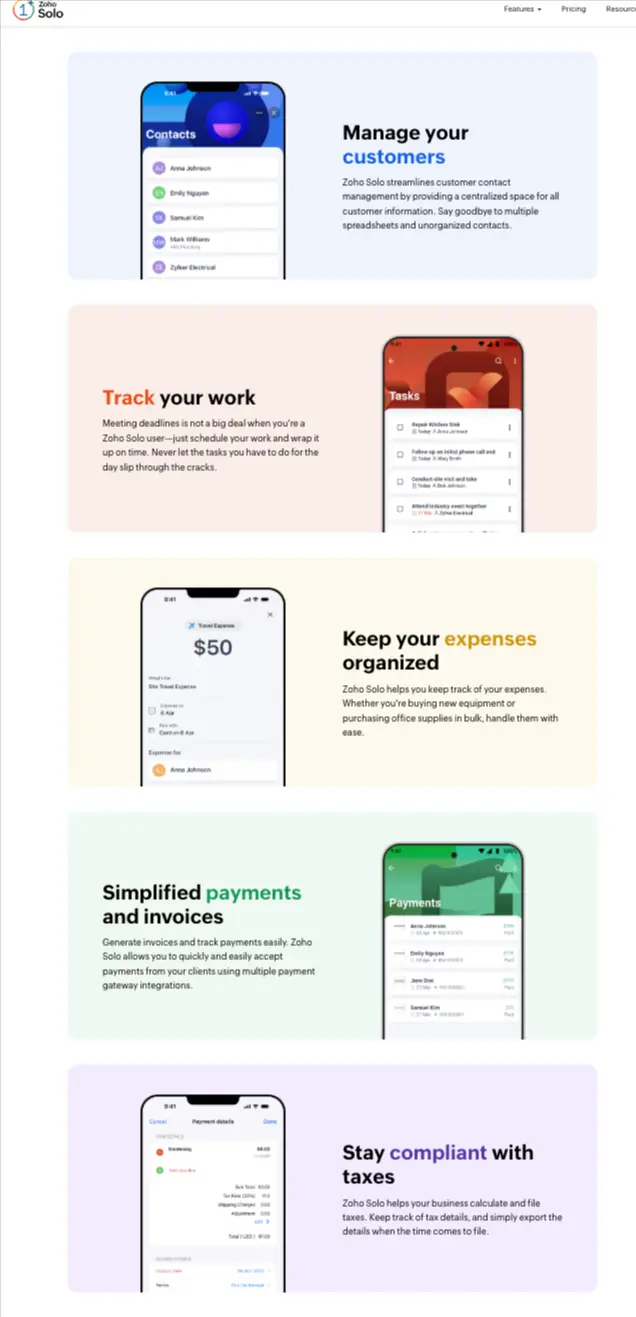
Zoho Solo is a free, mobile-first app built for solopreneurs — basic invoicing, expense tracking, task management, and client communication, all on your phone. The free version handles early-stage needs. A paid tier at about $8/month adds payment collection.
Start with Solo. When you’re generating consistent revenue and need your tools to talk to each other, move up to Zoho One.
Zoho Bookings: Does Calendly’s Job for Less
The first Zoho app I started with was Bookings. I needed more than Calendly offered, but I was’t in the mood to start yet another monthly subscription. And that got me into Zoho Bookings.
Zoho Bookings was a great first app to start with because it had a forever free option, easily integrated with my Google Calendar. and helped me get to know the Zoho ecosystem.
The Calendly package I needed runs $10/month for the features most service businesses need — payment collection, multiple meeting types, automated reminders. Zoho Bookings does the same and connects natively to the rest of Zoho.
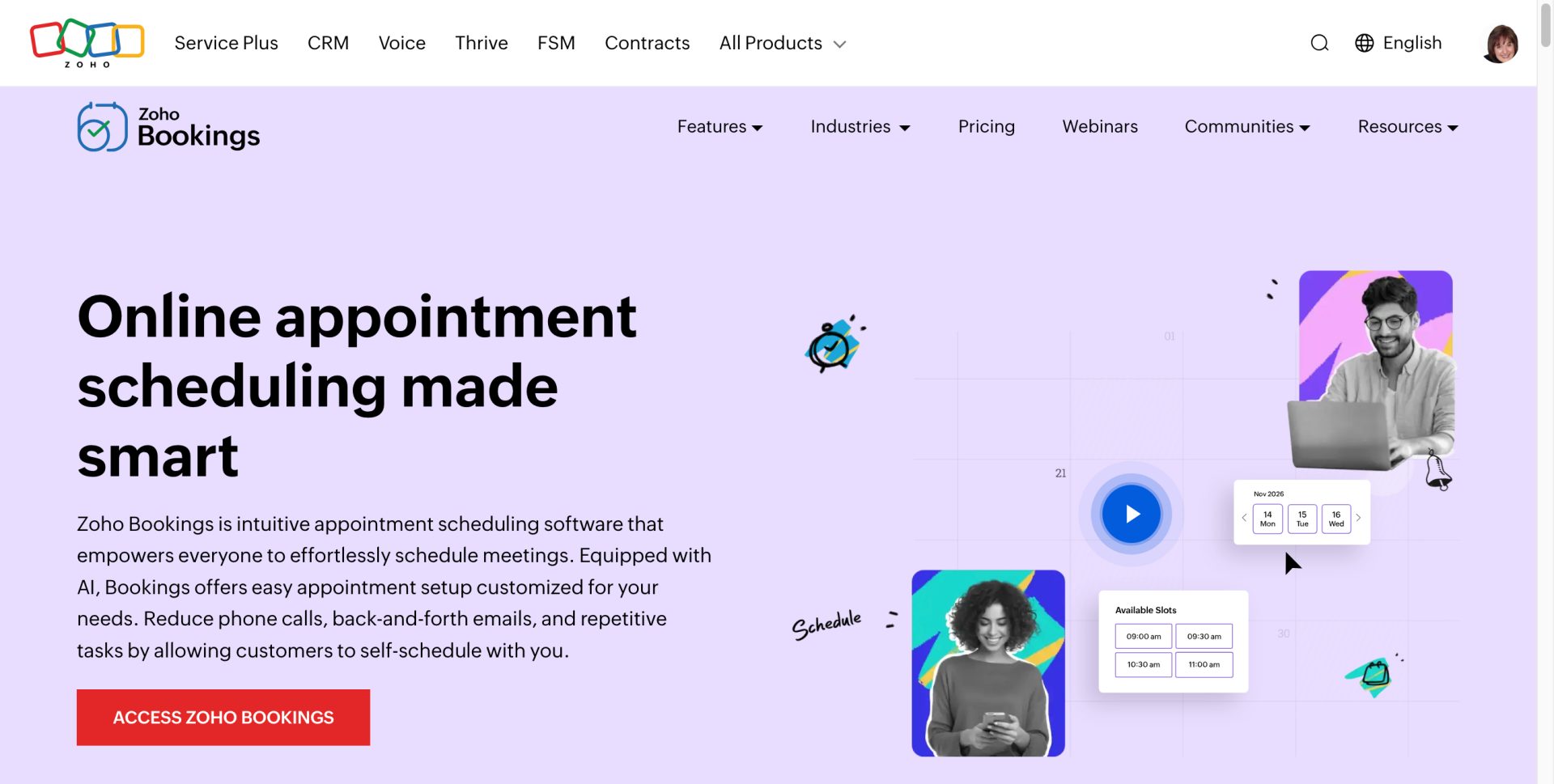
When someone books a paid consulting session through my Bookings page, it creates a contact in Bigin, fires a confirmation email from Campaigns, and logs the payment. That workflow would require three Zapier steps in Calendly’s world. In Zoho, it runs automatically.
See how Zoho Bookings works for service businesses for a full walkthrough.
💡 STRATEGY ALERT
Set up Zoho Bookings before anything else if you sell services. It’s the fastest path to revenue and the most visible proof that Zoho’s integration works. When a booking triggers a CRM contact and a welcome email automatically — that’s the moment Zoho stops feeling like a chore and starts feeling like a system.
Zoho Campaigns: Replaced Mailchimp and Constant Contact
At one point I had two email platforms — Mailchimp for my main list, Constant Contact for a legacy segment I never cleaned up. Neither was cheap and neither talked to my CRM. Oh, and then there were others I used like Kartra.
Mailchimp’s free plan was cut to 250 contacts (from 2000) and 500 sends per month in early 2026. The paid Essentials plan starts at $13/month for 500 contacts, and Mailchimp bills for unsubscribed contacts — so your cost climbs even when people leave your list.
I was paying just over $100 per month for Kartra where I got to create landing pages and send emails. And that was getting expensive.
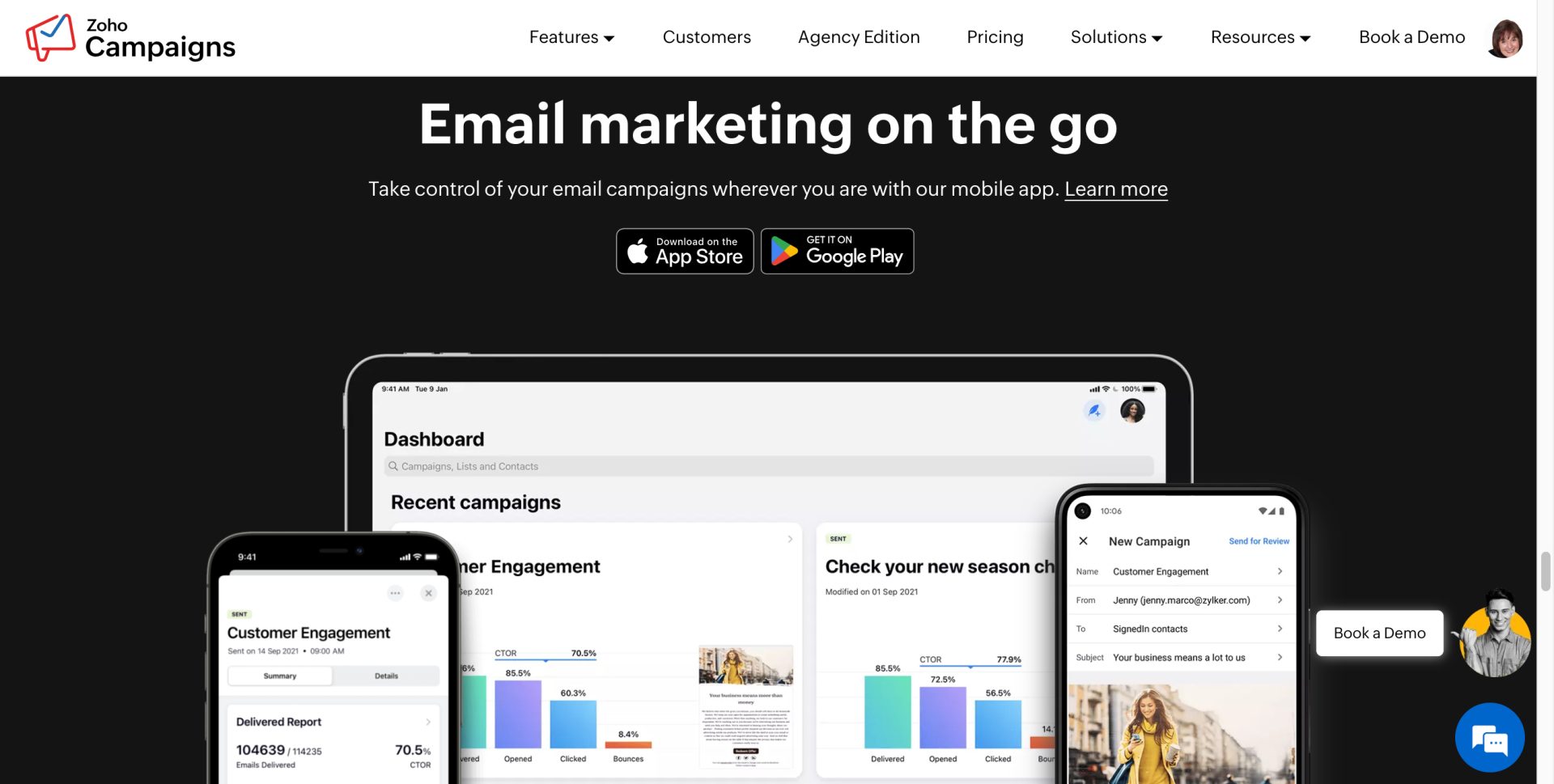
Zoho Campaigns has a forever-free plan for up to 5,000 contacts and 6,000 emails per month. The paid plan runs less per month than I was paying for Mailchimp alone. Migration took about a day — I imported my lists, rebuilt my welcome sequence, and was sending the following week.
For a solopreneur who needs email marketing without a steep pricing curve, Zoho Campaigns is the right tool. The Zoho Marketing Automation guide goes deeper on setting up sequences.
Zoho Bigin: The Small Business CRM That Doesn’t Scare People Off
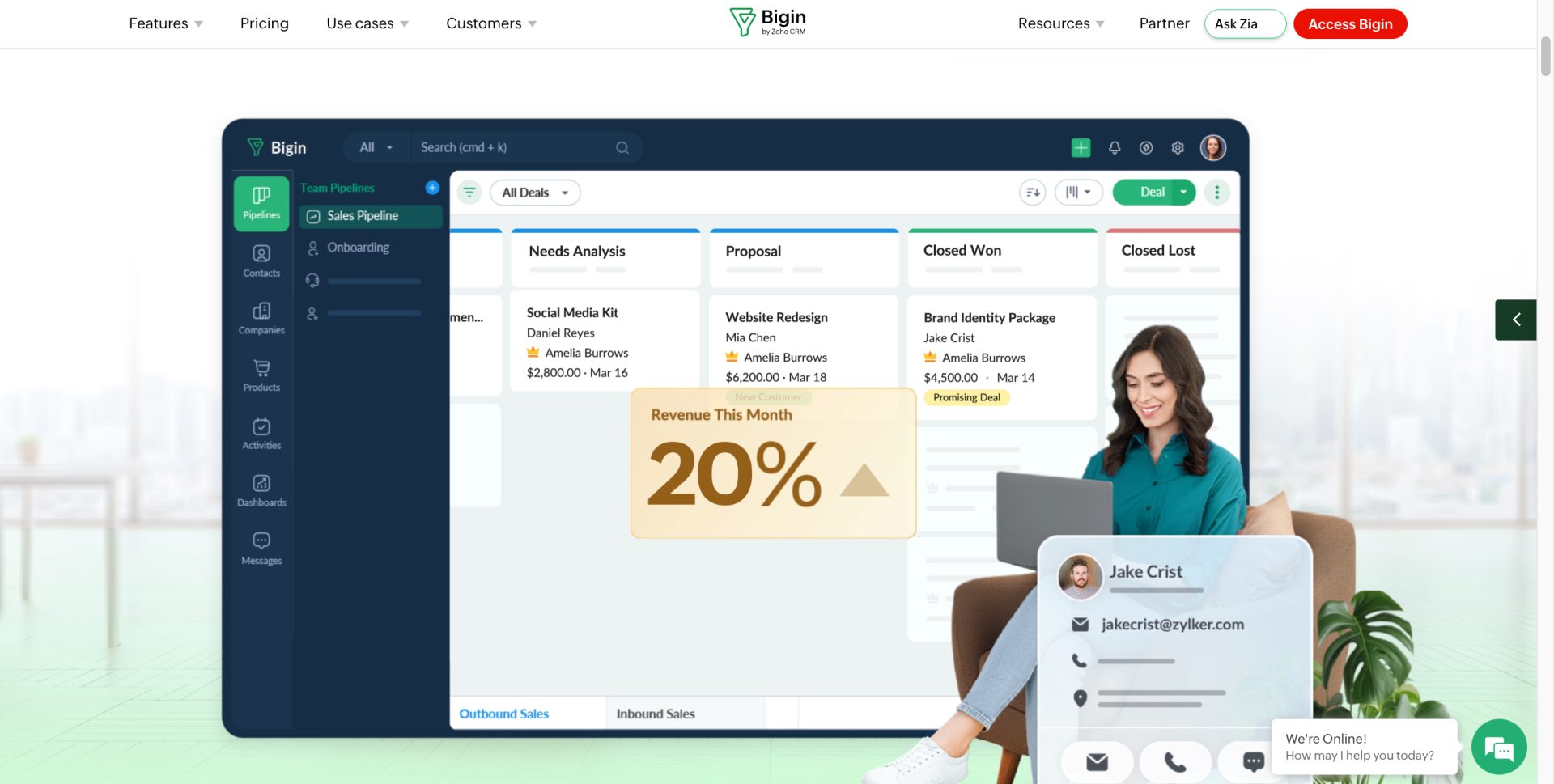
Full Zoho CRM is built for sales teams. You probably don’t need that, and neither do I. Bigin is the simple CRM built for one-person businesses and micro-teams — a visual pipeline to track prospects and clients, basic automation, email logging, and reporting that makes sense for a small operation. Free tier covers one user; paid starts at about $7/month.
I use Bigin to track consulting prospects, stay on top of follow-ups, and keep client notes organised so I’m prepared before every call.
For a direct comparison of Bigin vs. using Gmail extensions as a CRM — which is what most solopreneurs are doing — see my Zoho Bigin review.
Zoho Checkout: Simple Payment Pages Without a Full Cart
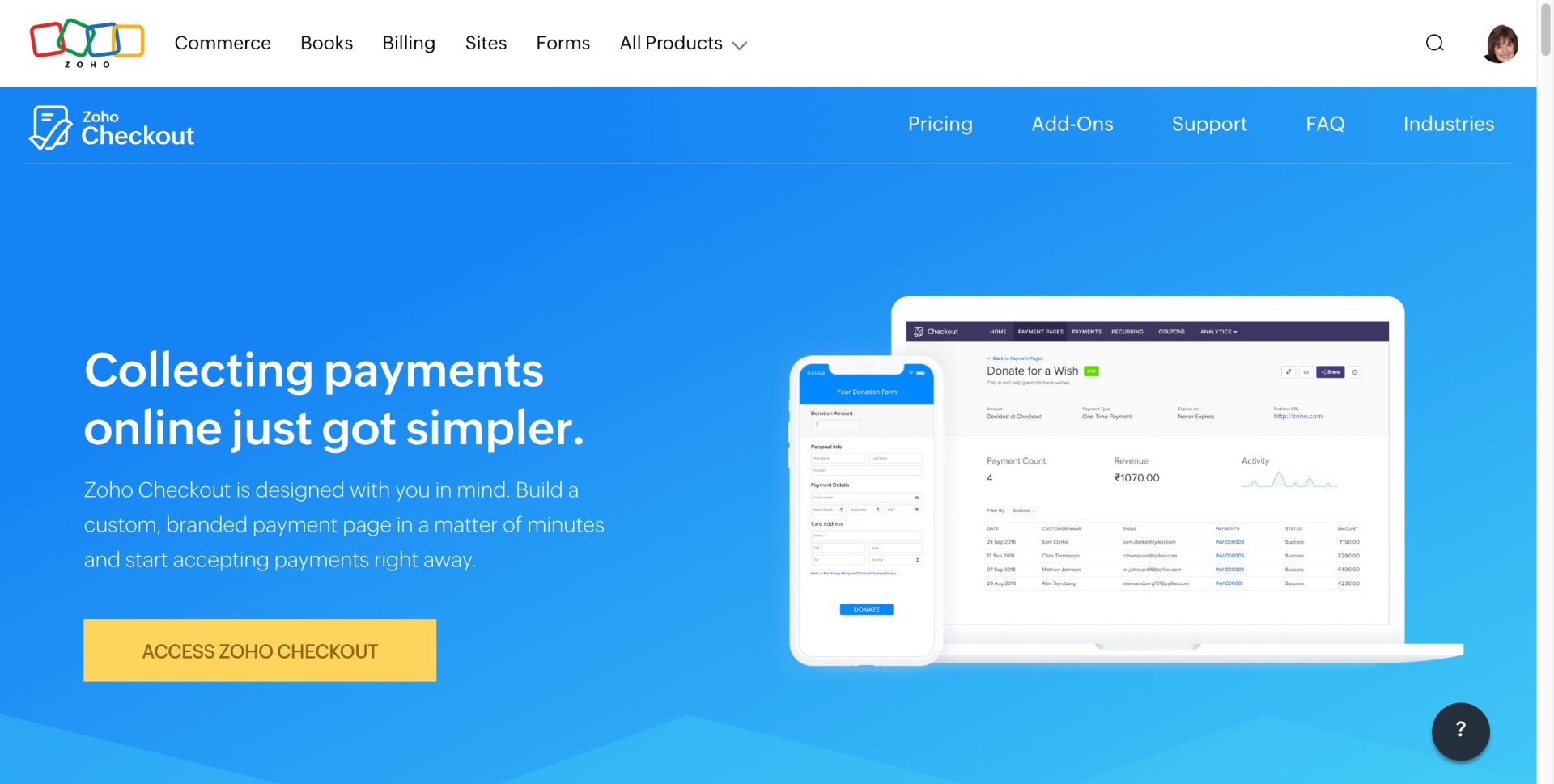
For a consulting call, a workshop, or a digital product, Zoho Checkout gives you a clean, hosted payment page without a full ecommerce setup. PayPal integration is available. Staying inside the Zoho ecosystem keeps payments connected to your CRM and email list automatically.
See the full guide on how to get paid immediately with Zoho.
Zoho Landing Pages: Faster Than WordPress, Cheaper Than Unbounce
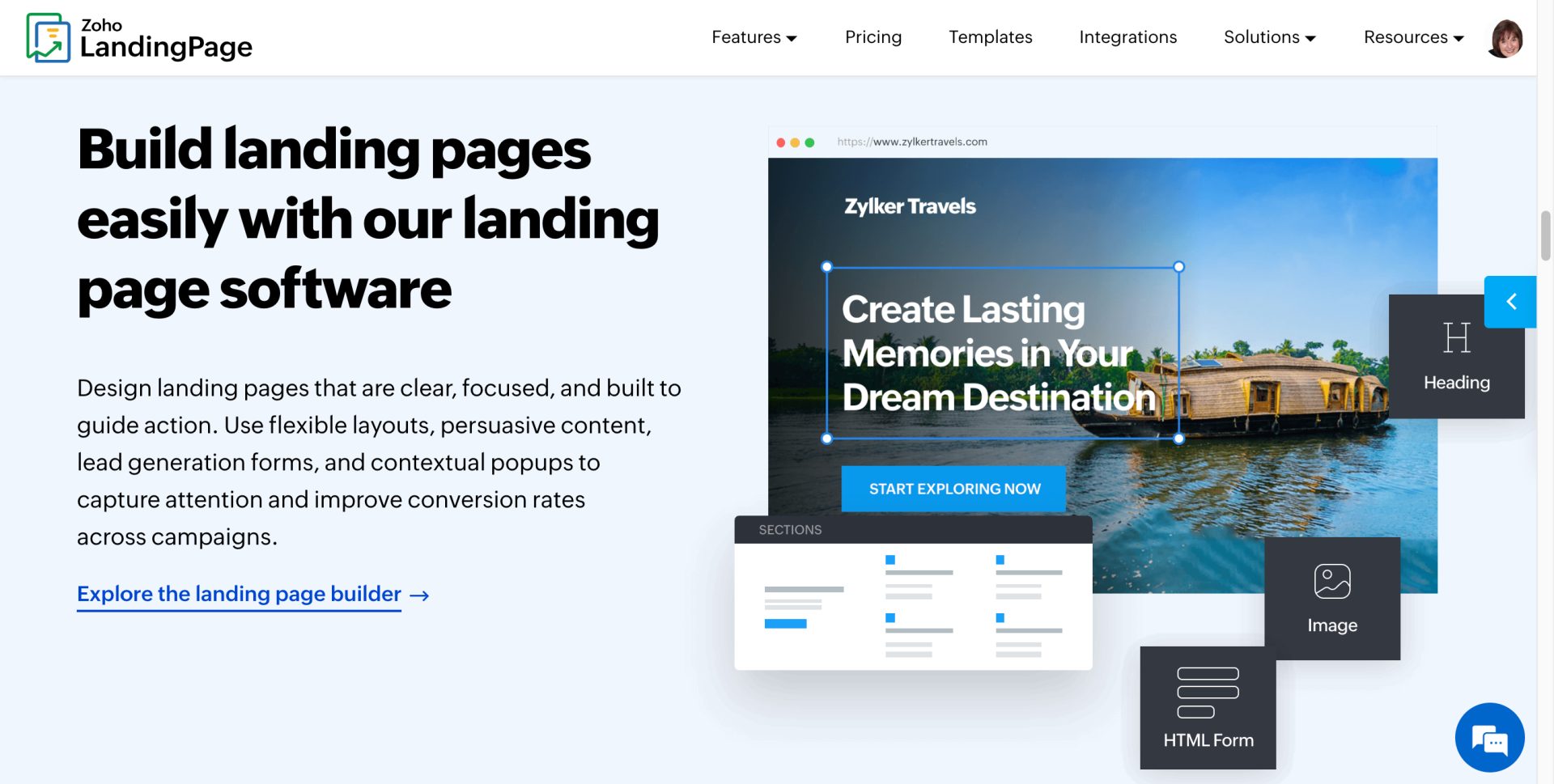
Every new offer I test starts with a Zoho Landing Page. It’s faster to build than a WordPress page, a fraction of the cost of Unbounce, and it connects directly to my email list and CRM without a separate integration. For a full multi-page site with a blog, WordPress is still the answer. For a lead magnet page, a webinar opt-in, or a new offer test, Zoho Landing Pages handles it.
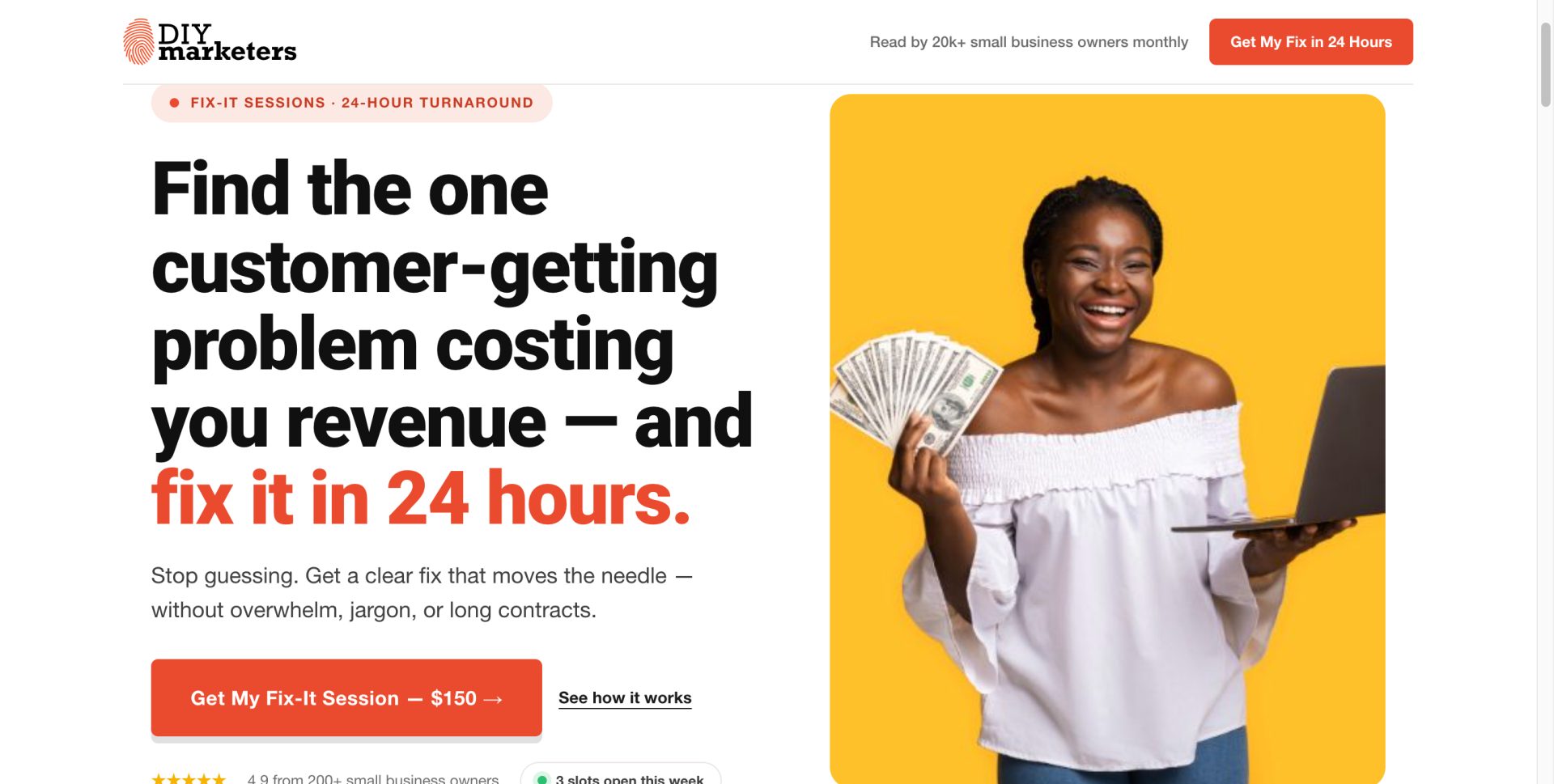
OH and one more super cool thing. You can create a beautifully designed landing page with Claude Design and slap that code into Zoho Landing page.
Here’s one I did
Zoho Sites: A Real Website Option for Non-Bloggers
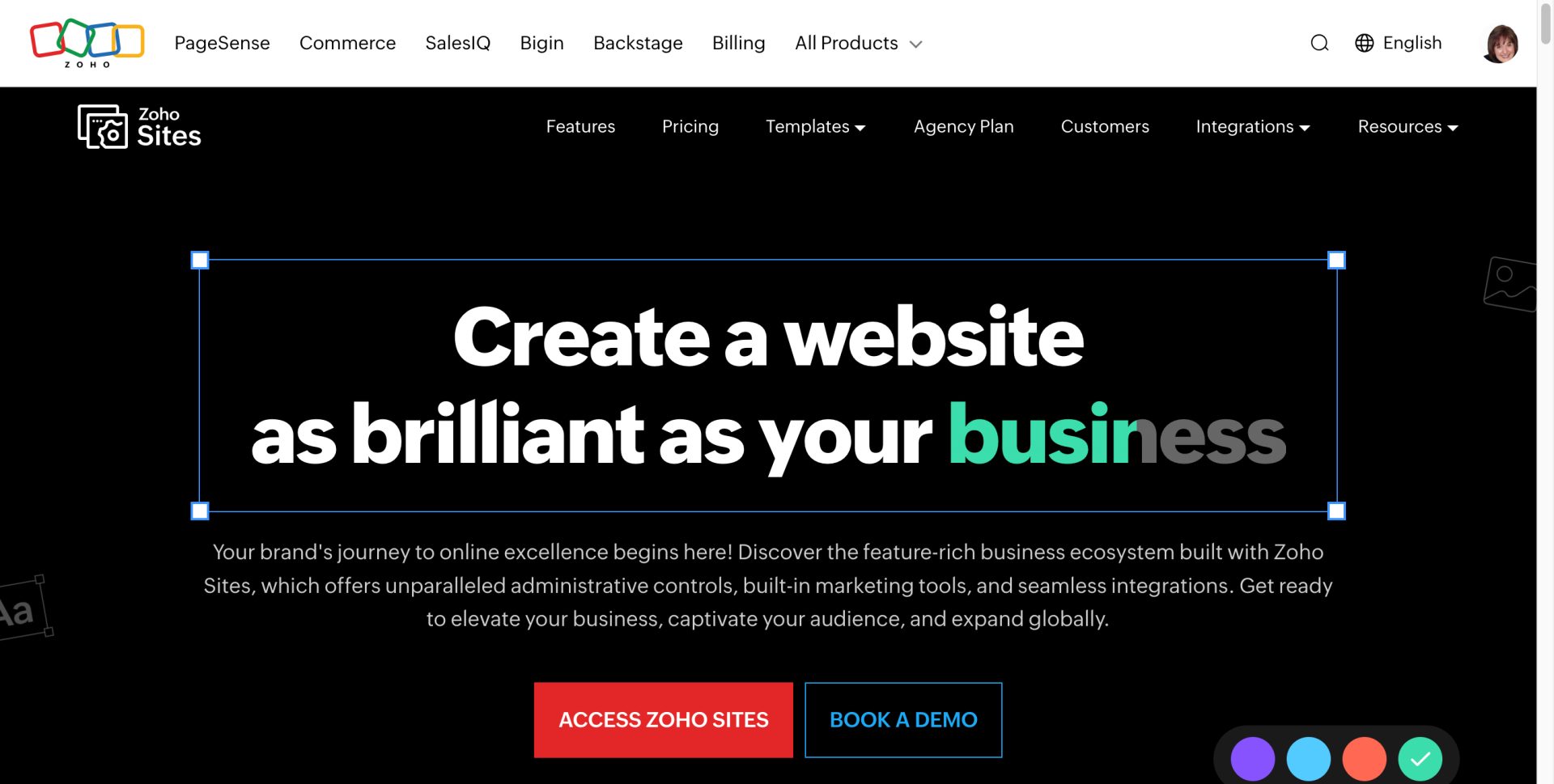
Starting from scratch with no blog plans? Zoho Sites is a legitimate website builder with clean templates, mobile-responsive pages, and tight integration with the rest of Zoho. For a service business that needs a clean 4–5 page site without content marketing, it works well.
It works just like Zoho Landing page, so you won’t have to learn anything new.
Now, they have dozens of great templates. But like I did for my landing page, you can create a vibe coded website and use it on your Zoho sites (that’s if you’re feeling frisky)
Zoho Meeting: Replaced Zoom at $17/Month
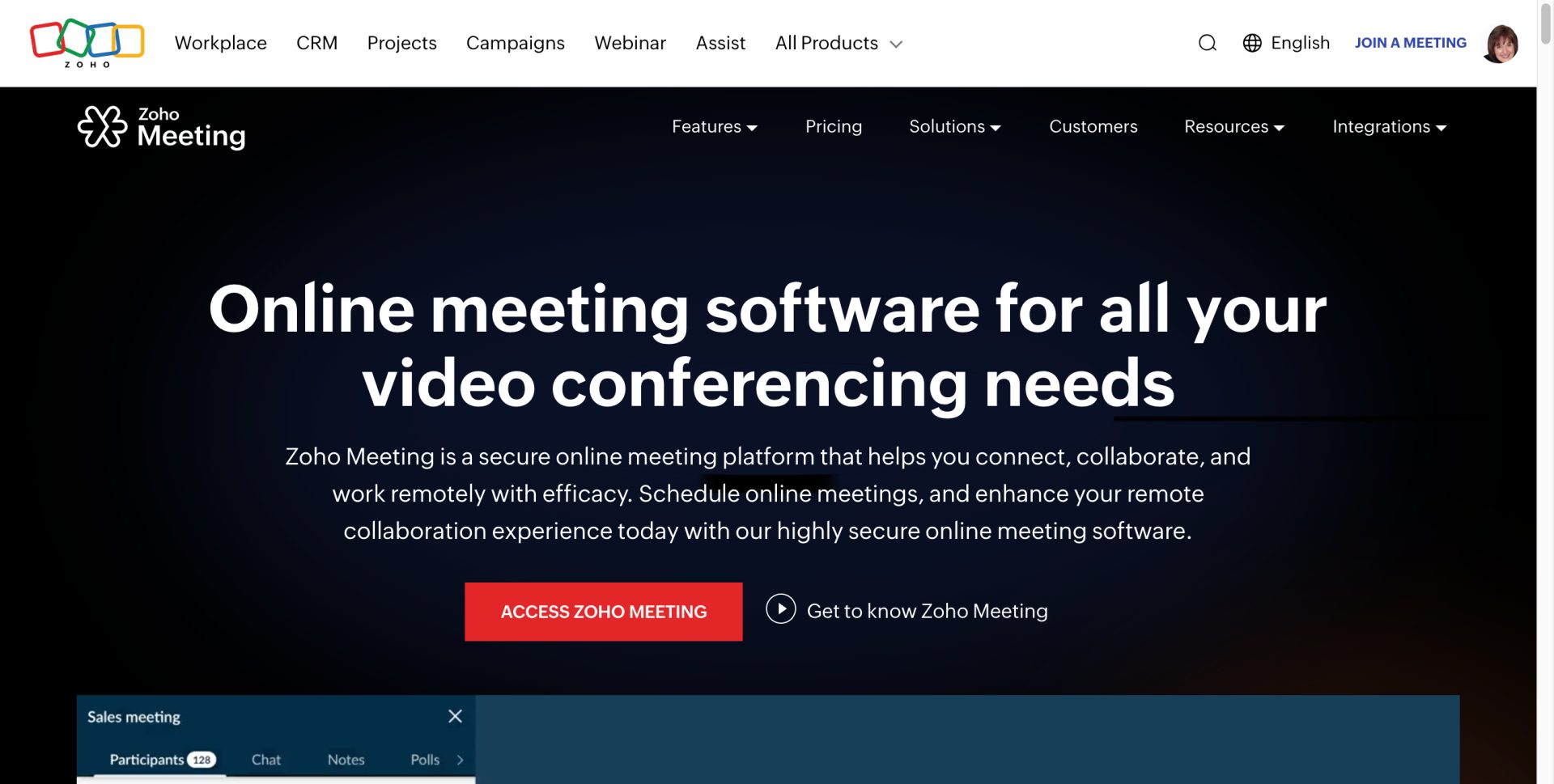
Zoom Pro runs $13.33/user/month billed annually — and most users pay $16.99/month or more once you add webinar capacity. Zoho Meeting covers one-on-one calls, group meetings, and webinars inside the same platform, included in Zoho One at no extra charge.
The interface is not as polished as Zoom. For client calls, discovery sessions, and webinars under 100 attendees, it handles everything I need.
Zoho One Pricing: What Solopreneurs Actually Pay
Zoho One – The Operating System for Small Business
Imagine a world where all your business tools play nicely together (cue angelic choir). Whether it’s handling your finances, projects, or marketing, Zoho One keeps everything seamless and oh-so-simple. Plus, the price? A fraction of what you’d pay for piecing together different apps. Talk about a BARGAIN!
If you’re ready to take the leap from surviving to thriving, Zoho One is your trusty steed. Let’s ride into the sunset of efficiency, my friends. Click that button and get ready to supercharge your hustle!
We earn a commission if you make a purchase, at no additional cost to you.
Zoho One All Employee Plan: $37/month per user (billed annually) or $45/month billed monthly.
For a one-person operation, that’s $37/month for 50+ apps — Campaigns, Bigin, Bookings, Meeting, Landing Pages, Sites, Survey, Flow, WorkDrive, Notebook, Sign (e-signatures), and more.
There’s no free trial for Zoho One itself, but individual apps — Bigin, Campaigns, Bookings — all have free tiers. Test those first. If you’re using them regularly after 30 days, upgrade to Zoho One for the integration layer.
Regardless of what you’re using, you can look at saving at least $100 per month on your software tools.
⚠️ REALITY CHECK
Zoho Payments (used for Checkout) charges per-transaction fees similar to Stripe or PayPal. That cost is separate from your $37/month subscription. If you’re processing significant revenue through Zoho Checkout, budget for transaction fees on top of the flat monthly fee.
How to Set Up Zoho Without Getting Overwhelmed
The biggest mistake people make with Zoho One is opening the dashboard and trying to set up everything on day one. Don’t do that.
Here’s the 4-week order I’d follow:
Week 1 — Zoho Bookings. Connect your calendar, create one meeting type, run a test booking yourself.
Week 2 — Zoho Campaigns. Import your email list, set up a welcome email, and get one automation running. This is the highest-ROI starting point for most solopreneurs.
Week 3 — Zoho Bigin. Import your contacts from your spreadsheet, create one pipeline with the stages that match how you sell.
Week 4 — Connect them. These all typically connect with a single click. But if you want something fancy, you can set up one workflow: new booking → create contact in Bigin → add to Campaigns list. This is where Zoho starts feeling like a system instead of a collection of apps.
DIYMarketers Verdict: Is Zoho One Worth It for Solopreneurs?
Yes — for solopreneurs already paying for multiple separate tools, Zoho One at $37/month almost always costs less than the piecemeal stack it replaces, and the integration between apps is what makes it genuinely useful rather than just cheap.
The interface takes getting used to. Some individual apps are not as polished as their standalone competitors. But as a system for a one-person business, the combination of scheduling, email, CRM, payments, landing pages, and meetings under one login is difficult to beat at this price point.
Start with Zoho Solo if you’re pre-revenue. Move to Zoho One when your tools need to talk to each other.
Disclosure: Some links in this article are affiliate links. If you sign up through my link, I earn a commission at no additional cost to you. I only recommend tools I use in my own business.
Frequently Asked Questions About Zoho for Solopreneurs
Is Zoho One worth it for a one-person business?
For solopreneurs paying $100+/month across separate tools, yes — Zoho One at $37/month almost always comes out cheaper than a piecemeal stack of Calendly, Mailchimp, a CRM, and a meeting tool. The main tradeoff is that individual Zoho apps are not always as polished as their standalone counterparts. If you’re currently over $100/month in tool costs, the math makes Zoho One worth evaluating.
How long does setting up Zoho One take?
Plan for 3–4 weeks to get the core tools running well. Email (Campaigns), scheduling (Bookings), and basic CRM (Bigin) each take 2–4 hours to set up from scratch. The first week is the steepest part of the learning curve. By week four, the integration between apps is what makes it feel worth the effort.
Is it possible to start with free individual Zoho apps instead of Zoho One?
Free individual apps are a smart way to start. Zoho Campaigns is free for up to 2,000 contacts. Bigin has a free tier for one user. Bookings has a limited free plan. Test them first. Upgrade to Zoho One when you want everything connected under one subscription and one price.
What’s the difference between Zoho Bigin and full Zoho CRM?
Bigin is built for solopreneurs and micro-teams who need a simple pipeline without enterprise CRM complexity. Full Zoho CRM is built for sales teams with advanced reporting, forecasting, and multi-user management. For most one-person businesses, Bigin is the right call. Revisit full CRM if you grow to a team of 5+ and need real sales reporting.
What happens if you cancel Zoho One?
You lose access to all apps on the day your billing period ends. If you’re on an annual plan, you lose the remaining months. Before committing to an annual plan, test the most important individual apps on their free tiers first to confirm the workflow fits your business.
Related reading:
⚡
Not Sure Which Stack Fits Your Business?
Book a Fix-It Session with Ivana. You’ll get a specific look at your current tool stack, what you’re over-paying for, and which Zoho tools fit your business model. No guessing. No generic recommendations. A clear answer in 30–60 minutes.

![15 pro tips, tools + templates [2026]](https://mgrowtech.com/wp-content/uploads/2026/06/social-media-content-creation-75x75.png)