OpenAI launched the self-serve ads beta to advertisers in the United States a couple of weeks ago. I finally got access late last week, and I’m eager to share what I’m seeing so far.
Be ready for a theme: BASIC. This is truly a beta product. OpenAI Ads Manager is basic in every way. I don’t think you can appreciate just how complicated Meta advertising has become until you create an OpenAI campaign.
The main point of this post is to share my initial hands-on experience. What we see today is likely to look different tomorrow. But I want you to know what you should expect when you create a campaign for the first time.
Within this post, I will share what the campaign creation process looks like today using OpenAI Ads Manager, and I’ll compare it to what we’ve come to expect with Meta ads.
We Know Nothing
That’s right. Nothing. Beware of the opportunists. There is no reason to pay for a course about how to run ChatGPT ads right now.
No one really knows anything. And the context of what we know will keep shifting as features are added and functionality changes.
Most of our knowledge of ChatGPT ads is limited to official documentation. But as I’ve found, much of the wording there is top-level and generic. You can blow through all of that information and still come away with a whole lot of questions.
Should you use CPM or CPC bids? How should you approach bidding? How much do Context Hints matter? What makes a good or bad Context Hint? How does OpenAI approach conversion attribution? How effective are these ads? Do they make the most sense for high-ticket sales? What costs should we expect?
I don’t know, man. We have our own experiences. We have OpenAI’s documentation. But it’s all so early and limited, and so much of what we see now won’t be relevant as all of this expands months from now.
Just remember that.
Create a Campaign
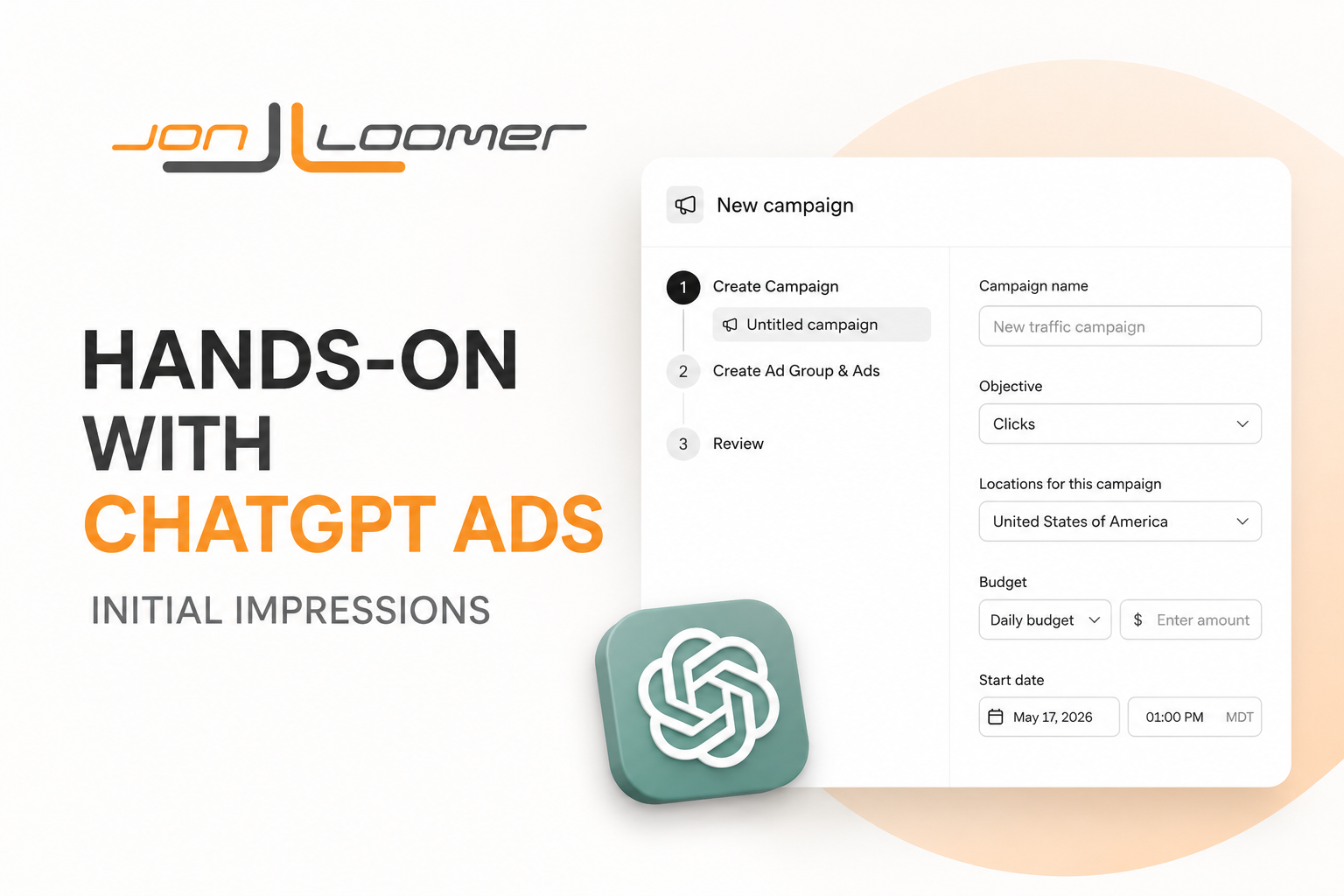
When you create a campaign, you’ll get a flow that looks like this…

Name your campaign.

Choose an objective. For now, your only options are Reach and Clicks, though Conversions is “coming soon” (NOTE: OpenAI’s documentation currently refers to Reach as “Views”). Your objective will determine how you bid in the ad auction.

Location is selected at the campaign level. United States is selected by default. At the moment, you can also choose Canada, Australia, and New Zealand.

Regional DMAs are also available.

Set a daily or campaign (lifetime) budget. You can’t change the daily vs. campaign selection later, but you can change the amount.

You can optionally select a conversion event that’s used for reporting. You’ll need to add the OpenAI pixel or set up the Conversions API first before creating an event. I’ll cover that briefly later.

Finally, set a start and optional end date.

Compared to Meta Ads Manager
You can set an objective and budget at the campaign level. Those are about the only similarities between campaigns on OpenAI Ads Manager and Meta Ads Manager.
Objective options are limited, to say the least, with ChatGPT ads. Meta offers six objectives, whereas OpenAI offers only two. The objective you select is much more closely tied to how ads will be delivered using ChatGPT ads. The objective is mostly decorative with Meta ads.
Location is set at the campaign level with ChatGPT ads, whereas it’s at the ad set level for Meta ads. The locations available for ChatGPT ads are limited to four countries and DMA regions for now.
You can set a conversion event at the campaign level for ChatGPT ads, but this is a step that wouldn’t be necessary for Meta ads. Meta will report conversions without selecting them in the ad set. For ChatGPT ads, I assume the conversions will not be reported unless the events are selected in the campaign.
Create an Ad Group
Next is the ad group…

Name your ad group.

Next, you’ll set a maximum bid. If you chose the Clicks campaign objective, you’ll set a maximum CPC bid. OpenAI recommends starting at $3 or $5.

If you selected Reach as your campaign objective, you’ll set a maximum CPM bid. OpenAI recommends starting with $60.

While this feels like trial and error, OpenAI will give you an indication of whether your bid will result in strong delivery.

If not, you’ll get a message of “May Not Deliver.”

Provide a website URL. This is only used as a default destination for new ads in the ad group. Feels somewhat pointless since you’ll define the destination URL in the ad.

And finally, Context Hints. OpenAI says to “describe the conversations, topics, or keywords where your products or services may be relevant; these hints guide matching but aren’t exact-match targeting rules.”

This isn’t the only way OpenAI finds an audience. The other critical elements are in the ad itself.
Don’t look at Context Hints as a way of keyword stuffing. Instead, OpenAI says good Context Hints describe user intent. Your goal is to “describe the types of questions, needs, or situations a user might bring to ChatGPT.”
Since I feel pretty clueless on this one, I used ChatGPT to help me with it. And since ChatGPT knows my content and product well, I feel reasonably confident about the Context Hints it comes up with.

This particular Context Hint is four paragraphs long. It’s something I will certainly be experimenting with.
Compared to Meta Ads Manager
The ad set in Meta Ads Manager is far more complex than the ad group for ChatGPT ads. Meta advertisers concern themselves with conversion locations, performance goals, bidding, attribution settings, targeting (suggestions, restrictions, and exclusions by age, gender, custom audience, lookalike audience, and detailed targeting), and placements. OpenAI Ads Manager has almost none of that.
There are two primary things to set within the ad group, and they are likely both impactful. The bid will determine whether your ads get shown or not. Context Hints replace targeting and will help define who sees your ads.
Both will require significant trial and error. It’s not at all clear how much Context Hints impact who sees your ads. That would help determine what makes for “good” or “bad” Context Hints.
Create an Ad
And finally, create your ad. But it’s not nearly the process you may be used to…

Name your ad.

The website URL will pull from the ad group, but you can edit it for each ad. It’s highly recommended that you use UTM parameters, particularly during these early stages of ChatGPT ads where tracking accuracy and completeness are unknown.

The Ad Creative section is extremely basic. Provide a headline that is up to 50 characters. Just know that it may be truncated on some placements if it’s over 24 characters.

Provide a description that is up to 100 characters. It may be truncated if it’s over 48 characters.

And a square image that is at least 256 x 256 pixels.

Here’s an example of what an ad might look like…

Very little text. Image is small. Avoid images with small text and details that won’t be seen when viewed at this scale.
Compared to Meta Ads Manager
It’s as if Meta Ads Manager and OpenAI Ads Manager exist in different worlds when it comes to creating ads.
Meta Ads Manager: The ads are everything. Focus on creative diversity of format, visuals, and text. Big, bold images and videos. Different aspect ratios. Provide up to five primary text and headline options. AI-generated text, image, and video options. Lots and lots of enhancements.
OpenAI Ads Manager: One ad is a single combination of headline, description, and square image. It’s small. No videos. No enhancements. No comments on ads to manage. You can create multiple ads, but otherwise it doesn’t get much simpler than this.
Measure Results
This isn’t going to be shocking to you, but reporting in OpenAI Ads Manager is currently very basic. I am currently seeing the following columns:
- Active (On/Off)
- Name (Campaign, Ad Group, or Ad)
- Status (Serving, In Review)
- Actions (?)
- Impressions
- Clicks
- Spend
- CTR
- Average CPC
- Average CPM
- Budget
- Start Date
- End Date
- Conversions
A few thoughts…
The first campaign I published was approved immediately. Meta advertisers will appreciate that.
Unfortunately, it seems as though reporting is much less dynamic than in Meta Ads Manager. OpenAI says to expect reporting to be delayed up to seven hours. Combined with the importance of bids, it wasn’t clear whether reporting was just delayed or I wasn’t getting any delivery.
This is also why UTM parameters can be helpful. One of the ads I created was for a lead magnet that utilizes a unique form that’s only used for these ads. Together, they gave me additional ways to monitor whether anything was happening.
I’m pretty sure the “Actions” column was added within the past day or so. I’m not seeing any documentation on it, and it’s blank for me.
If your objective is Clicks, you won’t be charged unless there are clicks on your ads. One clear difference from Meta Ads Manager.
OpenAI Pixel and Events
You can track conversions with ChatGPT ads in mostly the same ways you do with Meta ads.
Go to the Conversions section under Tools on the left.

You’ll first need to create a data source.

Enter the data source name (like your company website) and type (only “web” is available right now).

I set up my pixel and events using GTM. While it seems rather straightforward and similar to the process of setting up the Meta pixel and events, I’m not confident enough to share those exact steps with you here. I don’t want to mislead you.
OpenAI’s developer documentation is the best place to start, especially because the setup details are likely to change while this is still in beta. Start with these links from OpenAI’s official documentation:
Initial Impressions
I hate repeating myself, but there isn’t a whole lot to say about my early impressions of ChatGPT ads. It’s all so basic. And it’s far too early to get excited or frustrated about results.
But as someone who has been conditioned to accept the layers of complexity that exist in Meta Ads Manager, ChatGPT ads feel like a nice return to basics. I don’t know if this was the intention as a clear alternative to Meta ads or if it’s more a reflection of a product getting thrown together. But it’s oddly nice.
If results aren’t what I want them to be, it’s nice that there are very few levers to focus on to improve things. Although, I guess that could also be a limiting factor.
I’m excited about the potential of these ads because I know that ChatGPT already refers people to my website. But I’m skeptical that the current version of these ads will be all that effective.
While the potential for highly contextualized ads is great, I’m not sure that the current format will inspire many clicks and actions. We’ll see, but these small ads and their simple format seem awfully limiting.
I also worry that ChatGPT ads may have been ruined for tech companies before even getting off the ground. The OpenAI paid tiers were created without ads in mind. People subscribed to those tiers to get access to additional functionality. These would be the ideal target customers for many of us. Unfortunately, they are automatically excluded from ads.
That’s different from most subscriptions. You pay to remove ads from YouTube (or even Facebook and Instagram). The people paying for the ChatGPT upgrades weren’t doing it under the assumption that it would remove ads. And if costs are higher to run these ads, it could present a problem where the most valuable potential customers are unreachable.
Of course, that’s a concern for another day. For now, it’s fun experimenting.
Your Turn
Have you started running your first ChatGPT ads? What do you think?
Let me know in the comments below!