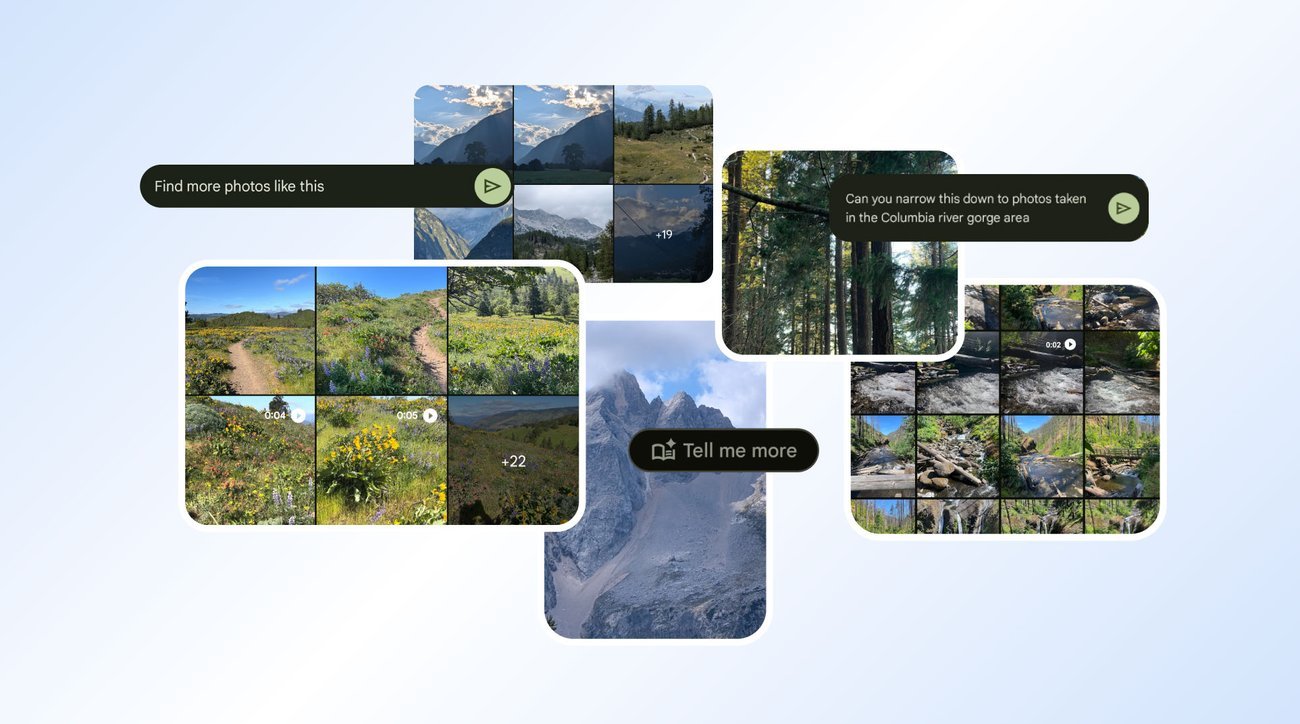
Ask Photos in Google Photos is a powerful tool that uses Gemini models to search through your massive photo gallery to find exactly what you’re looking for. While Ask Photos helps you find photos and information in your library, the new Ask button helps you do much more: When viewing your image, you can start a conversation and get answers about its content, discover related moments or simply describe the edits you want and watch the changes appear.
Ask Photos is available in a number of countries and languages, and the Ask button is now available to eligible users on Android and iOS in the U.S. — here are nine ways you can use both Ask Photos and the Ask button to do even more with your images.
1. Learn more about a place
I take a lot of photos while I’m traveling, and I admittedly don’t always know the details behind what I’m photographing. While looking at hiking photos from my trip, I used Ask Photos to find my landscape images from Slovenia. I realized I couldn’t remember the names of many of the areas or trails I’d taken them from — but Google Photos found them for me in a few seconds.