Meta Advertising Settings includes some of the most impactful controls for your ad account. Unfortunately, most advertisers spend very little time here — if they know it exists at all.
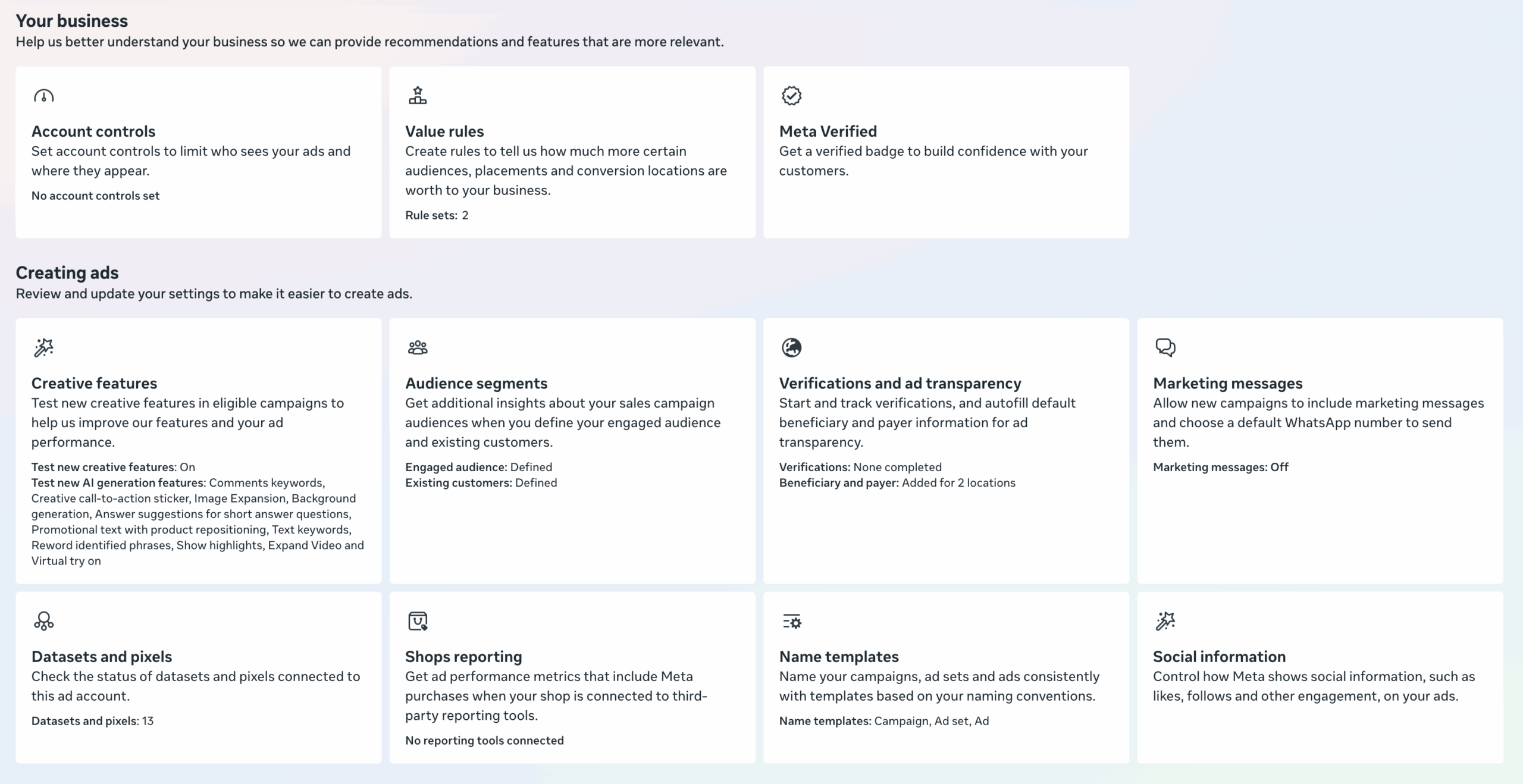
In true Meta fashion, the options found here will vary from ad account to ad account, and even the settings within each option will vary. In this post, I’ll highlight all of the options I’m aware of, and why they matter. In some cases, I’ll only hit the top-level points when a dedicated post may be required to discuss it further.
Industry
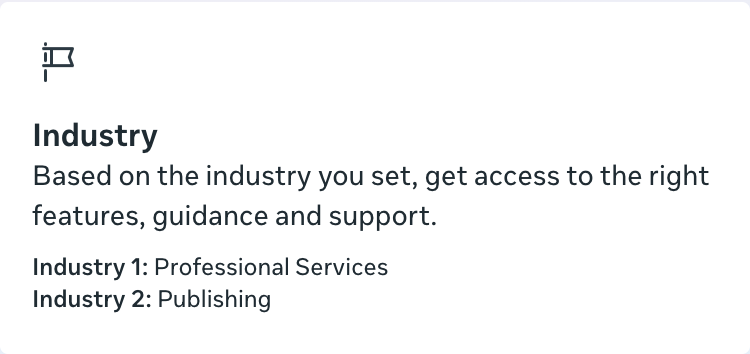
We’ll start with a setting that may be the least common in Advertising Settings. By defining your industry, Meta says that you can “get access to the right features, guidance and support.”
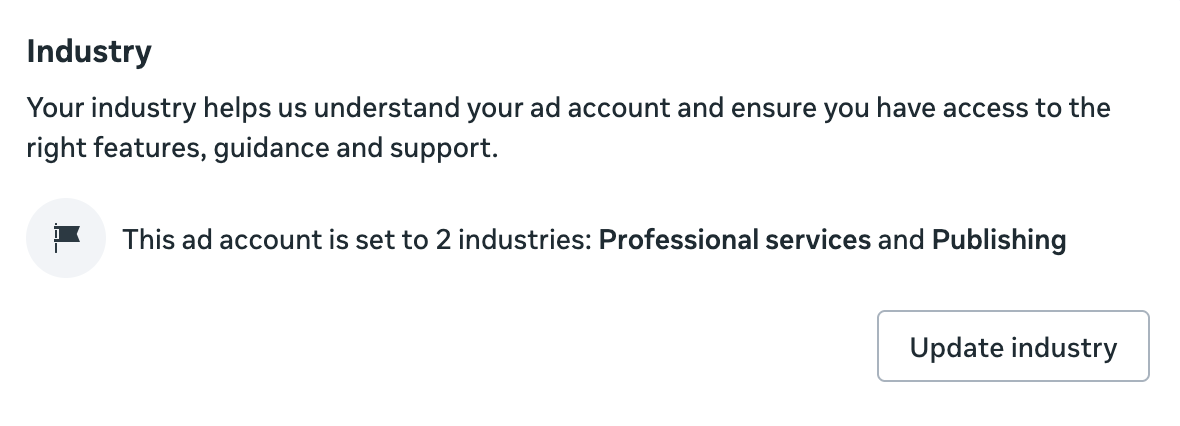
You can select up to two industries that reflect your business.
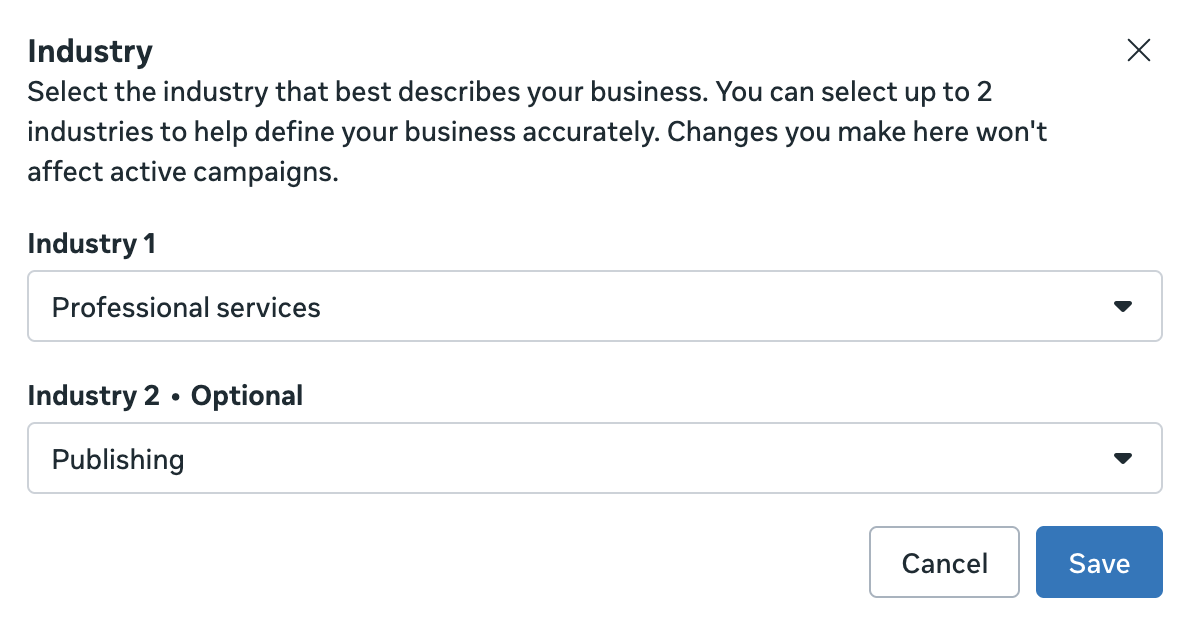
Is this useful? Man, it’s tough to say. I’m not sure how much this impacts the features you see and support you get. Maybe it’s there to make you feel like Meta’s listening. I don’t know.
But this feels like a relevant setting to define, and it only takes a minute.
Account Controls
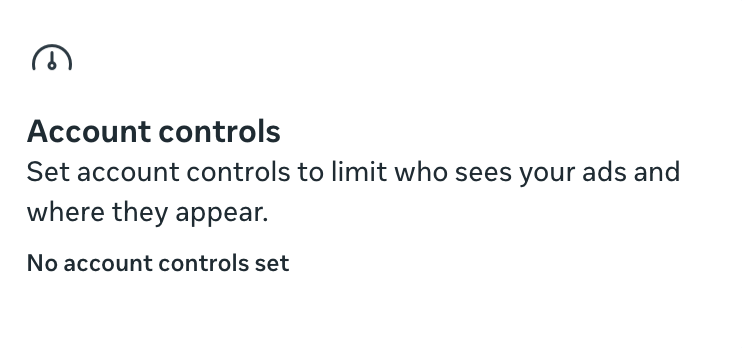
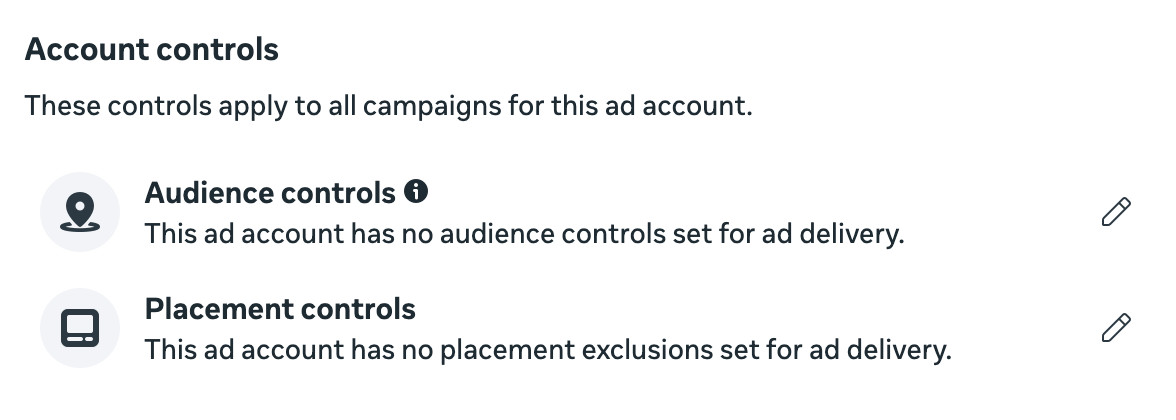
Account Controls allow you to set account-wide controls over things like audience and placement. Now, I wouldn’t touch these in most cases. The danger is that advertisers will use these settings when they don’t need to. But there are specific examples when it may be necessary.
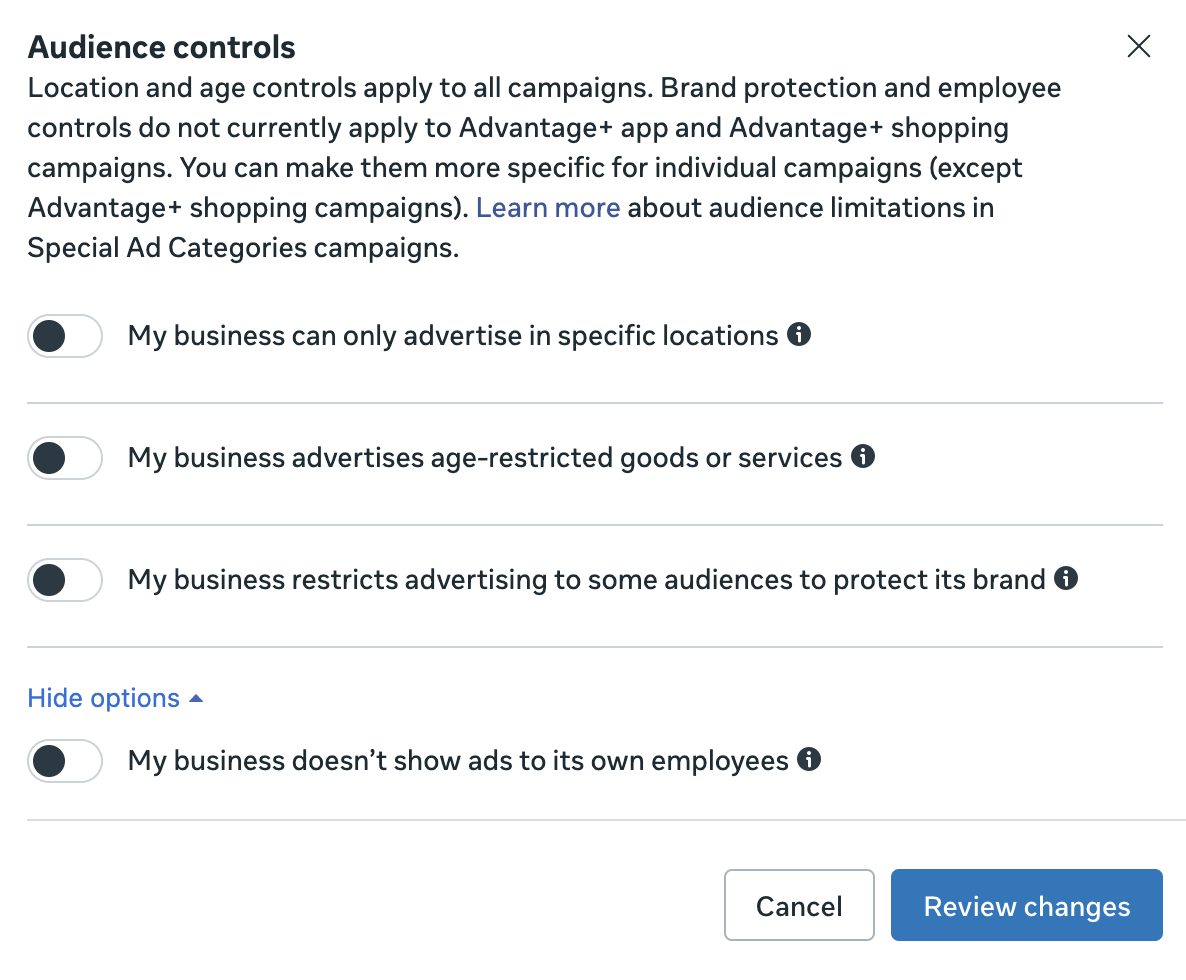
Audience Controls have four available settings. If you can only advertise in certain regions or sell age-restricted goods (like alcohol), you can apply account-wide restrictions to protect yourself.
The bottom option is to exclude your current employees. These only appear for larger companies that have an associated interest.
There’s also an option to exclude audiences based on detailed targeting. I can tell you that I have no idea what interests and behaviors are selectable here. I’ve yet to get one to show up, and there’s no ability to browse options.
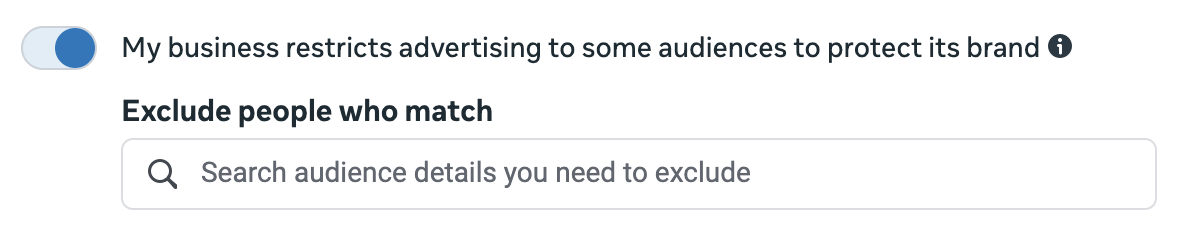
Meta also gives you four placements that you can turn off account-wide. While I would fully understand excluding the Audience Network placements, it feels excessive to turn them off this way. I also have no idea why you’d turn off Marketplace or Right Column account-wide.
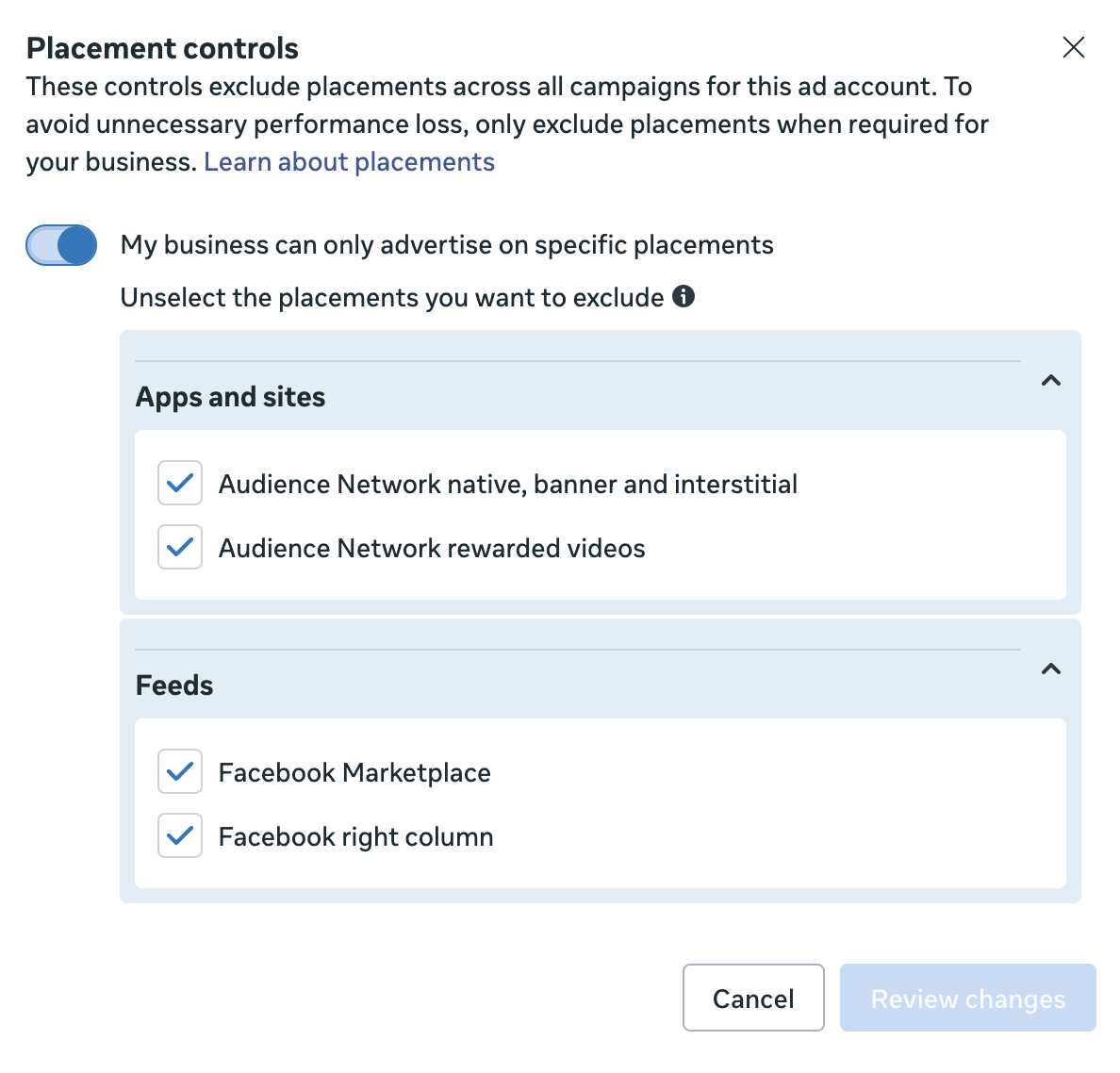
When possible, you want to avoid turning off placements. If there’s a specific problem to be solved, use value rules instead.
Value Rules
Ah hah! Value rules. Now, this is a feature that requires far more explanation than I care to provide for this post. But if you haven’t started using value rules yet, this is where they’re created.
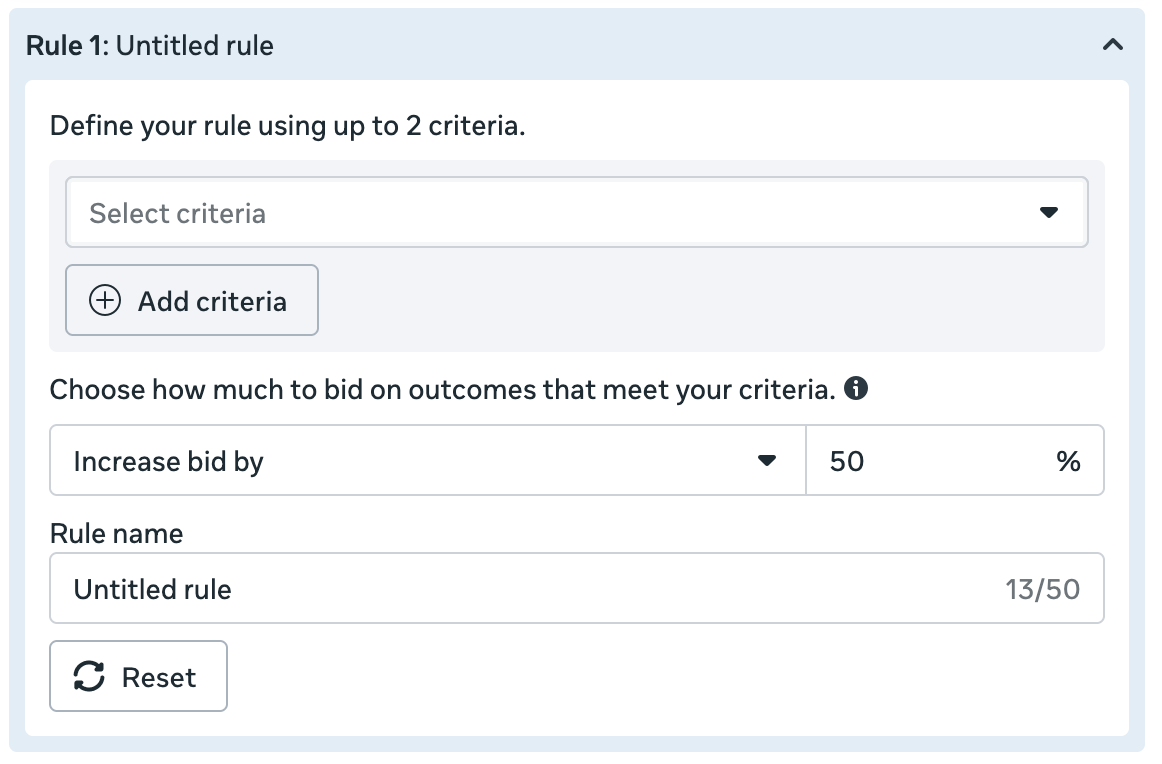
You create value rules to solve problems that are typically related to information that you have and Meta doesn’t. The delivery algorithm is always trying to get you as many optimized actions as possible within your budget. But you may know that the quality differs by factors like age, gender, placement, location, and more. With value rules, you can increase or decrease bids based on those variables.
To learn more about value rules, feel free to jump into any of this content:
Meta Verified
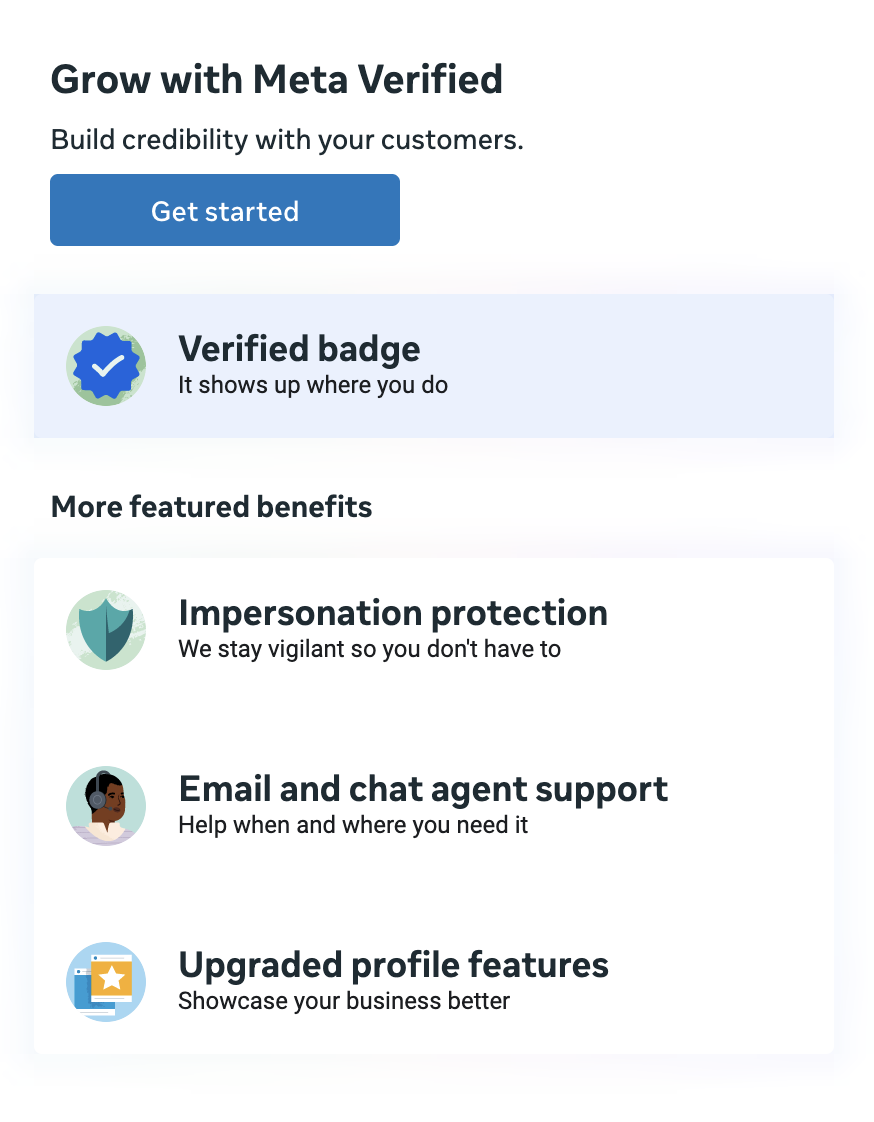
Oh, sweet. Meta added a “setting” to promote Meta Verified. Yeah, I have no idea why this is here…
Creative Features
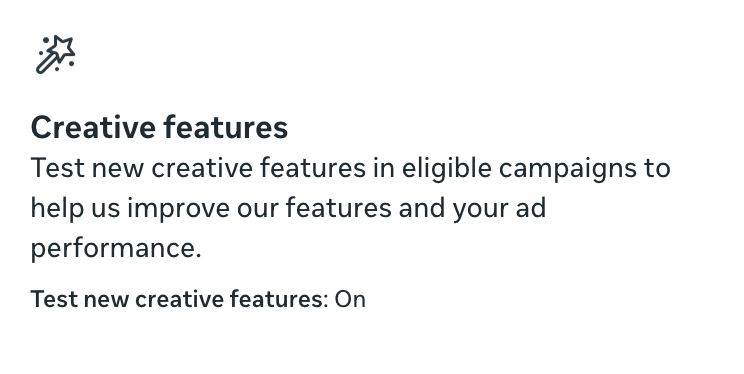
While everyone should have the box above, not everyone has what’s in it. I think I’ve been spoiled on that front.
Most people have the checkbox grayed out and unchecked to test new creative features. But I have it checkable (and I’ve checked it!).
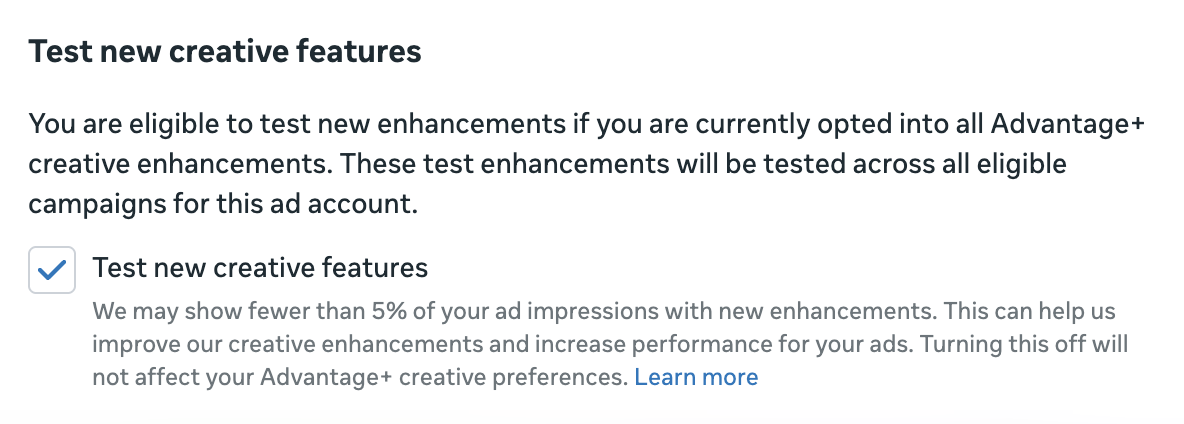
Because it’s checked, my account qualifies to test new creative features that haven’t been officially launched yet. Meta will show fewer than 5% of impressions with these features.
The list of test features changes every now and then. Some have been on this list for a year or more. Some graduate to being official features and disappear. I’ve had as many as 14 test features at any given time. Right now, I have 11.
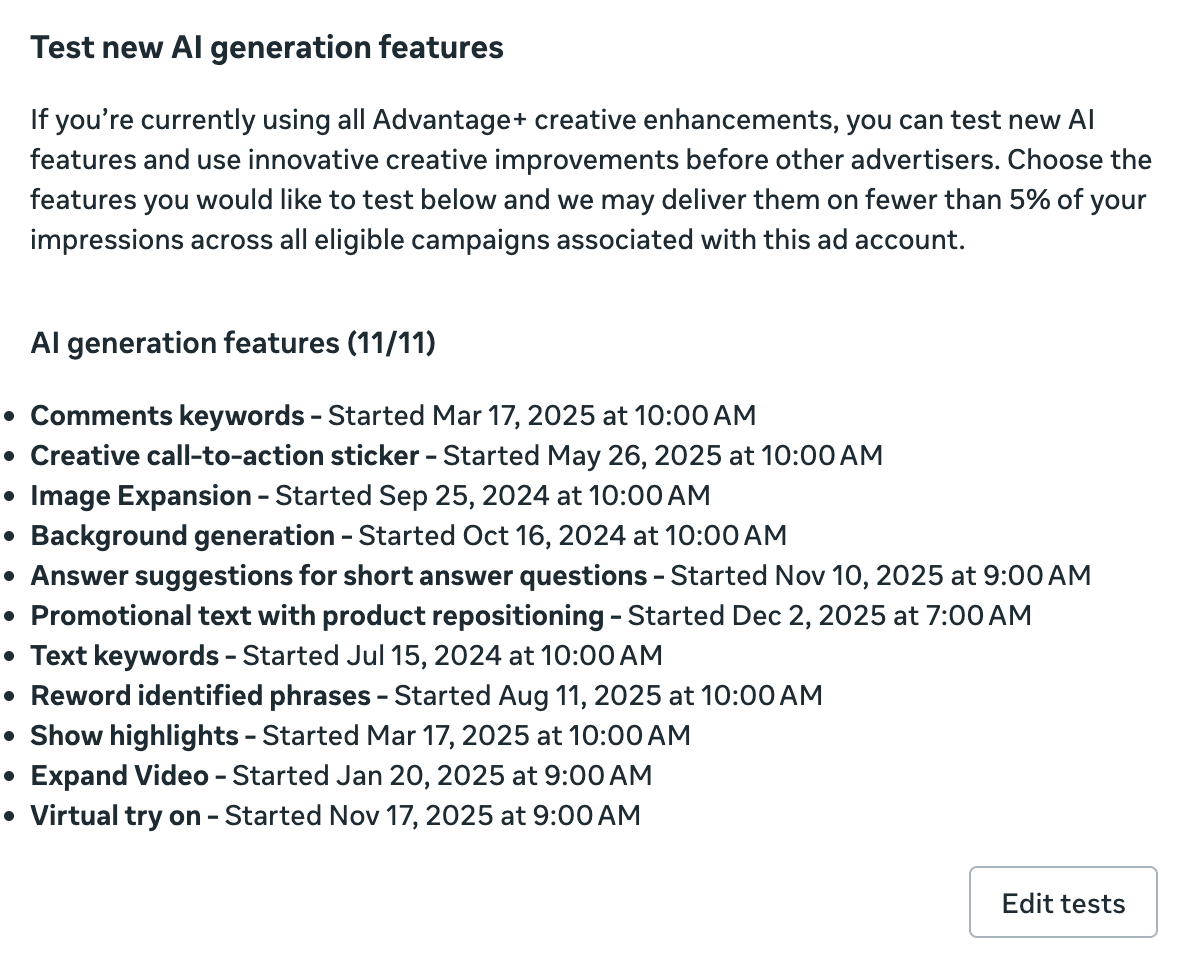
If you were to click to “edit tests” at the bottom, you can get more details about each feature. In some cases, Meta will share examples of how the enhancement will look on one of your ads. You can choose to turn any of the features off if you want.
I won’t go through all of the details here. But I cover these new test features as they come up. You can learn about a few of them below:
Audience Segments
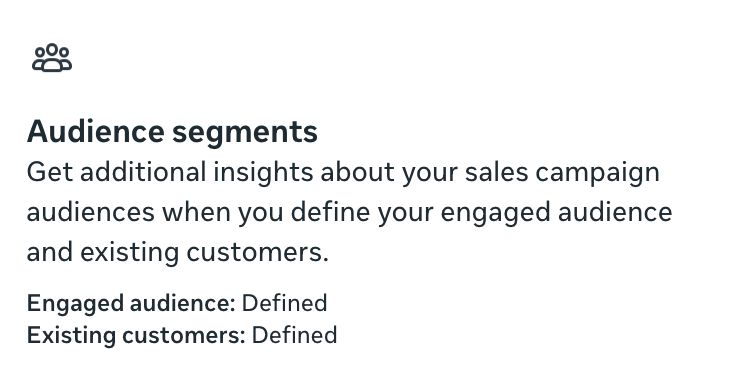
This is where it gets real!
Look, I’ve written and spoken ad nauseam about Audience Segments. I’m not going to cover it all in this post. But Audience Segments are one of my favorite tools, and not nearly enough advertisers are using them. Even many of those who do are using them incorrectly.
The main thing to understand is that this is where you’ll define your Engaged Audience and Existing Customers.
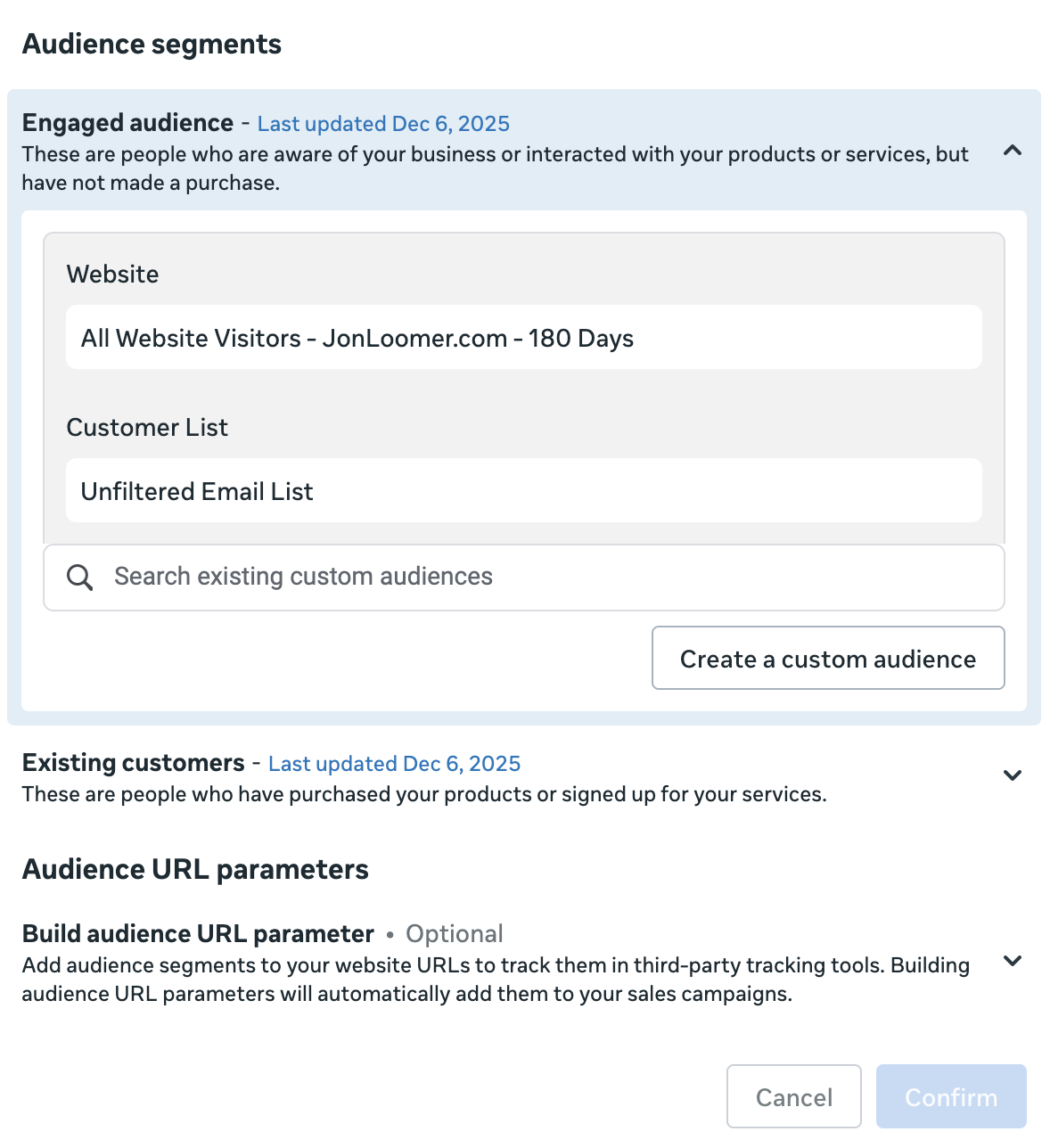
Audience Segments aren’t used for targeting. This is about adding a layer of reporting transparency when leaning into algorithmic targeting. When you’ve accurately and thoroughly defined your Audience Segments, you can perform a Breakdown to view results segmented by Engaged Audience, Existing Customers, and New Audience.
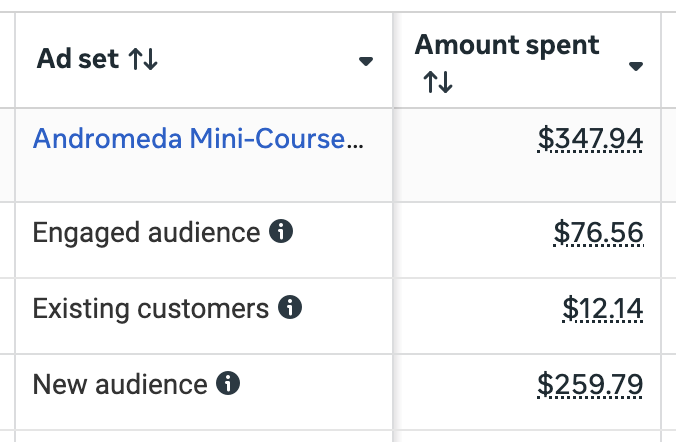
And that’s where this gets awesome. It’s this feature that helped me understand that general remarketing is no longer necessary. It happens naturally now.
Anyway, if you haven’t been hooked by Audience Segments yet, you get started in your Advertising Settings.
Verifications and Transparency
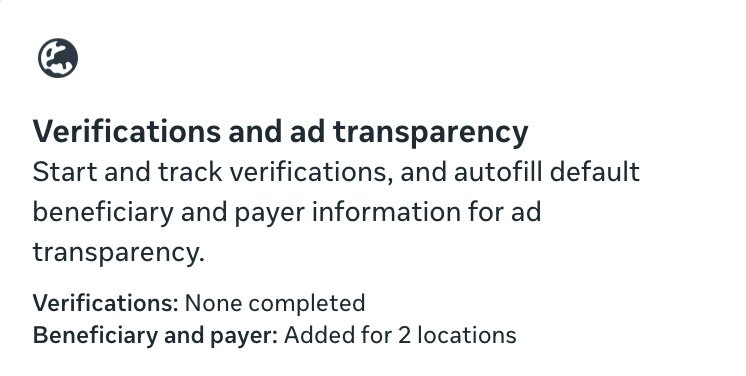
It all started with political ads and the European Union (I think, though I may have the order screwed up).
You probably remember the first time you needed to define the Beneficiary and Payer of an ad. Well, now there are so many times this is required by country that Meta created a section for it within your Advertising Settings. And there’s even a default now.
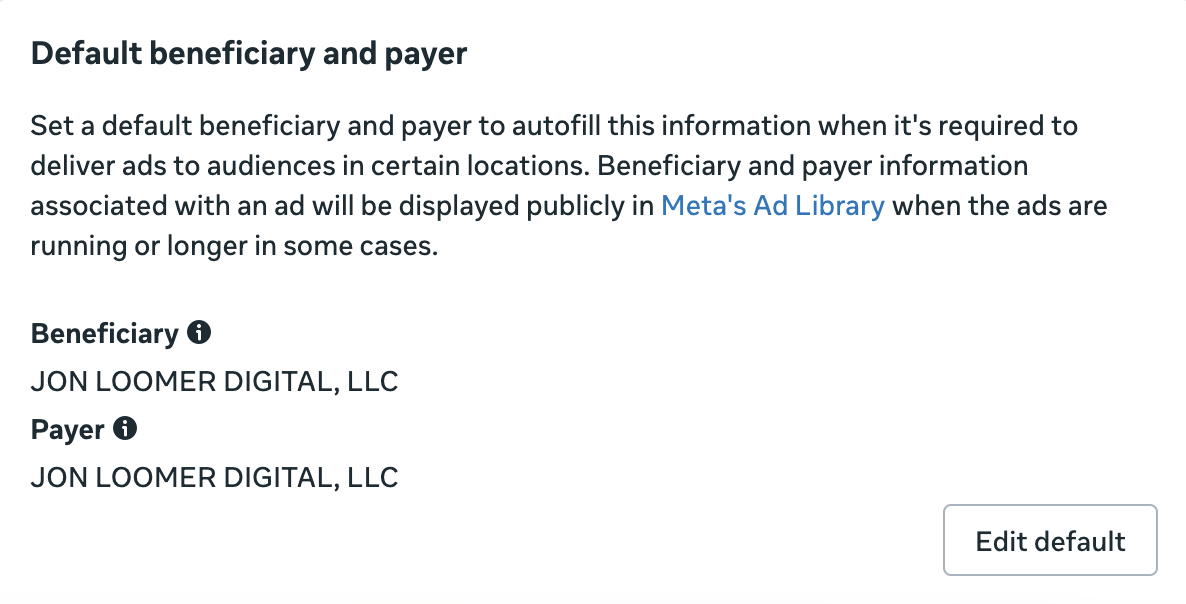
That’s super helpful since this same section has five region-specific settings for defining Beneficiary and Payer: European Union, India (Securities and Investments), Australia (Financial Services), Singapore, and Taiwan.
And you can bet that more are coming, so that default will come in handy.
Marketing Messages
This is going to matter a lot more to advertisers who have customers in regions who use WhatsApp. Maybe not so much in the US (which is why I’m not using it).
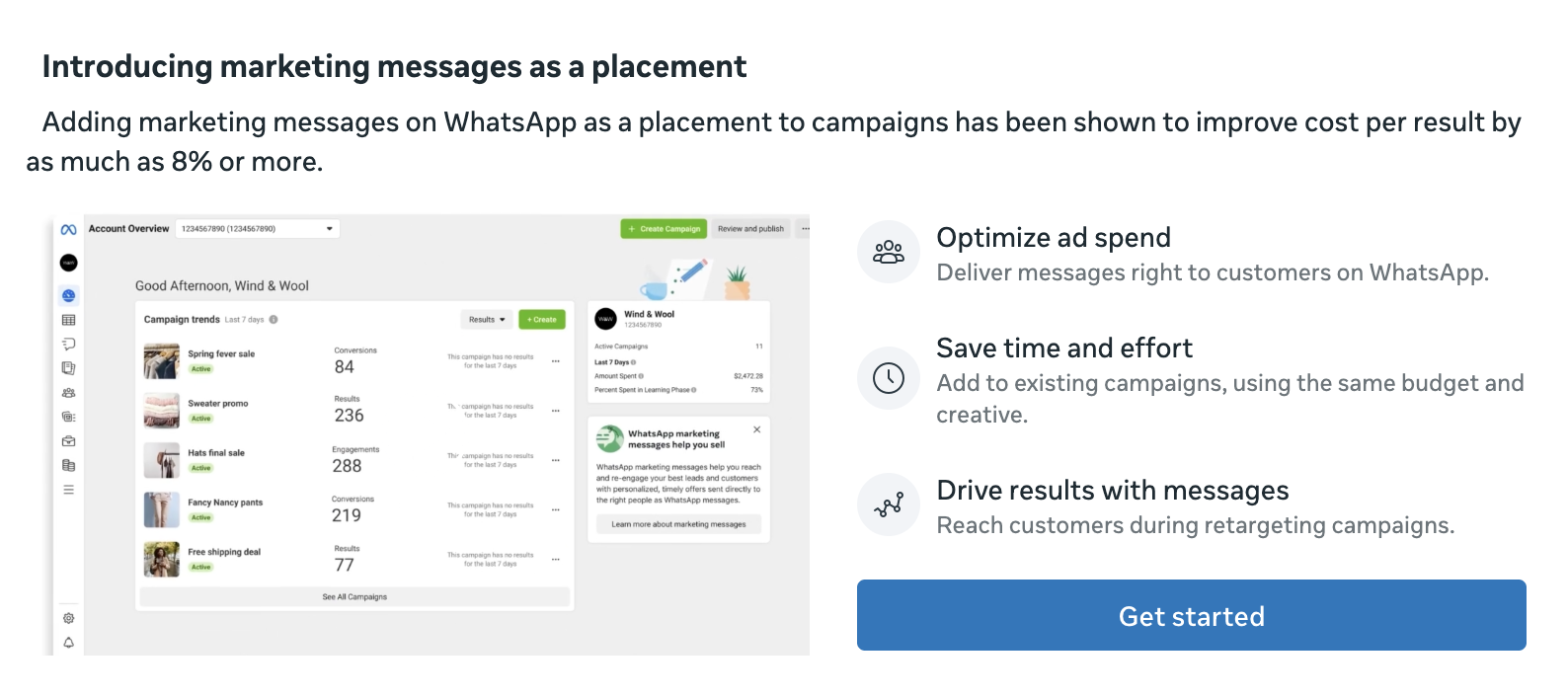
If you have a business WhatsApp account, you can add a Marketing Messages on WhatsApp placement. If it’s relevant to you and your business, this is where you get started.
Datasets and Pixels
I honestly don’t get this section. You’ll get a single table of all of your datasets and pixels that are connected to your ad account, whether they’re active, and the number of ad sets using them.

I’m just not clear what problem this solves, but there you go.
Shops and Reporting
If you manage a Shop, you can integrate reporting with GA4.
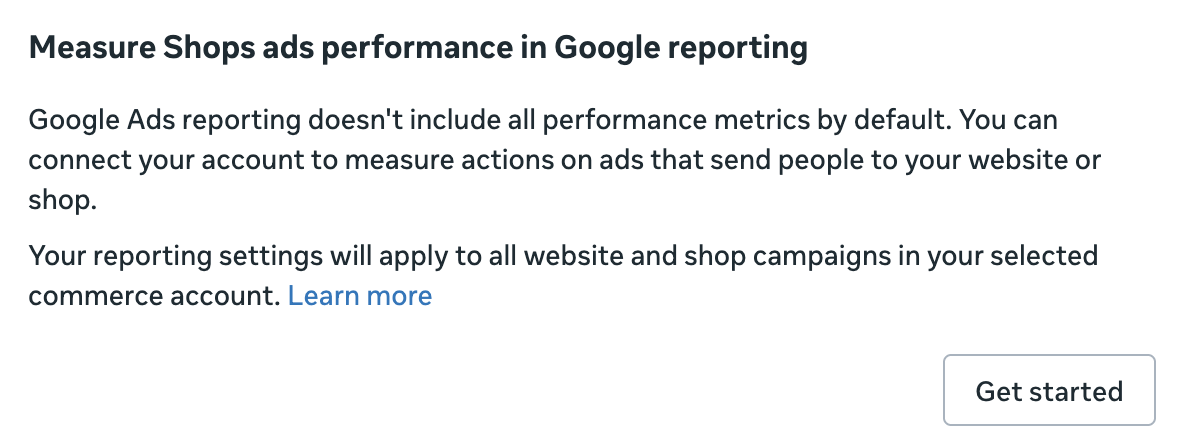
Why? As Meta says:
Google Ads reporting doesn’t include all performance metrics by default. You can connect your account to measure actions on ads that send people to your website or shop.
Name Templates
There was a time when I thought that Name Templates were kinda cool. They automate or semi-automate the naming convention for your campaigns, ad sets, and ads based on your various settings.
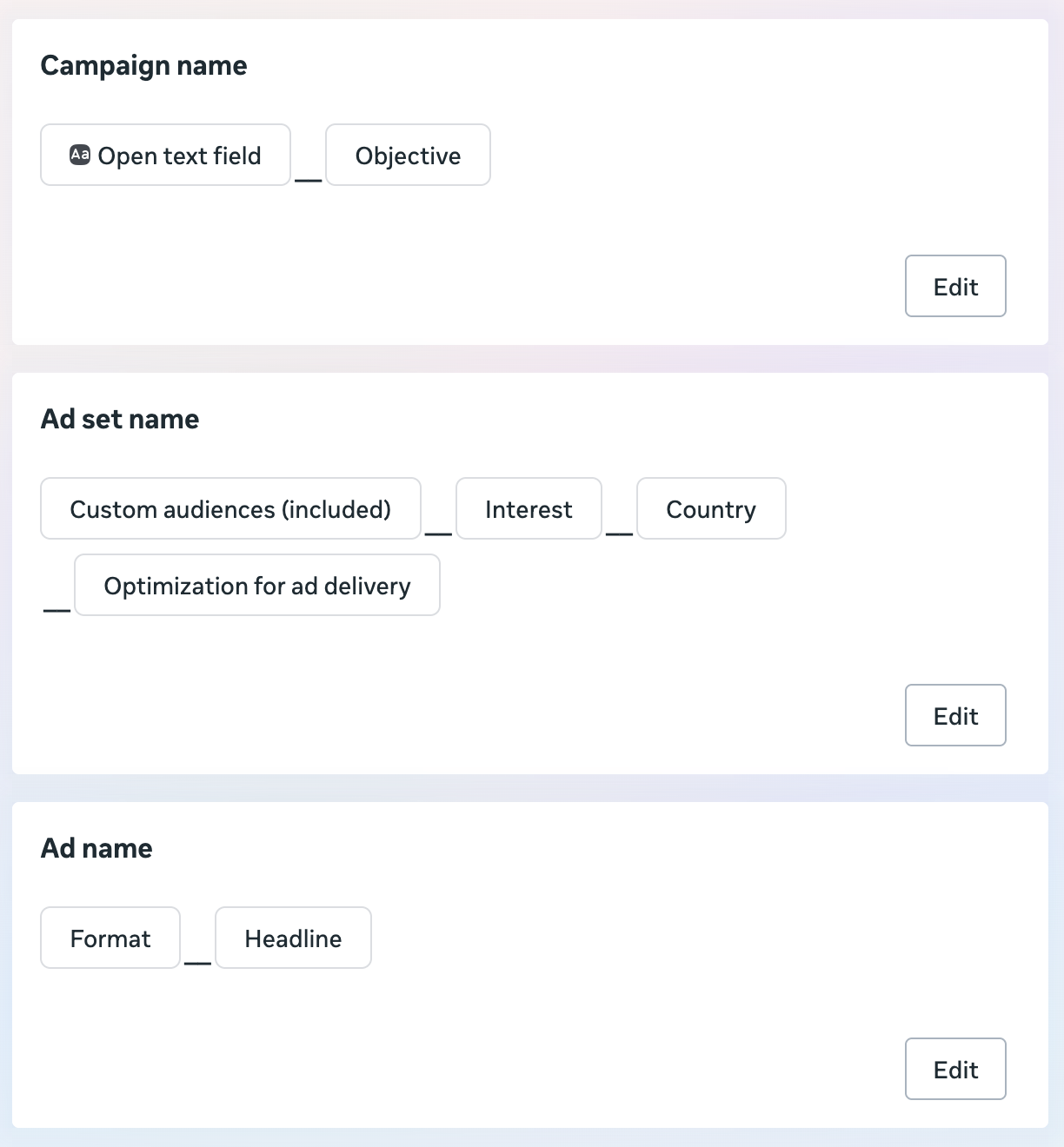
I set them up once. I may have even used them a couple of times. But I’ve generally found it’s easier to just take the five seconds to name these assets manually.
Social Information
This is an interesting setting that I’ve never seen Meta explain, but it makes a whole lot of sense.
Because there are so many variations of ads these days, it can water down your social proof. But this setting (which is on by default), will consolidate your likes and reactions across ads if the images and text are the same or similar. I assume this also applies to videos, but the description calls out images specifically.
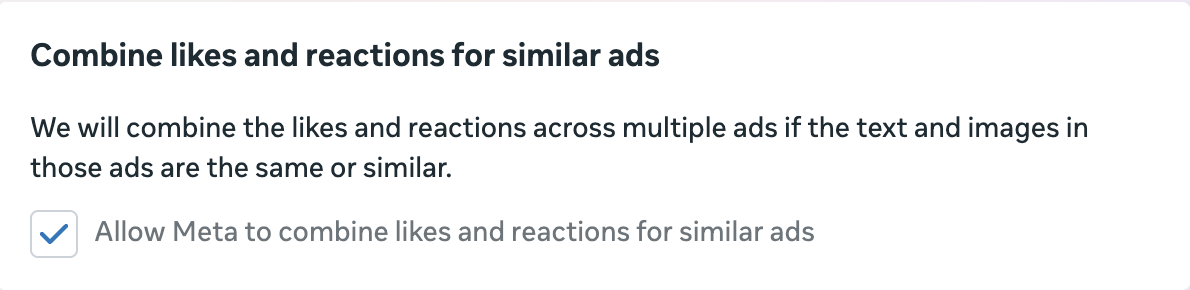
I couldn’t tell you how often this is applied or the impact it makes in this area, but this setting certainly feels like one that should be on.
Your Turn
Do you have any other settings that I didn’t mention above?
Let me know in the comments below!