What’s going on here?
Meta introduced Customer Lifecycle Strategy a few months ago. It allows you to define whether you want to get conversions from all audiences or only acquire new customers.
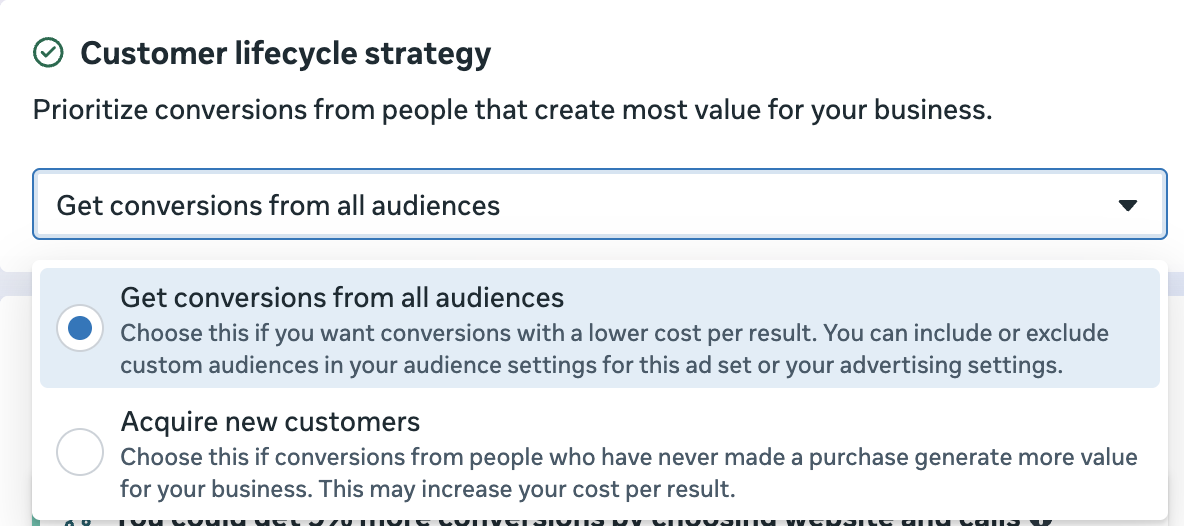
When you choose to acquire new customers, you’ll need to define the custom audiences you want to exclude. But Meta is doing something weird now, and you need to be careful.
Custom Audiences Automatically Excluded
Immediately after selecting to acquire new customers, I can see that custom audiences are already being excluded.
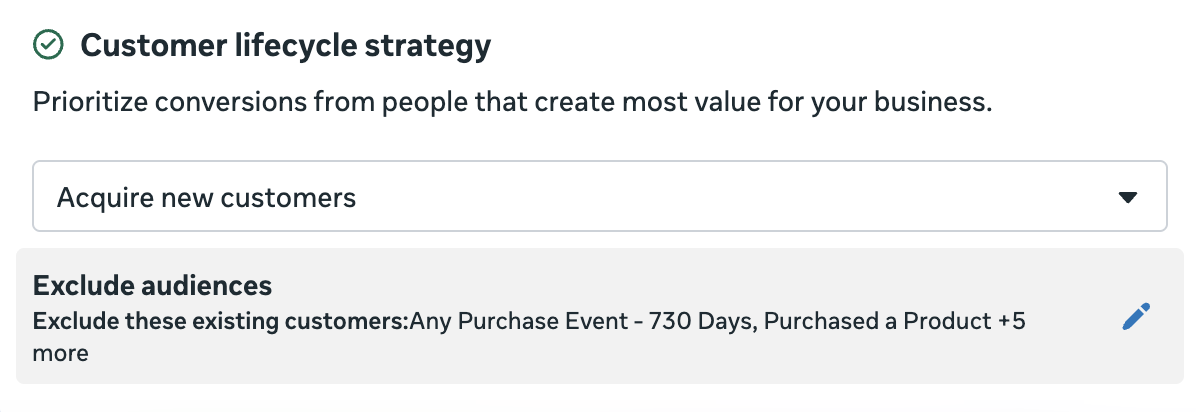
When I click to edit the excluded audiences, I see that several custom audiences already appear for Existing Customers. These weren’t custom audiences I manually selected.
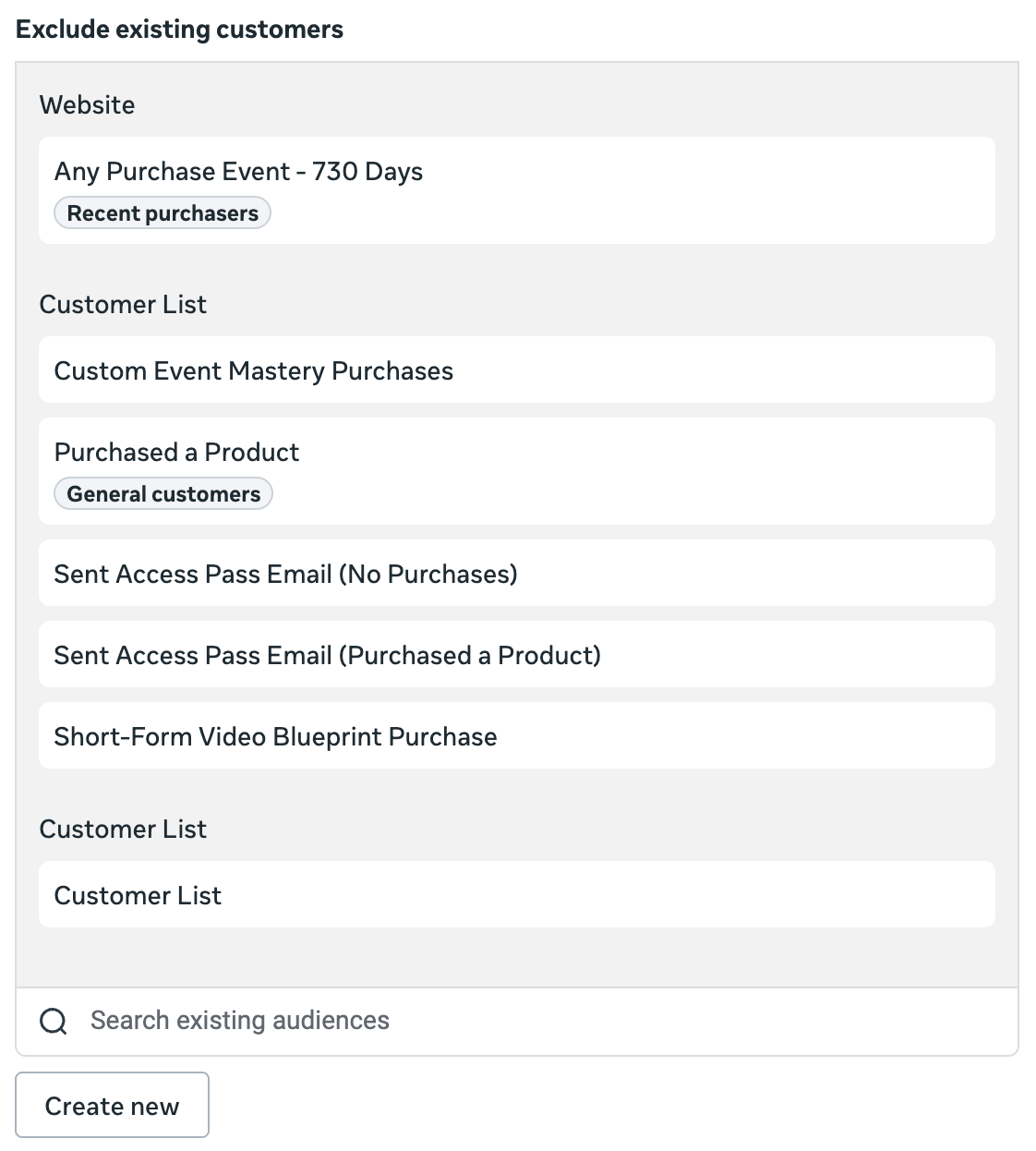
Meta attempted to predict which audiences I’d want to exclude, and it’s not even close. Not only is the list incomplete, but it includes audiences that do not match my existing customers.
For what it’s worth, Meta didn’t try to do this with my engaged audience. That field was left blank.
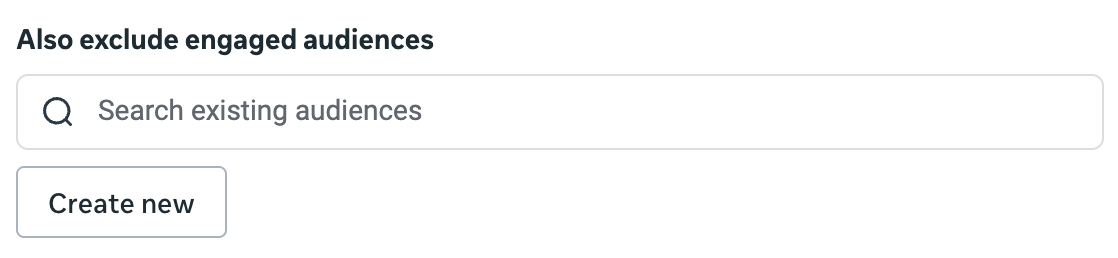
So just know that if you only want to acquire new customers, you’ll need to go through these manually. Otherwise, you’re likely to exclude the wrong audiences.
Audience Segments
And really, why is this so complicated? I’ve already defined my engaged audience and existing customers audience segments in my Advertising Settings.

Why can’t Meta just automatically pull from those definitions? And if Meta doesn’t want us to look at them as being the same thing, why do they have the same name?
We discussed this recently in my private community. Join us at jonloomer.com/elite.