[ad_1]
After launching the ChatGPT ads self-serve beta in May, OpenAI has steadily made updates. This post highlights three more.
Make no mistake, ChatGPT ads are still incredibly basic. If you ran Facebook ads 12-15 years ago, some of the features and interface will look weirdly familiar. But at the same time, sometimes OpenAI will surprise us with an advanced feature like bid multipliers — something Meta advertisers didn’t see until last year in the form of value rules.
Still, these latest updates are all interesting and worth sharing…
Maximize Results Bid Strategy
One of the annoyances of early ChatGPT ads was that manual bidding was required. If optimizing for reach, you could set a maximum CPM bid…
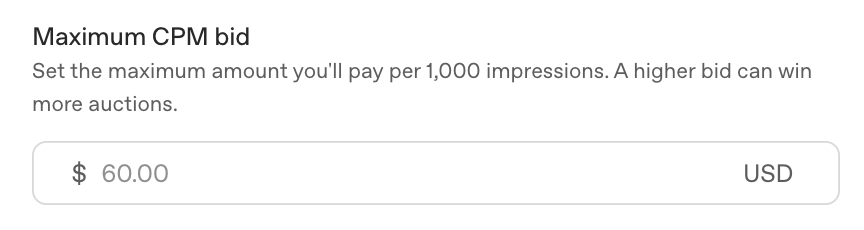
You could optimize for clicks and set a maximum CPC bid…
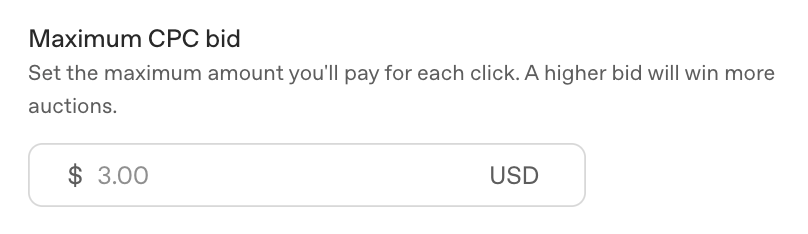
And once OpenAI finally made conversion optimization available, it required a conversion-optimized bid cap.

But manual bidding is an archaic process of trial and error. While Meta advertisers can bid manually, it’s been done automatically for us for about a decade.
Finally, OpenAI has rolled out something similar. If you set an objective of clicks or conversions, the default bid strategy is now “Maximize Results.”
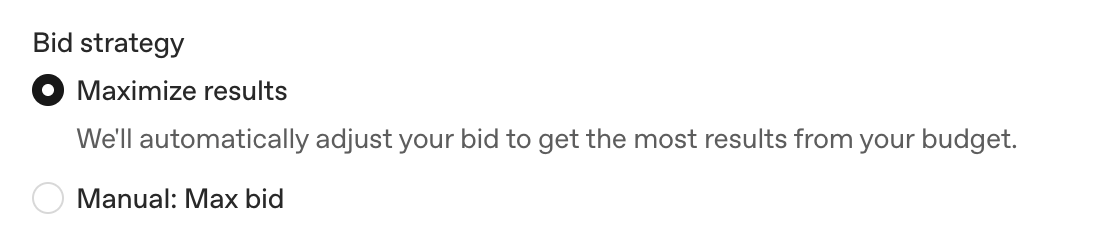
When selected, OpenAI will “automatically adjust your bid to get the most results from your budget.”
This should help advertisers who have struggled to find the right bid. If you bid too low, your ads won’t be shown. Unfortunately, minimum bids are also quite high, especially for conversions. So this also means you should expect OpenAI to bid more than you might have manually, which will make it more likely that you spend your full budget.
My hunch is that this change will lead to improved advertising performance, at least at a surface level. If it’s anything like Meta advertising, optimized bidding can be great for purchases, but a potential problem for other actions. The delivery algorithm then becomes focused on getting you as many optimized actions as possible within your budget.
That could be at the expense of quality, so watch this closely.
Eligible Platforms
OpenAI finally released its first set of placement options with an Eligible Platforms dropdown menu in the campaign.
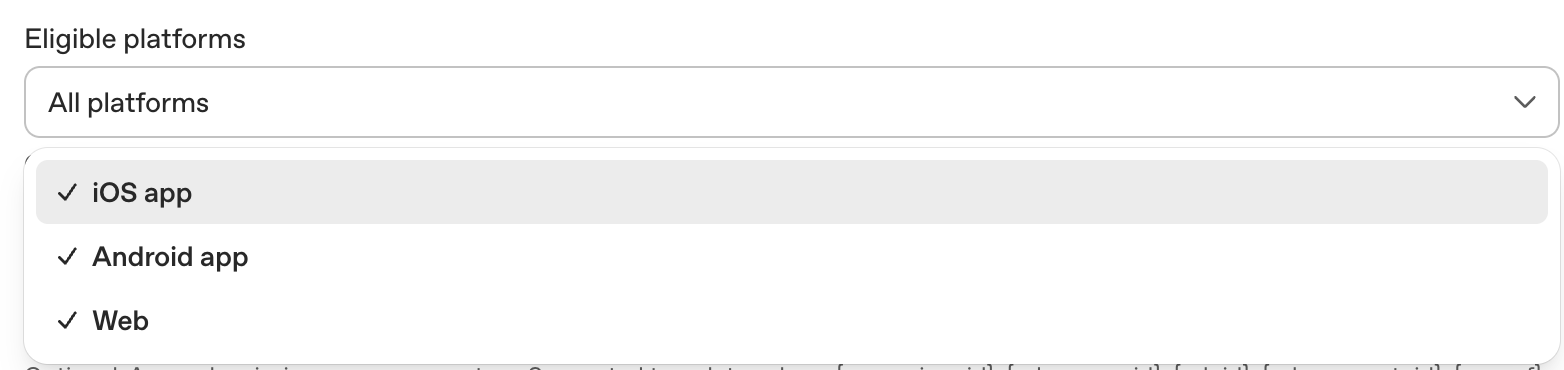
By default, your ads will be shown on all available platforms (iOS app, Android app, and web). But you can individually deselect any of these if you’d like.
Why would you? That’s difficult to say at this point. The ad units aren’t different by platform, as far as I know. And I’m also not seeing results broken down by platform. There’s a “Segment” option by device, but it only breaks out results by Mobile and Desktop.
Maybe this will become more useful later. For now, I see no reason to manually remove a placement (or an easy way within Ads Manager to verify it’s a good idea).
Landing Page Query Parameters
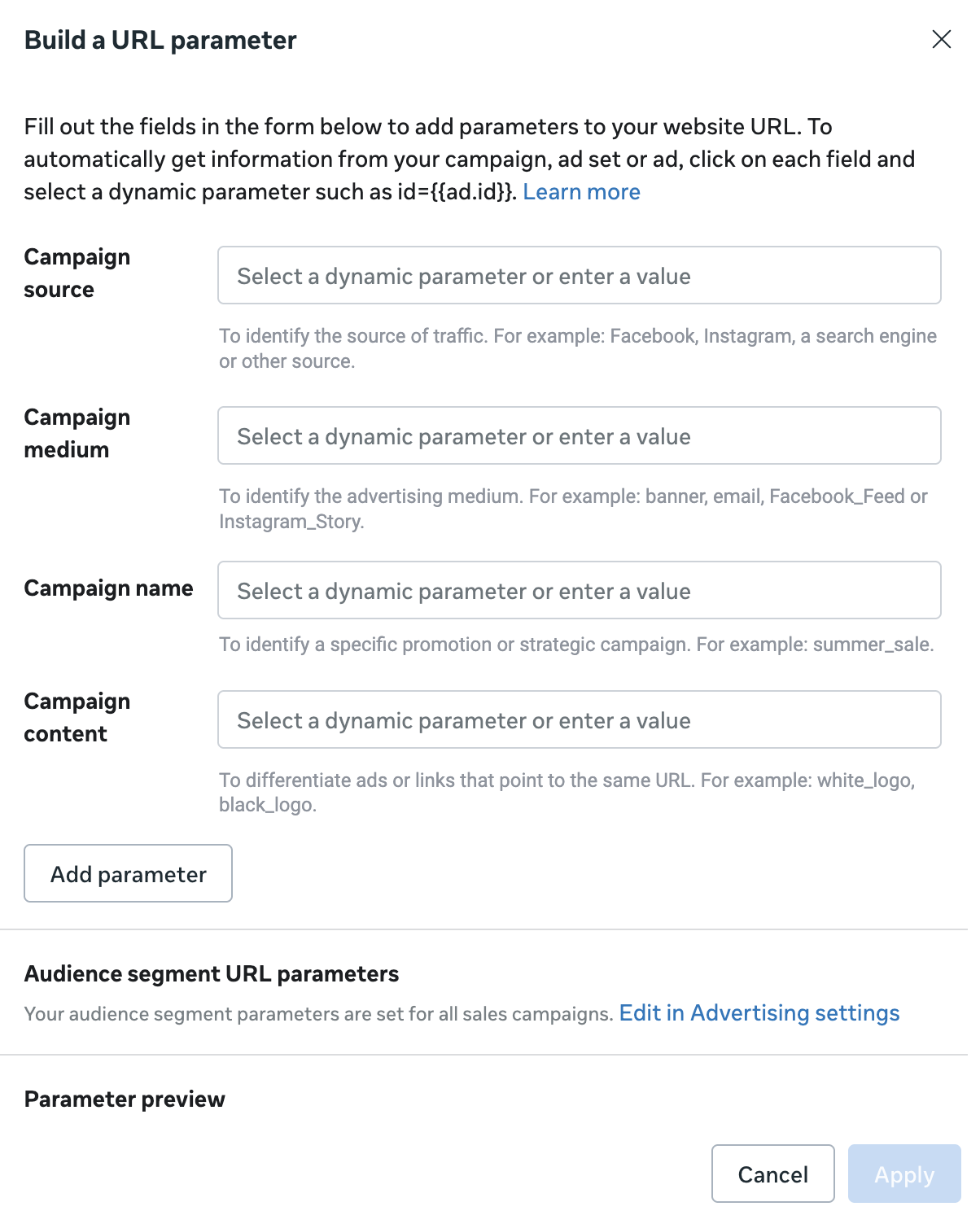
And finally, OpenAI has added new ways to include URL parameters for third-party tracking. There are Landing Page Query Parameters sections within the campaign, ad set, and ad. Why all three? I have no idea. But they’re there if you need them.

Supported template values are {campaign_id}, {ad_group_id}, {ad_id}, {ad_account_id}, and {oppref}.
This is similar to Meta’s URL parameter builder found while creating an ad. When using these templates, the relevant asset (campaign ID, ad group ID, ad account ID, etc.) is pulled and inserted into the URL.
Are You Running ChatGPT Ads?
While I’m personally running ChatGPT ads, I’ve cut my budget to the bare minimum to simply remain active. I haven’t seen results that balance out the unexpectedly high costs so far. That may change as the feature set improves.
Have you been running ChatGPT ads? What results are you seeing?
Let me know in the comments below!
[ad_2]
Source_link