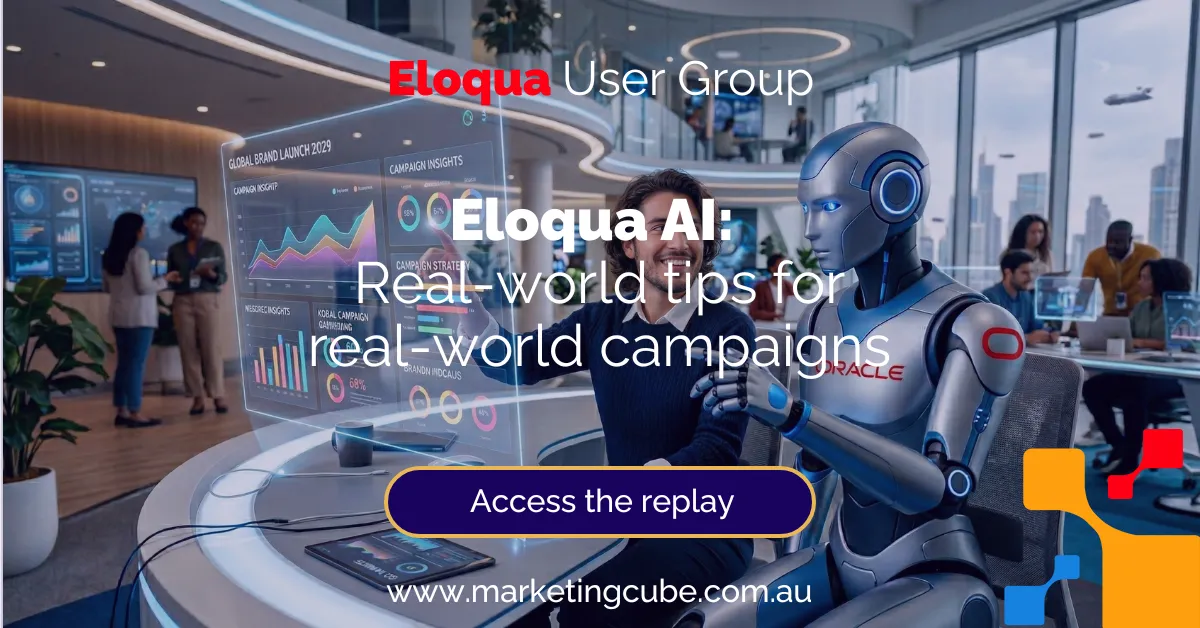

Eloqua AI: Real-World Tips for Real-World Campaigns
Eloqua User Group Webinar
Estimated Reading Time
9
Minutes
Published: 13 May 2026 | Derek Bell
Overview
Eloqua’s AI suite has now been available to all subscribers for close to 12 months at no additional charge. That’s long enough to experiment, and now it’s time to start getting real value from it.
This session was built for Eloqua admins/ops and demand gen marketers who want practical ways to use Eloqua AI in their campaigns without impacting governance, deliverability, or reporting.
In the webinar, we covered the four key areas of Eloqua AI and how they may help in day-to-day campaign management:
- Fatigue Analysis
- Send Time Optimisation (STO)
- Account Intelligence
- Generative AI features
On this page
Why now (and why this matters)
Most teams already have these features switched on, but are still running campaigns the same way they did before AI.
The opportunity isn’t “let AI run your marketing”. It’s to use Eloqua AI where it’s genuinely strong:
- Fatigue Analysis uses pattern recognition (engagement behaviour over time)
- STO uses timing optimisation, deferring send times based on optimal contact engagement
- Account intelligence rolls up insight to provide account-level signals for ABM
- GenAI features use variation generation for subject lines and copy options
Below is a practical recap, with examples and “do this / don’t do this” guidance.

Fatigue Analysis: burnout prevention you can operationalise
Fatigue Analysis is designed to help you predict the likelihood of disengagement, essentially giving you a new lever to control how much email pressure you apply to different parts of your database.
What is it?
Fatigue is calculated across nine levels, grouped into five broad states:
- Inactive
- Undersaturated
- Just right (the “nirvana” state)
- Saturated
- Oversaturated
In practice, most Eloqua databases do not have the majority of contacts sitting in “just right”. If you do, you’re unusual, in a good way.
Why it’s useful (for ops + demand gen)
The big win is that fatigue is generated as a contact field, which makes it extremely flexible. You can use it to:
- Add an extra filter when building segments (reduce over-mailing)
- Control paths on the campaign canvas (who receives additional comms vs who gets held back)
- Enhance lead scoring by incorporating fatigue level
- Build Insight reporting by cohort (fatigue level + other attributes)
How it’s calculated (the practical bits)
Eloqua looks at the last 180 days of engagement (or lack of engagement) and the fatigue level is refreshed weekly
It factors in:
- Email send recency/frequency (what you control)
- Opens/clicks/engagement (what the contact does)

Real-world example: How we used fatigue in our own webinar invite campaign
In the webinar, we showed the campaign that brought people into this episode.
The typical pattern is:
- Invitation email to the full audience
- Follow-up invitation based on behaviour (opened vs didn’t open, registered vs didn’t register)
This month (and last month), we tested a third touch — but only for contacts who were not in the higher saturated/oversaturated fatigue levels.
The practical takeaway: fatigue analysis isn’t a tool for constant exclusion. It’s a way to add sensible guardrails so you can push for performance without pushing contacts into burnout.
For more strategic and technical advice on how to best use Fatigue Analysis for your Campaigns, please reach out to us.
Fatigue Analysis:
do this / don’t do this
- Do: use fatigue as an overlay for event invites, nurture streams, and re-engagement campaigns.
- Do: test exclusion thresholds (e.g., exclude higher saturated/oversaturated) and review results monthly.
- Don’t: treat fatigue as a permanent suppression list; it’s a dynamic signal refreshed weekly.

Send Time Optimisation (STO): let Eloqua decide when to deliver
STO is about sending emails when each individual contact is most likely to open.
Instead of obsessing over “10am Thursday”, STO encourages a different approach:
- Launch the campaign (e.g., Thursday 8 am)
- Let Eloqua decide the best time for each person to receive the email
How STO works
Eloqua uses historical engagement data (opens over time) to predict the best send time.
You can choose between two options when deciding to apply STO to an email send:
Within a day
(a 24-hour window)
Within a week
(a 7-day window — time of day and day of week)
If a contact doesn’t have enough history yet, Eloqua sends the email immediately.

The trade-off: control vs performance
If your team needs strict control (no weekends, business hours only), STO may not be the right tool, because you can’t guarantee those constraints.
Example:
If you launch a campaign at 8 am Friday using “within a day” STO, the window runs until 8 am Saturday, so Saturday delivery is possible.
STO:
do this / don’t do this
- Do: use STO for newsletters and non-time-critical nurture content.
- Do: mix STO and non-STO emails in the same campaign (you can apply STO to each email).
- Don’t: use STO for last-minute event reminders or anything that must land at a precise time.
Got questions about STO? Contact us here.

Account Intelligence: a practical ABM signal
Account Intelligence assigns a score between 0 and 100 at an account level in Eloqua.
It works best with CRM integration
If your Eloqua instance is integrated with a CRM that links contacts to an account object, Account Intelligence becomes much more meaningful.
Without that linkage, it’s still possible, but data quality becomes critical. You’ll need an ongoing data “washing” process to ensure that you get reliable account-level insights. If company name values vary (Acme vs Acme Inc vs Acme Con.), Eloqua may treat them as separate accounts.

Why it matters
The Account Intelligence score is an account field, which means you can:
- Segment and personalise based on account score rangesUse shared filters to route contacts differently on the canvas
- Incorporate the account score into lead scoring
- Start ABM conversations internally using the dashboard as a “single pane of glass”
Account Intelligence:
do this / don’t do this
- Do: validate account linkage and naming conventions
- Do: use account score ranges to prioritise ABM follow-up and tailor cadence.
- Don’t: rely on account scores alone – they are account-level digital body language

Generative AI in Eloqua: practical help, not a replacement
Eloqua’s GenAI tools may be used in different stages of the copy and content creation lifecycle – for example:
- Helping copywriters and content creators who are working in Eloqua with new ideas and suggestions
- Providing feedback and suggestions for optimisation to your content teams
- Creating copy variations for testing and optimisation
Where can you access GenAI in Eloqua?
- Emails
- Landing pages
- Shared content
- Dynamic content

What can it do?
For copy, Eloqua GenAI can:
- Rewrite/rephrase
- Shorten
- Lengthen
- Bulletise
For subject lines:
- You provide a brief (purpose, background, key details)
- Eloqua generates five options you can select and then edit further
- There’s also a language selector for multi-regional campaigns
GenAI Content Creation:
do this / don’t do this
- Do: use GenAI to create variations and improve scannability.
- Do: duplicate your content block first so you can compare versions and revert quickly.
- Don’t: treat GenAI output as “ready to send”, it’s best as a collaborative drafting tool.
Eloqua Release 26B Highlights
What’s news? What’s coming soon?
A few notable updates mentioned in the session:
- New navigation (menu moved to the bottom – see below)
- Controlled availability improvements, including a more user-friendly source editor
- Access controls for admins to restrict who can use Generative AI
- Bulk delete improvements for custom object uploads
Updates for Salesforce CRM-connected instances (handled in the background)
- Zoom + Eloqua app changes (Oracle app now accommodates Zoom Events, with some user-level visibility advantages)
- Form processing steps UI improvements, including an explicit Edit mode with Cancel/Update to reduce accidental changes
- Upcoming: more conversational subject line generation and the ability to upload a document to guide tone

For more details on any of these new features, please contact us
Frequently Asked Questions
1) How often does Eloqua Fatigue Analysis update?
Fatigue levels are refreshed weekly, based on the last 180 days of engagement.
2) Why are some contacts showing as “inactive” if they’re brand new?
“Inactive” includes new contacts where Eloqua doesn’t yet have enough history to categorise them properly.
3) Can I use Fatigue Analysis in segmentation and on the campaign canvas?
Yes. Because fatigue is a contact field, you can use it in segments, shared filters, canvas decision steps, lead scoring, and Insight reporting.
4) When should I use Send Time Optimisation (STO), and when should I avoid it?
Use STO for newsletters and non-time-critical nurture. Avoid it for time-sensitive sends (e.g., last-minute webinar reminders) that require precise delivery timing.
5) Where is Eloqua GenAI available (and what can it do)?
GenAI is available in Emails, Landing Pages, Shared Content, and Dynamic Content. It can rewrite, shorten, lengthen, and bulletise copy, and it can generate five subject line options from a brief.
Watch the webinar replay
Want the full walkthrough (including the campaign canvas example and the GenAI demo inside the email editor)?
If you’d like help applying this to one of your live campaigns, send through a quick summary of the campaign and what you’re trying to improve, and we’d be happy to help you optimise the use of Eloqua’s AI features.
The post Eloqua AI Tips: Practical Guide to Fatigue Analysis, STO & GenAI first appeared on Marketing Cube | Connected Capability.
Source_link