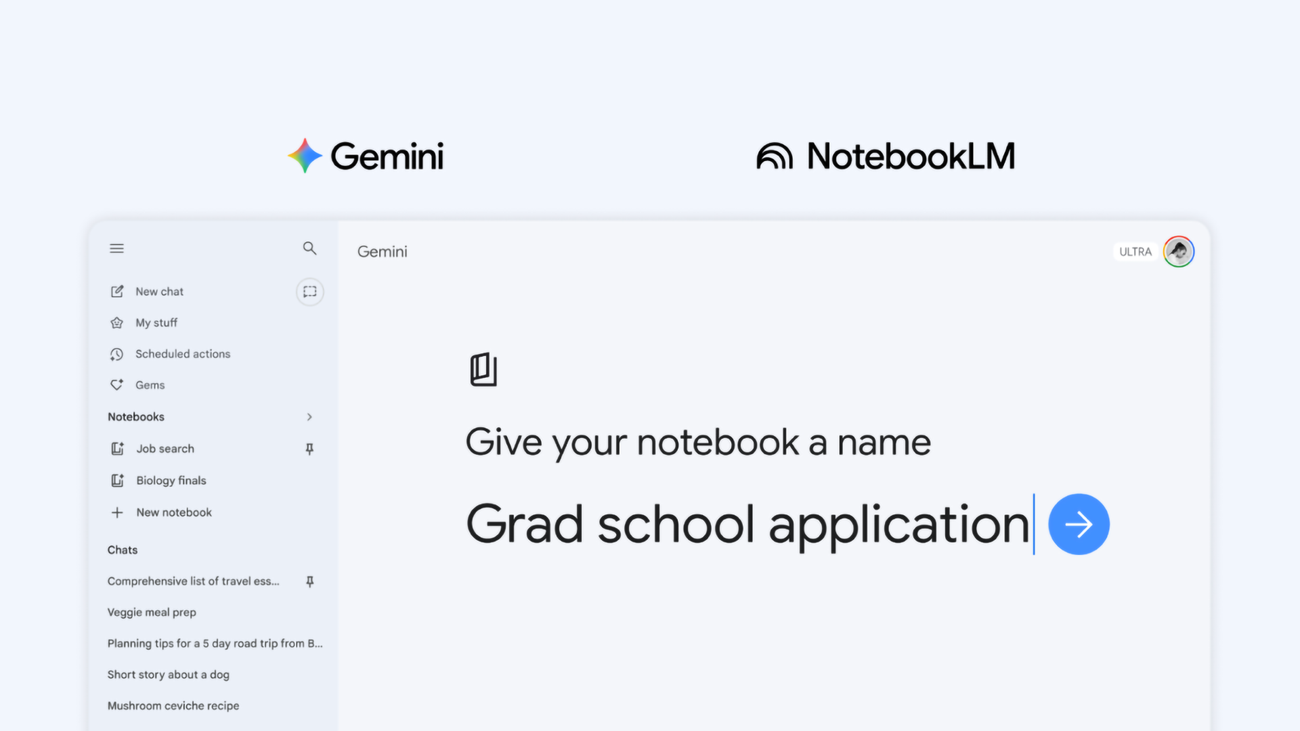
As you rely on the Gemini app for more complex projects, from studying for exams to diving into a new hobby, keeping track of everything can be a challenge. At the end of last year, we added NotebookLM as a source in the Gemini app to help. Now we’re taking that integration a step further by introducing notebooks.
Think of notebooks as personal knowledge bases shared across Google products, starting in Gemini.
They give you a dedicated space to organize your chats and files, and because they sync with NotebookLM, you can unlock even more efficient workflows directly from Gemini.
Stay organized in one easy space
With notebooks, you can keep conversations about a topic organized in one place. Just click “New notebook” on the side panel of the Gemini app to get started. You can move past chats into notebooks, give Gemini custom instructions and add relevant files like documents and PDFs to give Gemini more context. Once your handpicked sources are organized into a notebook, Gemini uses them alongside its powerful tools and web search to provide uniquely helpful responses.