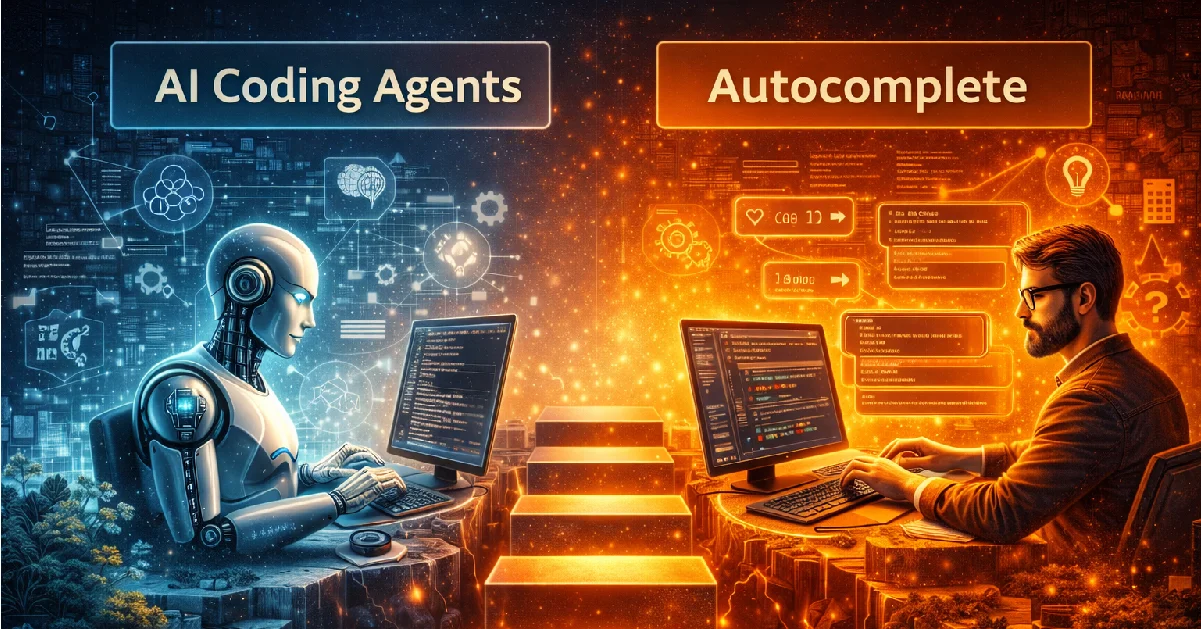
Autocomplete was never the goal. It was just the warm-up. For years, coding tools only guessed the next line. Helpful, yes. Smart, not really. They reacted. They didn’t think. That gap is now impossible to ignore.
AI coding agents are built differently. They plan. They execute. It can remember context beyond a few lines. This is not faster typing. This is a shift in how software gets written.
In 2026, comparing agents with autocomplete is like comparing a calculator with an intern who actually understands the task. Same space. Very different architecture. Very different outcomes.
This blog breaks down the real gaps. Not hype. Not vibes. Five core architectural differences that separate simple suggestions from systems that can own parts of your codebase. If you’re still treating them as the same thing, you’re already behind.
5 Key Architecture Gaps

Architecture gap #1: Reactive vs agentic systems
Autocomplete is reactive. It waits. You type, it predicts. That’s it. No planning. No understanding of why you’re writing this code. Just a probability guess for the next token. Works fine for simple lines. Fails fast for anything bigger.
AI coding agents are agentic. They act with purpose. They break tasks into steps. It can decide what to do next without constant prompts. It’s not just typing faster—it’s thinking ahead. Agents can plan, adapt, and even fix their own mistakes.
Think of it like this: autocomplete is a calculator. You punch numbers. It returns an answer. An AI agent is a junior developer who reads your brief, figures out dependencies, and sketches the whole module before writing a line. Same space, completely different role.
The reactive vs agentic gap explains why agents feel “smart” while autocomplete just feels fast. One reacts, the other drives.
Architecture Gap #2: Context window vs working memory
Autocomplete sees only what’s right in front of it. A few lines, maybe a file. That’s its “context window.” Once you move past it, it forgets. It has zero long-term memory. Big-picture logic? Project-level dependencies? Out of reach.
AI coding agents have working memory. They can track multiple files, understand modules, and remember decisions across sessions. They don’t just react to your last line—they keep the state of the task in mind. Variables, function calls, architecture patterns—they all live in the agent’s memory while it works.
This difference is huge. Autocomplete might nail a line of code, but agents can manage workflows, suggest refactors, or debug without losing track of the bigger picture. One forgets instantly. The other thinks in “chunks” like a human developer, but faster and more consistent.
Architecture Gap #3: Single-Shot Output vs Task Loops
Autocomplete is single-shot. You type, it predicts. Done. No follow-up. No corrections unless you prompt again. It can’t iterate on its own. One try, one line, one prediction.
AI coding agents run task loops. They plan, try, evaluate, and retry automatically. They can test code, detect errors, adjust, and keep improving without you typing a single extra prompt. It’s like having a developer who doesn’t give up until the function works.
This is why agents feel “smarter” on bigger problems. Autocomplete can’t handle multi-step logic or interdependent modules. Agents loop, learn, and adapt. One line vs an evolving task, it’s a world of difference.
Architecture Gap #4: No State vs Persistent State
Autocomplete has no state. It doesn’t remember past decisions, previous errors, or what you intended earlier. Each prediction is independent. Type a new line, it treats it like it’s seeing code for the first time. That’s why long projects feel like autocomplete is constantly “forgetting.”
AI coding agents maintain persistent state. They track progress, decisions, and changes across the codebase. Variables, functions, project logic—they all live in memory while the agent works. This means it can plan ahead, avoid repeating mistakes, and stay consistent across multiple sessions.
State changes everything. Without it, tools are short-sighted. With it, agents become collaborators that understand context, history, and strategy. One forgets. The other remembers and adapts.
Architecture Gap #5: Tool Usage vs Tool Orchestration
Autocomplete just writes text. That’s it. It can’t run commands, open databases, or interact with other tools. One line at a time, zero coordination.
AI coding agents orchestrate tools. They can call APIs, run scripts, read logs, fetch data, and adapt based on results. They don’t just type, they act across systems. This allows them to handle complex workflows that go beyond simple code suggestions.
Think of it like this: autocomplete is a hammer. Agents are a full toolbox with a plan. One tool, one purpose. The other is multiple tools working together to get a job done.
When to Use AI Coding Agents vs Autocomplete
Autocomplete is enough when the task is small. Renaming variables. Writing boilerplate. Filling obvious patterns. It’s fast, cheap, and doesn’t get in your way. For simple work, agents are overkill. They slow things down.
AI coding agents make sense when the problem has depth. Feature development. Refactoring messy code. Debugging issues that span files. Anything with dependencies, logic chains, or repeated failures. This is where autocomplete breaks and agents start to shine.
Team workflows change the decision. Autocomplete helps individuals move faster. Agents help teams stay consistent. They understand structure, enforce patterns, and reduce review load. Not perfect, but better than guessing.
There’s also cost and control. Agents take more compute. More time. More trust. If you don’t know what you’re building, agents will amplify bad decisions. Autocomplete won’t.
Use autocomplete to type faster. Use agents to think broader. Confusing the two leads to bad tooling choices and worse code.
Conclusion
AI coding agents and autocomplete are not competitors. They’re not even in the same category. One predicts text. The other executes the intent. Treating them as similar tools is a thinking error, not a tech mistake.
Autocomplete will survive because it’s simple and efficient. It makes developers faster. Agents will grow because they make systems smarter. Different roles. unique architectures. Different outcomes.
In real-world software building, especially in large teams and production systems, this difference matters. Companies that understand this shift will design better workflows. The rest will just stack tools and hope for results.
For any serious software development company in Bangalore, this isn’t a trend to watch. It’s an infrastructure decision. Tooling choices now shape delivery speed, code quality, and team structure for years. The best software development company in Bangalore won’t ask “which is better.” They’ll know when to use each and, more importantly, when not to.