1. The Gemini app
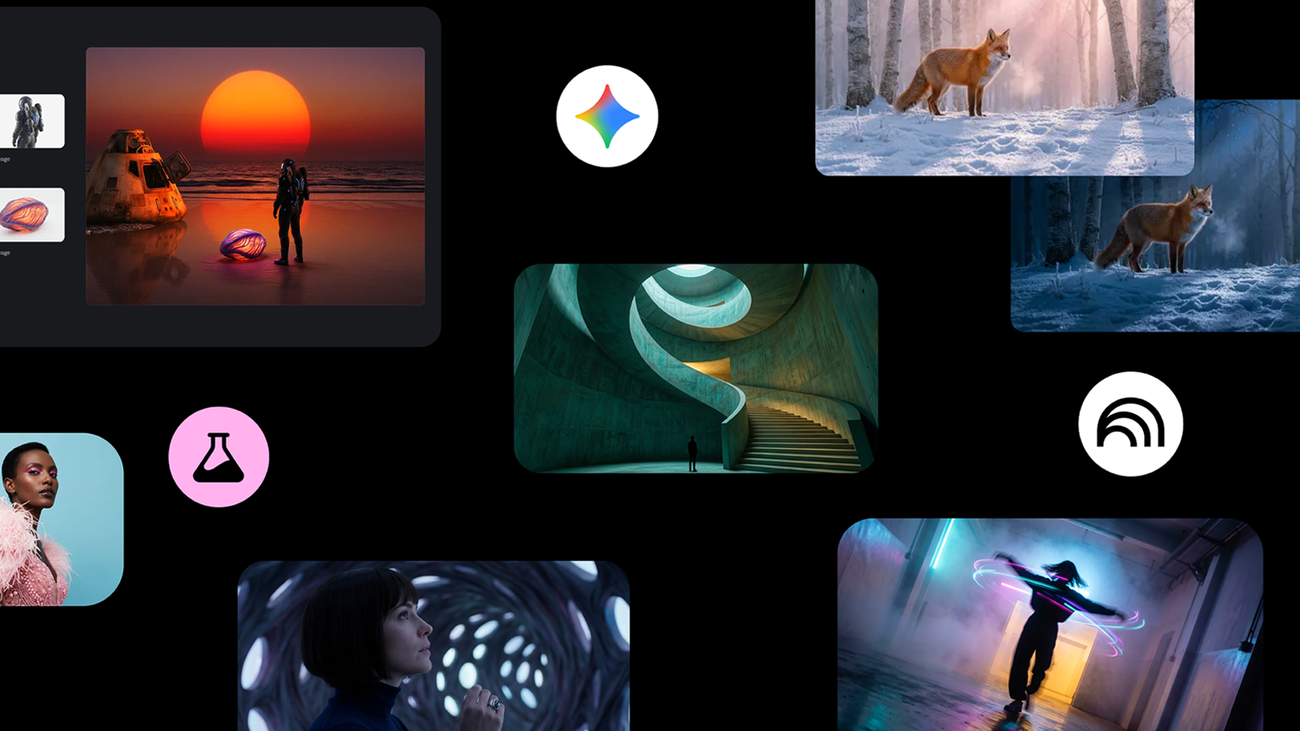
Nano Banana Pro is available globally in the Gemini app on desktop or via the mobile app. You can simply select “Create images” and choose the “Thinking” model to use it. There are limits for free-tier users, and the app will go back to using the original Nano Banana after you reach them (Google AI Plus, Pro and Ultra subscribers receive higher quotas).
2. AI Mode in Search
You can also access Nano Banana Pro through AI Mode in Search. While signed into your account, just head to AI Mode, select “Thinking with 3 Pro” from the dropdown menu, click the plus sign icon and choose “Create Images Pro.” Describe your image and Nano Banana Pro will take it from there! Image generation in AI Mode is available in select countries in English.
3. NotebookLM
Nano Banana Pro is available to all NotebookLM users globally, so you can turn sources and ideas into visually compelling narratives with Slide Decks and Infographics. Slide Decks allow you to instantly convert trusted documents or even just high-level notes into fully styled decks, suitable for both reading and presenting. The feature is especially powerful for synthesizing new information: For example, you can run a Deep Research query, create a Slide Deck and visualize complex topics without wading through dense reports. And if you have an existing draft of a deck, just ask NotebookLM to create more visually appealing slides, even in a certain style of color palette.