If you create content regularly, you understand the pressure to always be “on”. To be a conveyor belt of ideas. To be writing, filming, editing, posting, and engaging. It’s a lot! And then start the cycle all over again with each new post.
Being a creator can sound like a dream job from the outside, but in reality, it can be exhausting.
So it’s really not surprising to me that 52% of creators admit to experiencing burnout — I’m definitely one of them. If you’re reading this, I’m guessing you get it too.
What weighed down my brain wasn’t even the ‘creation’ part. It was the pressure to remember every single good idea (and the constant fear of losing one) that gave me creative migraines.
I’m a freelancer mom. I don’t spend most of my day in front of my laptop. My best ideas come when my brain relaxes — after I drop my kid at school, while cooking dinner, or just as my head hits the pillow.
And those moments are not always convenient. I can’t just drop what I’m doing just to write.
But my content is how I build my network, stay visible, and find new client work, consistency isn’t optional for me. Losing ideas feels like losing opportunities.
One day, I started brain-dumping an idea into ChatGPT to help me refine it when I had a brainwave. I often used the AI tool as a sounding board for half-baked ideas like the one I was about to enter — my chats had to be a gold mine of unused content.
But how did I dig that gold up? I didn’t want to waste half an hour digging through ChatGPT history just to find and document my old ideas.
Instead of creating, I would be organizing. And that’s the worst kind of energy leak for a creative trying to stay consistent.
I told myself, “If only ChatGPT could regularly pull out my ideas and remind me of the things I said I’d write about… that would be amazing.”
So I made it do exactly that.
How I automated my idea chaos
Instead of scrambling for notes buried in Google Docs, Google Drive, screenshots, Slack, or my Facebook Messenger (yes, I send messages to myself), I now start the day with a clean menu of original ideas.
Every morning, I wake up to an email from ChatGPT with my best ideas in it, already categorized.
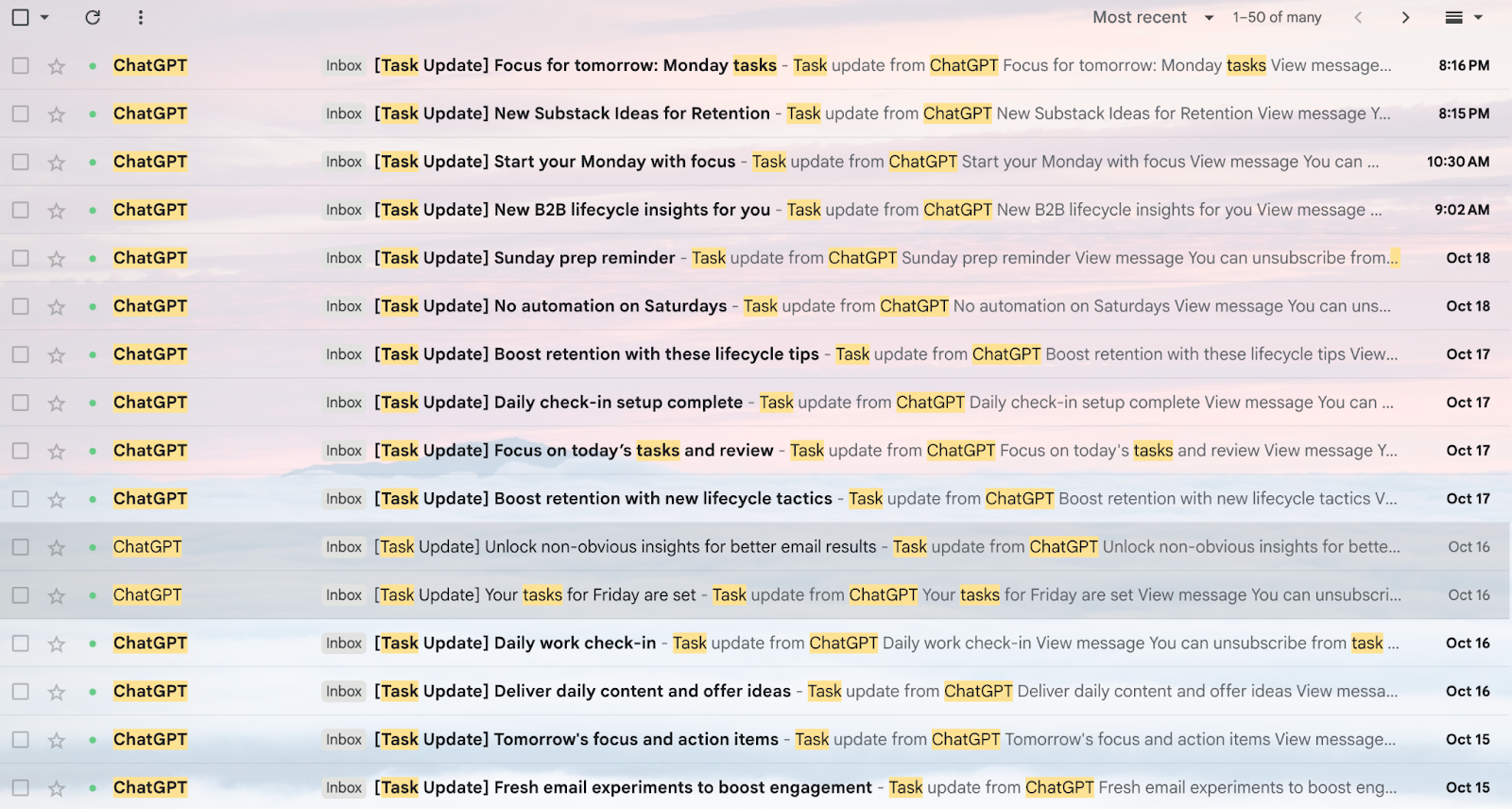
Each morning’s email breaks my chats into 3 neat categories:
- Substack Ideas
- LinkedIn Topics
- Email Experiments
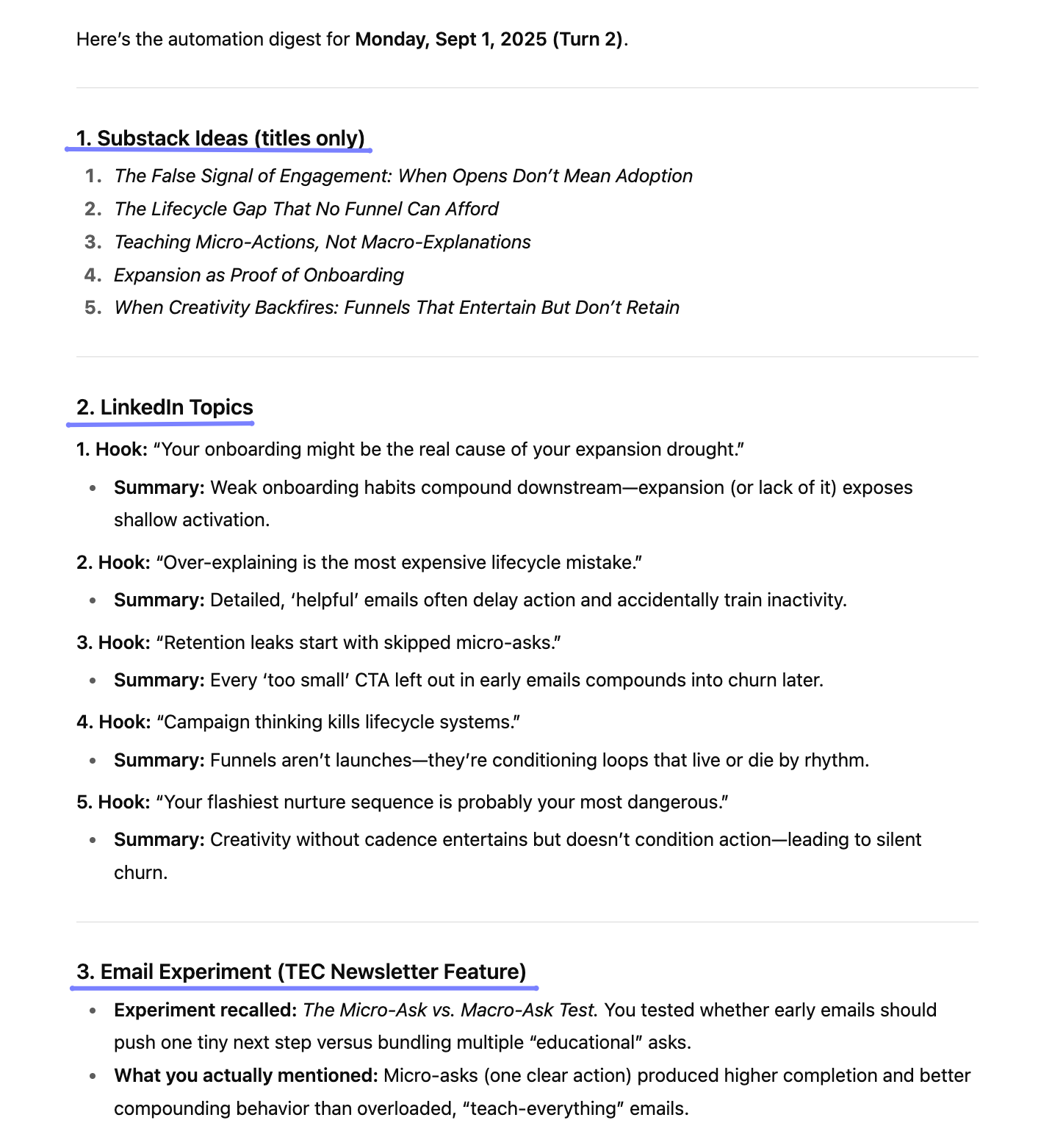
It’s a simple system, but has completely changed how I approach content. And it doesn’t involve any additional tools to work, just email and ChatGPT.
On busy days, those emails serve as my content calendar. On slower days, it’s a soft nudge that helps me ease into creating without overthinking.
This automation helped me:
- Become a calm content creator. No more frantic note-hunting and, more importantly, no more grieving my lost ideas.
- Launch two newsletters. One was even recognized as a Top Newsletter in Southeast Asia for B2B Marketers.
- Keep my mornings slow and my day productive. I’m fully focused on my client work, my kid, and even the laundry.
- Get my joy (and energy) back for content creation.
How to set this up (in just 10 minutes)
You don’t need technical skills to make this work. You only need:
- To chat with ChatGPT regularly — about your work, ideas, projects, problems, and thoughts. The more you share, the sharper its suggestions get.
- ChatGPT Plus to use the Schedule feature. Check the usage limitations here.
Here’s how to set it up:
- Go to ChatGPT Schedules (previously ChatGPT Task) and start a task.
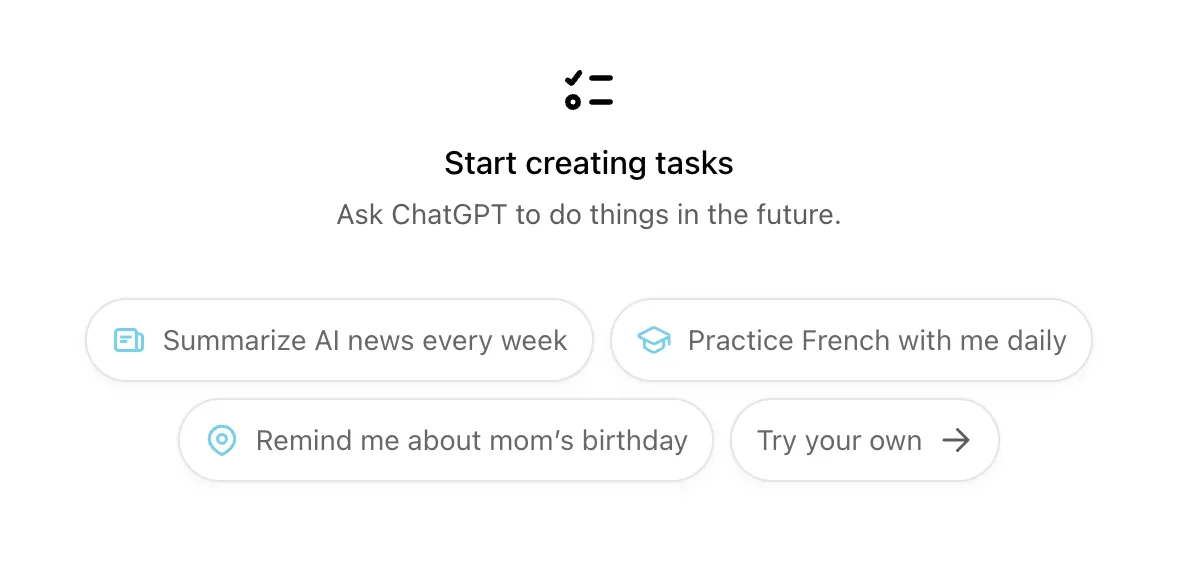
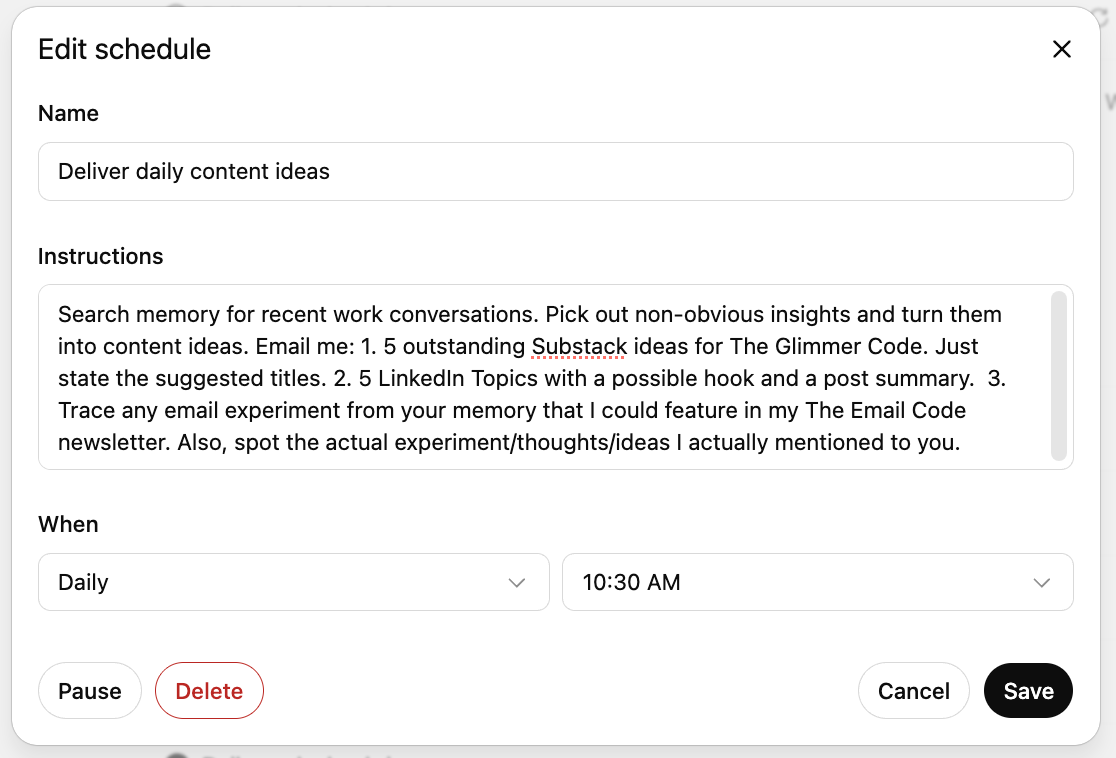
- Paste this prompt (or customize it your way):
”Search memory for recent work conversations. Pick out non-obvious insights and turn them into content ideas. Email me:
1. 5 outstanding Substack ideas. Just state the suggested titles. 2. 5 LinkedIn Topics with a possible hook and a post summary. 3. Trace any email experiment from your memory. Also, spot the actual experiment/thoughts/ideas I actually mentioned to you.”
Here’s my actual prompt below:
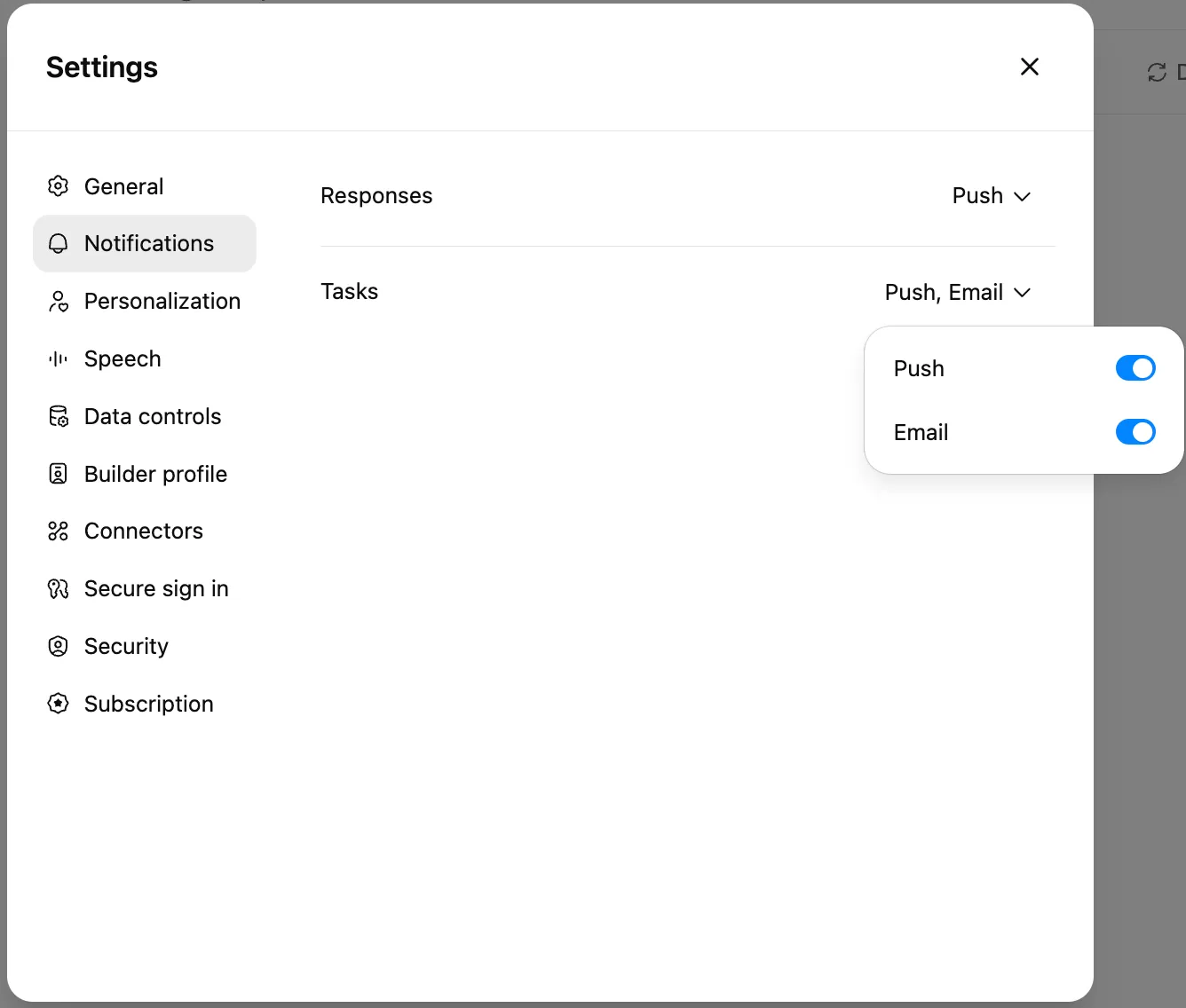
- Make sure that you’ve switched your Task Notifications to Email too, so you get the reminders in your inbox. To check, click on your Profile pic > Settings > Notifications. Or just click here.
Done.
It feels a bit like I have a second brain — one that doesn’t get tired or forget good ideas when the afternoon slump hits.
What brainstorming looks like now
Every day at 10:30 a.m., an email lands in my inbox with the ideas I’d normally lose to scattered notes and chaotic systems.

Just opening this email sends me into creation mode. Seeing those half-formed ideas sitting there makes me want to start drafting the post — more often than not, if the idea is good enough, I feel the urge to finish it right then and there.
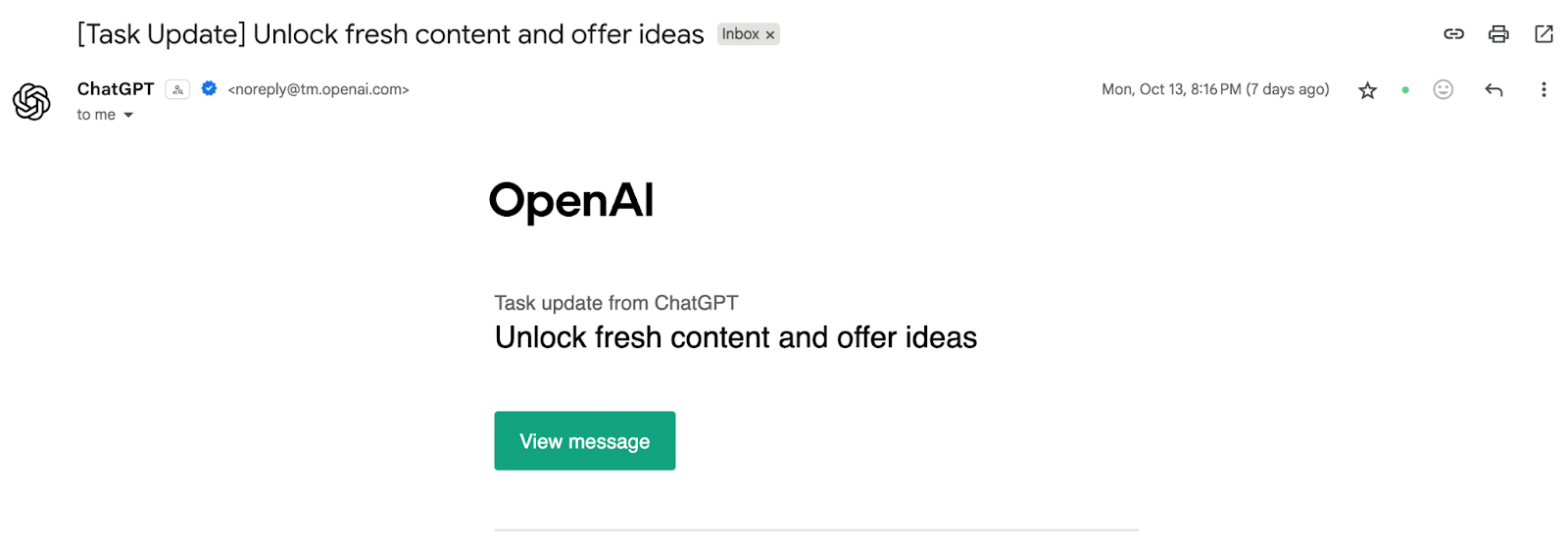
When I click the little green button, it brings me straight to ChatGPT, and I see something like this:
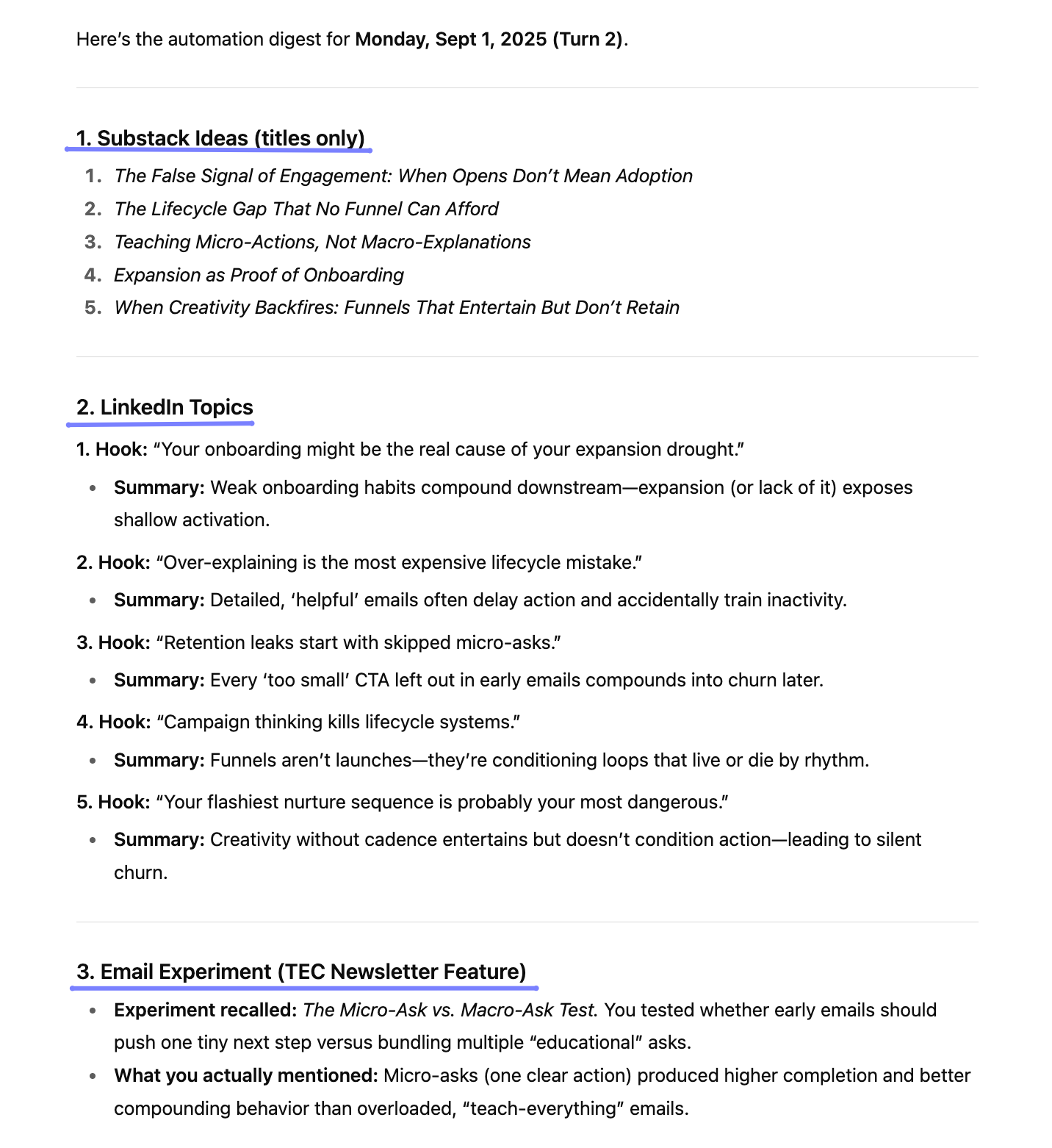
From there, I get to work. While this system is incredibly helpful (if I do say so myself), seasoned content creators will know that where this system ends is where the actual work of creation begins.
I pick out the best ideas from those emails, and I save them to Buffer. More often than not, I’ll start fleshing out some ideas with the Create Space or directly into the post composer.
One time, I came across a post by Alen Sultanic on “Energy Economy” while taking a break from client work. It sparked some ideas, so I dropped the screenshot into ChatGPT, added my own thoughts, and went back to my tasks.
The next day, I revisited it, and turned it into a long-form Substack entry. That piece became one of my best-performing issues — and sparked some of the most thoughtful discussions in the comments.
On days I just can’t get into a writing mood (yes, I still have those), I use the time for lighter creative work, more ideation and content organization. Some things I do:
- Mark old ideas as done in ChatGPT (so the list won’t get too long)
- Add new ones mid-conversation
- Even create new content buckets, like “Lead Magnet Ideas” or “Offer Pitches”
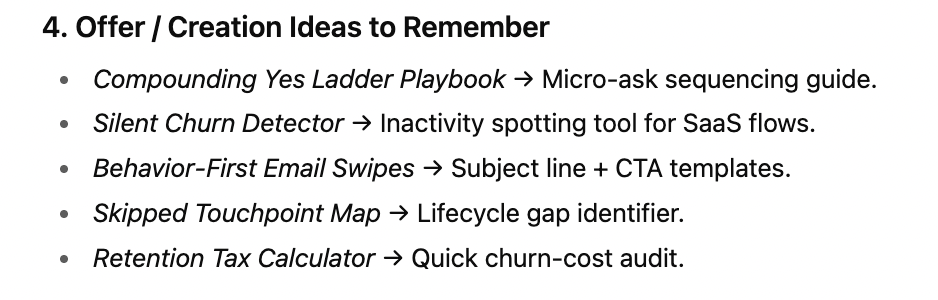
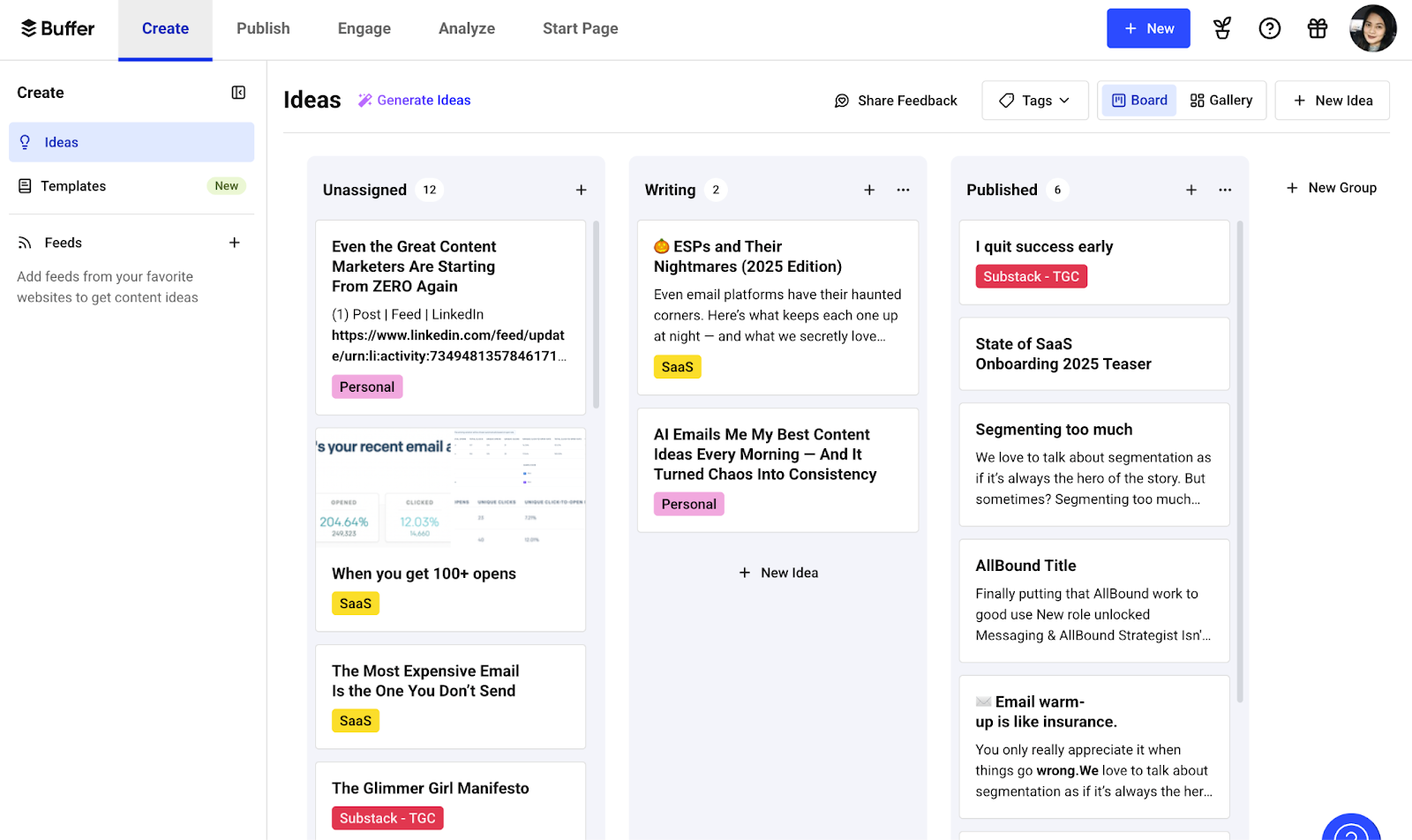
I’ve realized that the secret to consistent content creation for me is not forcing inspiration. It’s just making it easy to start creating.
As Elizabeth Gilbert wrote in Big Magic: “Ideas are driven by a single impulse: to be made manifest. And the only way an idea can be made manifest in our world is through collaboration with a human partner.”
If I ignore them, they’ll move on to someone else. That’s why I save mine. So when they visit, I don’t lose them forever.
Let AI do the chaotic work
Content creation isn’t just about creativity. It’s about capacity, too.
It’s dealing with and managing the mental tabs, the deadlines, the invisible pressure to be “on” all the time.
To protect our creative energy, we need systems that bring back order:
- A way to capture our best ideas
- A trigger to actually revisit them
- And a space to save and shape them into published content
So let AI hoard these half-baked, scattered ideas so you can show up when it’s time to create.