[ad_1]
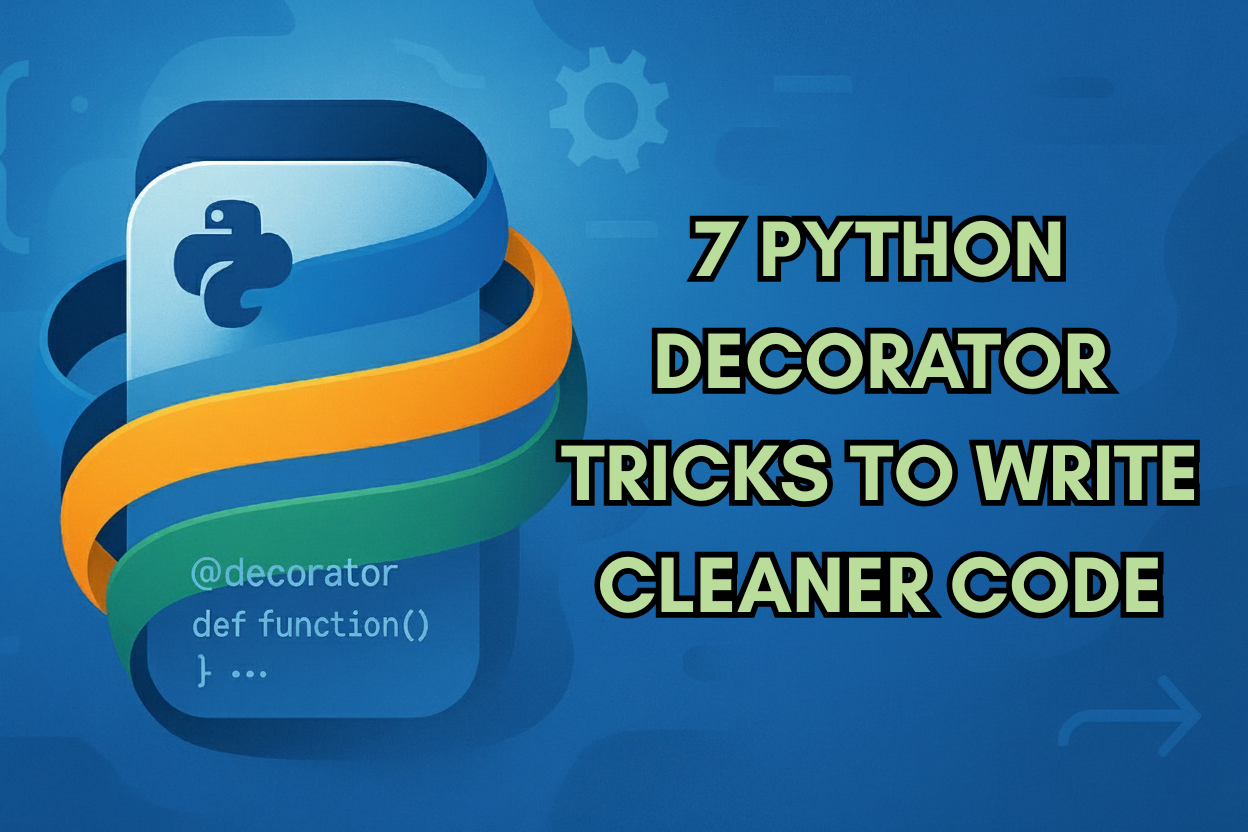
7 Python Decorator Tricks to Write Cleaner Code
Image by Editor
Introduction
Usually shrouded in mystery at first glance, Python decorators are, at their core, functions wrapped around other functions to provide extra functionality without altering the key logic in the function being “decorated”. Their main added value is keeping the code clean, readable, and concise, helping also make it more reusable.
This article lists seven decorator tricks that can help you write cleaner code. Some of the examples shown are a perfect fit for using them in data science and data analysis workflows.
1. Clean Timing with @timer
Ever felt you are cluttering your code by placing time() calls here and there to measure how long some heavy processes in your code take, like training a machine learning model or conducting large data aggregations? The @timer decorator can be a cleaner alternative, as shown in this example, in which you can replace the commented line of code inside the simulated_training decorated function with the instructions needed to train a machine learning model of your choice, and see how the decorator accurately counts the time taken to execute the function:
|
1 2 3 4 5 6 7 8 9 10 11 12 13 14 15 16 17 18 |
import time from functools import wraps
def timer(func): @wraps(func) def wrapper(*args, **kwargs): start = time.time() result = func(*args, **kwargs) print(f“{func.__name__} took {time.time() – start:.3f}s”) return result return wrapper
@timer def simulated_training(): time.sleep(2) # pretend training a machine learning model here return “model trained”
simulated_training() |
The key behind this trick is, of course, the definition of the wrapper() function inside timer(func).
The majority of examples that follow will use this key pattern: first, we define the key function that can later be used as a decorator for another function.
2. Easier Debugging with @log_calls
This is a very handy decorator for debugging purposes. It makes the process of identifying causes for errors or inconsistencies easier, by tracking which functions are called throughout your workflow and which arguments are being passed. A great way to save a bunch of print() statements everywhere!
|
1 2 3 4 5 6 7 8 9 10 11 12 13 14 15 16 17 18 19 20 21 |
from functools import wraps import pandas as pd
def log_calls(func): @wraps(func) def wrapper(*args, **kwargs): print(f“Calling {func.__name__} with {args}, {kwargs}”) return func(*args, **kwargs) return wrapper
@log_calls def preprocess_data(df, scale=False): if not isinstance(df, pd.DataFrame): raise TypeError(“Input must be a pandas DataFrame”) return df.copy()
# Simple dataset (Pandas DataFrame object) to demonstrate the function data = {‘col1’: [1, 2], ‘col2’: [3, 4]} sample_df = pd.DataFrame(data)
preprocess_data(sample_df, scale=True) |
On first mention, remember to link important libraries for readers: for example, pandas.
3. Caching with @lru_cache
This is a pre-defined Python decorator we can directly use by importing it from the functools library. It is suitable to wrap computationally expensive functions — from a recursive Fibonacci computation for a large number to fetching a large dataset — to avoid redundant computations. Useful if we have several heavy functions in computational terms and want to avoid manually implementing caching logic inside all of them one by one. LRU stands for “Least Recently Used”, i.e., a common caching strategy in Python. See also the functools docs.
|
from functools import lru_cache
@lru_cache(maxsize=None) def fibonacci(n): if n < 2: return n return fibonacci(n–1) + fibonacci(n–2)
print(fibonacci(35)) # Caching this function call makes its execution much faster |
4. Data Type Validations
This decorator saves you from creating repetitive checks for clean data inputs or inputs belonging to the right type. For instance, below we define a custom decorator called @validate_numeric that customizes the error to throw if the input checked is not from a numeric data type. As a result, validations are kept consistent across different functions and parts of the code, and they are elegantly isolated from the core logic, math, and computations:
|
from functools import wraps
def validate_numeric(func): @wraps(func) def wrapper(x): # Accept ints and floats but reject bools (which are a subclass of int). if isinstance(x, bool) or not isinstance(x, (int, float)): raise ValueError(“Input must be numeric”) return func(x) return wrapper
@validate_numeric def square_root(x): return x ** 0.5
print(square_root(16)) |
5. Retry on Failure with @retry
Sometimes, your code may need to interact with components or establish external connections to APIs, databases, etc. These connections may sometimes fail for several, out-of-control reasons, occasionally even at random. Retrying the process several times in some cases is the way to go and navigate the issue, and the following decorator can be used to apply this “retry on failure” strategy a specified number of times: again, without mixing it with the core logic of your functions.
|
1 2 3 4 5 6 7 8 9 10 11 12 13 14 15 16 17 18 19 20 21 22 23 24 25 26 27 |
import time, random from functools import wraps
def retry(times=3, delay=1): def decorator(func): @wraps(func) def wrapper(*args, **kwargs): last_exc = None for attempt in range(1, times + 1): try: return func(*args, **kwargs) except Exception as e: last_exc = e print(f“Attempt {attempt} failed: {e}”) time.sleep(delay) # After exhausting retries, raise the last encountered exception raise last_exc return wrapper return decorator
@retry(times=3) def fetch_data(): if random.random() < 0.7: # fail about 70% of the time raise ConnectionError(“Network issue”) return “data fetched”
print(fetch_data()) |
6. Type Checking with Annotations
Useful for data science workflows, this decorator is designed to ensure function arguments match their type annotations and can be automatically applied to functions with type annotations to avoid manual double checking. It’s a sort of “contract enforcement” for these functions, and very handy for collaborative projects and production-bound data science projects where stricter data typing is key to preventing future issues and bugs.
|
1 2 3 4 5 6 7 8 9 10 11 12 13 14 15 16 17 18 19 20 21 22 23 24 25 26 27 28 29 30 |
import inspect from functools import wraps from typing import get_type_hints
def enforce_types(func): @wraps(func) def wrapper(*args, **kwargs): hints = get_type_hints(func) bound = inspect.signature(func).bind_partial(*args, **kwargs) # Validate arguments for name, value in bound.arguments.items(): if name in hints and not isinstance(value, hints[name]): expected = getattr(hints[name], “__name__”, str(hints[name])) received = type(value).__name__ raise TypeError(f“Argument ‘{name}’ expected {expected}, got {received}”) result = func(*args, **kwargs) # Optionally validate return type if “return” in hints and not isinstance(result, hints[“return”]): expected = getattr(hints[“return”], “__name__”, str(hints[“return”])) received = type(result).__name__ raise TypeError(f“Return value expected {expected}, got {received}”) return result return wrapper
@enforce_types def add_numbers(a: int, b: int) -> int: return a + b
print(add_numbers(3, 4)) # TRY INSTEAD: add_numbers(“3”, 4) |
7. Tracking DataFrame Size with @log_shape
In data cleaning and preprocessing workflows, it is common that the dataset shape (number of rows and columns) may change as a result of certain operations. The following decorator is a great way to track how a pandas DataFrame shape may change after each operation, without constantly printing the shape in different parts of the workflow. In the example below it is applied to track how dropping rows with missing values affects the dataset size and shape:
|
1 2 3 4 5 6 7 8 9 10 11 12 13 14 15 16 17 |
from functools import wraps import pandas as pd
def log_shape(func): @wraps(func) def wrapper(df, *args, **kwargs): result = func(df, *args, **kwargs) print(f“{func.__name__}: {df.shape} → {result.shape}”) return result return wrapper
@log_shape def drop_missing(df): return df.dropna()
df = pd.DataFrame({“a”:[1,2,None], “b”:[4,None,6]}) df = drop_missing(df) |
Wrapping Up
This article listed seven insightful strategies to use and apply Python decorators, highlighting the utility of each one and hinting at how they can add value to data science and related project workflows.
[ad_2]
Source_link